
What are Sample Reports?
Admins often ask whywhere the old Sample Queries went and how to get the sample report examples in current FileWave includes Sample Reports (formerly Sample Queries) in the Reports area.versions.
Purpose
For new FileWave admins, sampleSample reports are best treated as starting points. Some are ready to use, and others are examples you can duplicate and adapt.adapt when building your own reports.
Where to find them
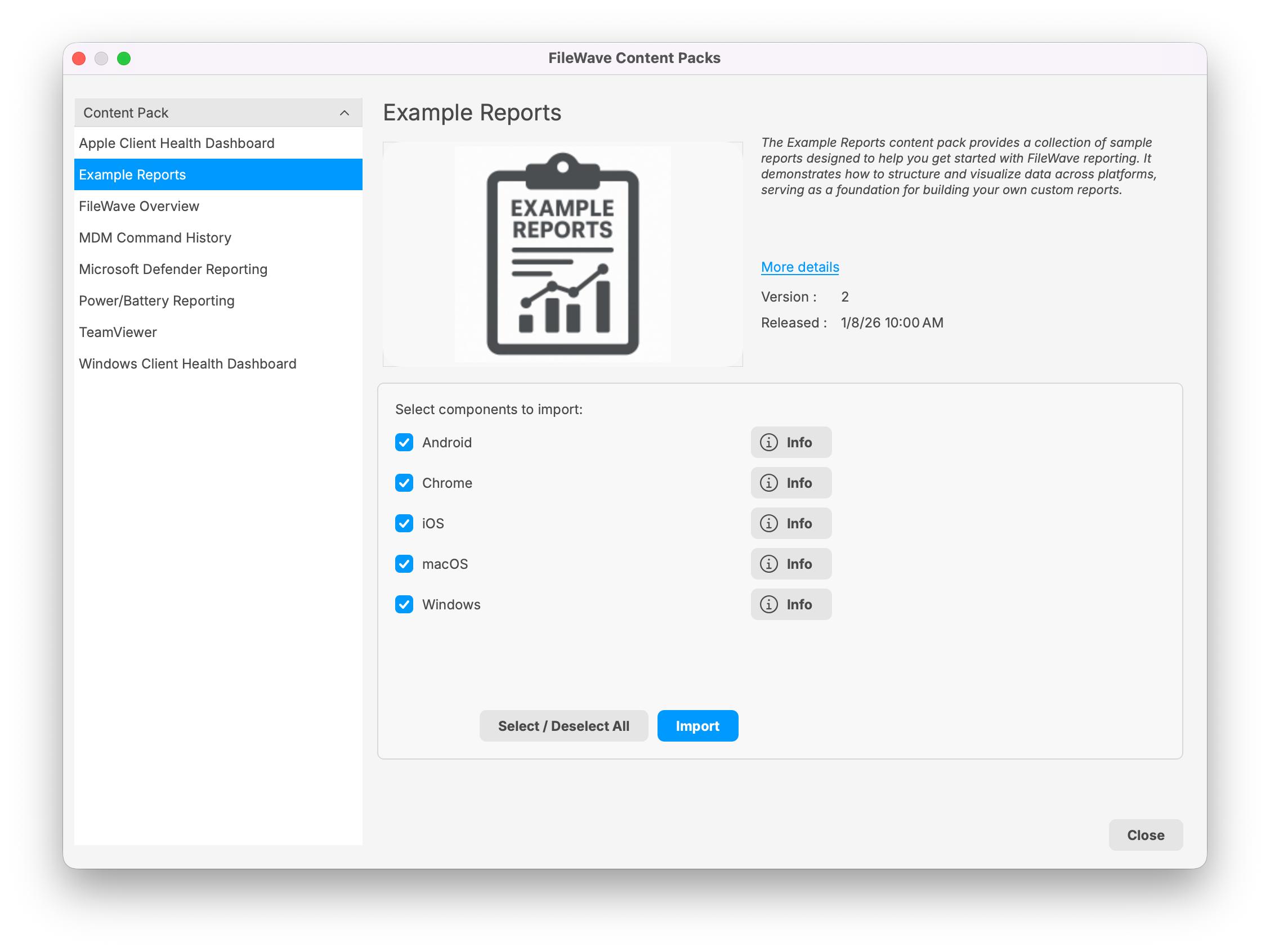
Starting with FileWave 16.3.0, Sample ReportsQueries are no longer included by defaultdirectly in FileWave Central'sCentral. The current workflow is to import the Example Reports (formerlyContent Queries)Pack view.from the Reports area.
In olderFileWave supportedCentral, versionsopen Reports and olderchoose screenshots,Import thisReports.
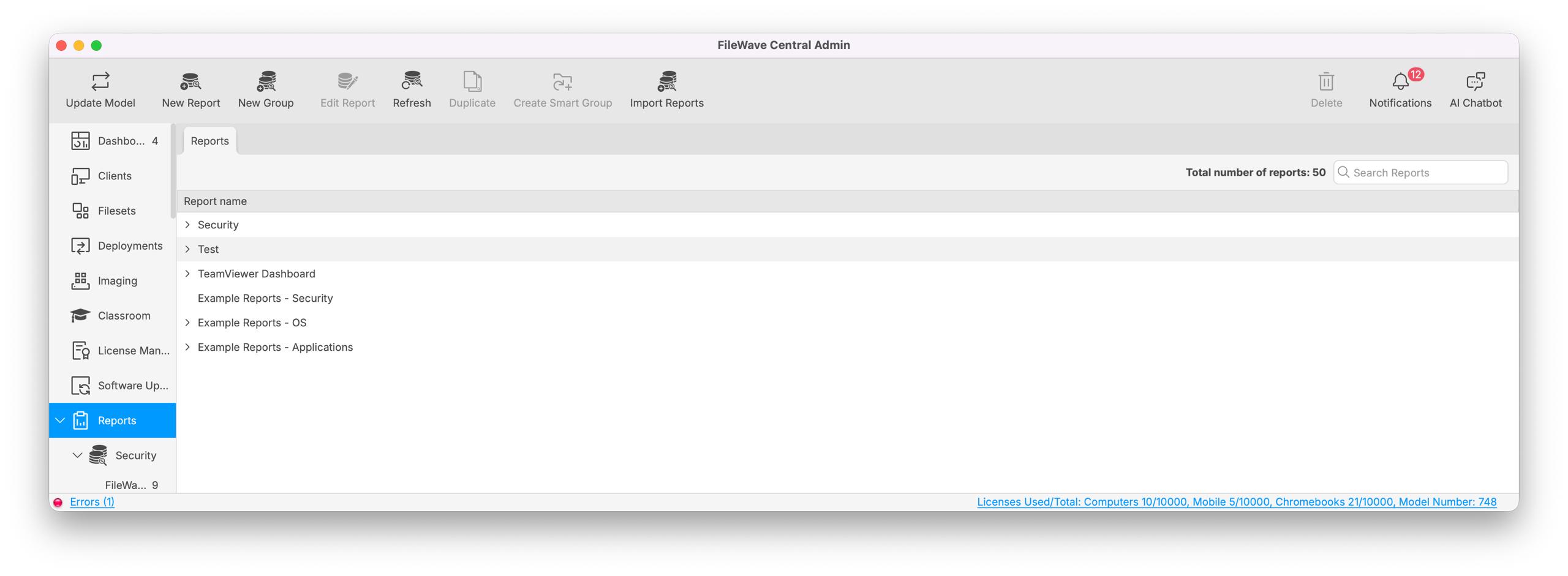
The Import Reports button opens the FileWave Content Packs window. Select Example Reports, choose the platform components you want, and click Import.
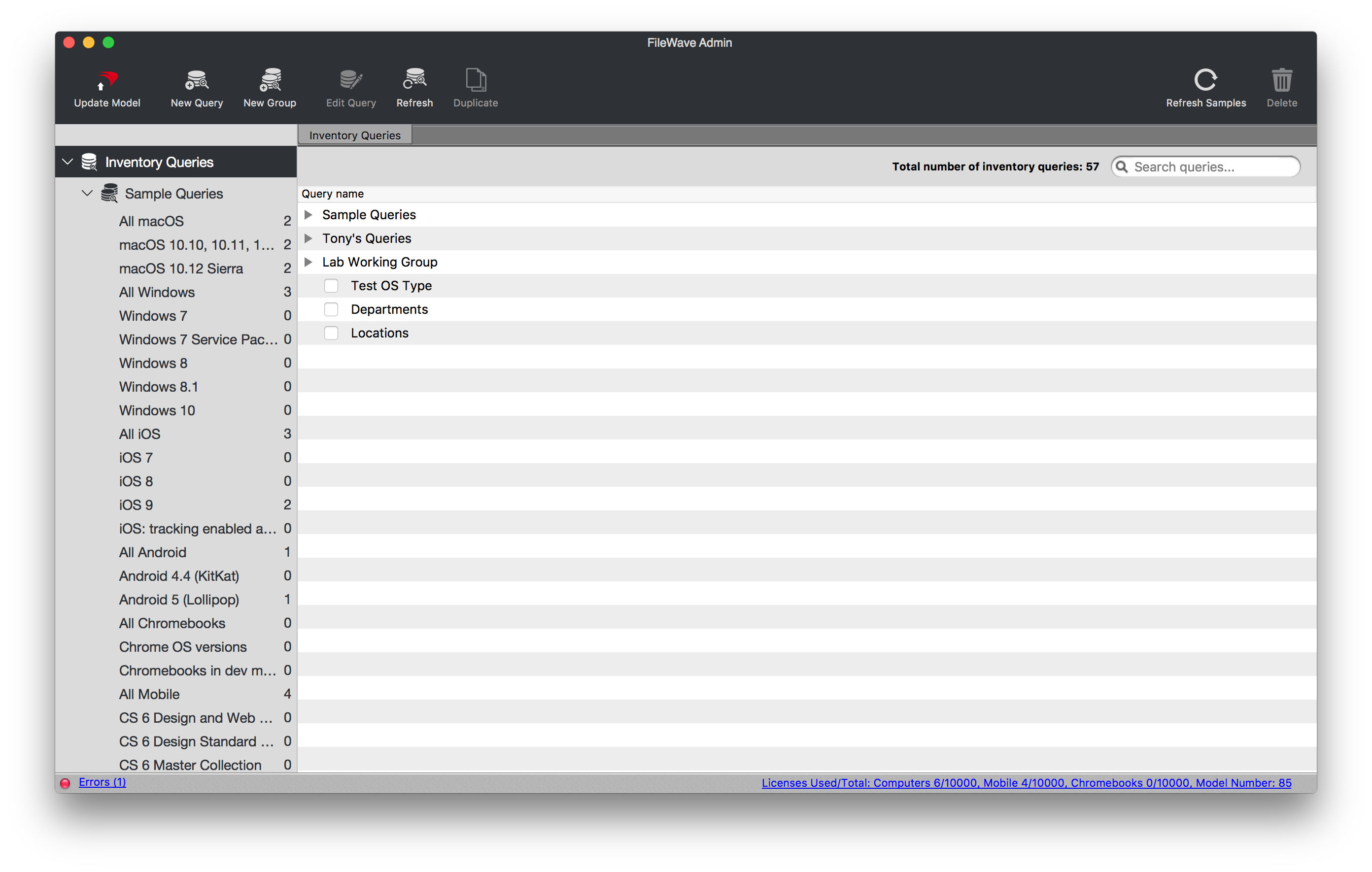
Older FileWave versions may still appearshow asSample Queries or Inventory Queries.
Resolution
SampleExample Reportsreports are provided for two main reasons:
- They provide prebuilt common reports so you can get started quickly, such as reports for
alldeviceiOSoperatingdevicessystemsoracrossallAndroid,mobileChromeOS,devices.iOS, macOS, and Windows. - They give you examples for building more complex inventory
reports,reportssuchthatasusereportFileWavecriteriainventory,forhardware,ansoftware,officeandsuite.custom field data.
Additional Information
For best results, duplicate aan sampleimported report before modifying it so the original staysremains intact.available The Refresh Samples button restores deleted sample reports, but it does not overwriteas a samplereference. reportIf you re-import the Example Reports Content Pack later, be aware that hasreports alreadyincluded beenin modified.the pack may be overwritten.