Locking Devices
What is it?
 What
What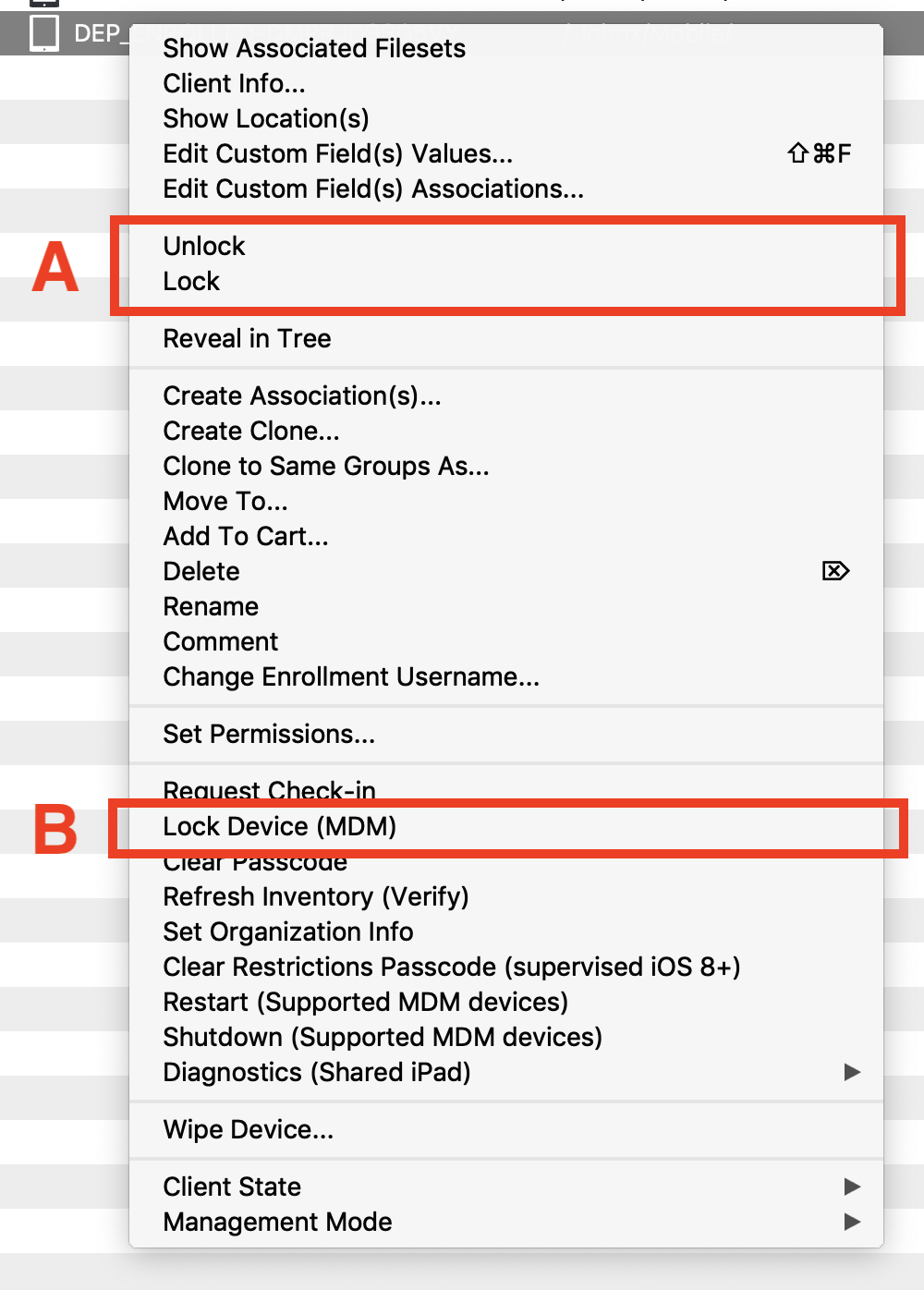 Use
Use arethis devicearticle locks?to Whatdistinguish is the difference between "Lock" and "Lock Devices"/ Unlock from Lock Device. They sound similar, but they control different behavior.
The locking behavior is the same for macOS, Windows, iOS, and non-EMM Android.
Answer
Lock / Unlock
Lock - Lockingbinds a clientFileWave binds that clientClient to theits current model number. Meaning that if something unexpected should happen duringDuring a migration or update, a connectinglocked client ignores any new manifests from the server (see:until it is unlocked. See Upgrading your On-Premise FileWave Server).
Unlock - Allowsallows athe device to be updatedupdate to the latest model.
Lock Device
Lock Device locks the actualdevice screen of the device.screen. The user will be unable tocannot use the device tillagain auntil passcodethe (required passcode, if present)present, is entered.
ADDITIONALAdditional INFORMATIONinformation
When you lock a deviceclient is locked to the kioskcurrent willmodel, Kiosk is not be available to the user. ItKiosk willcan still open, but displayit displays a message tothat the user they they areis blocked.
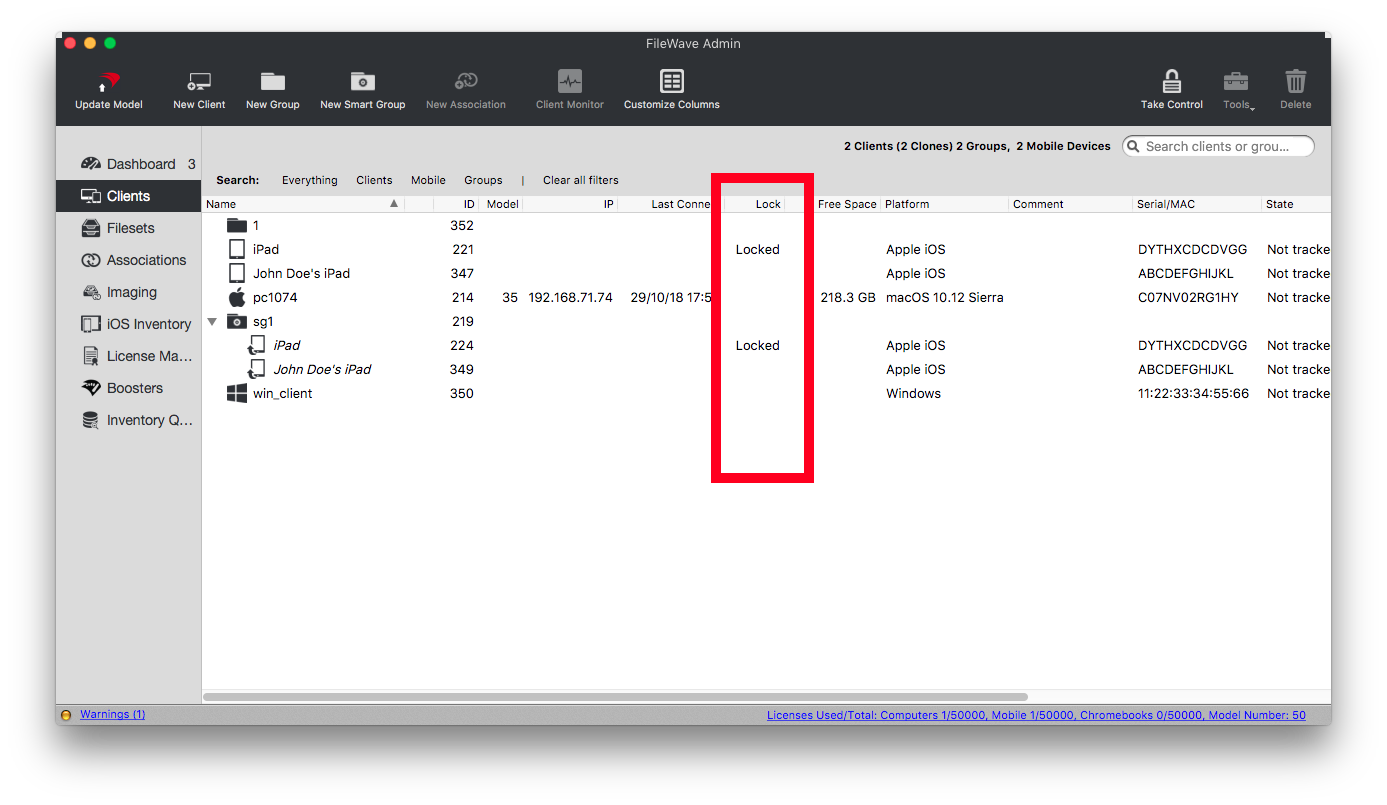
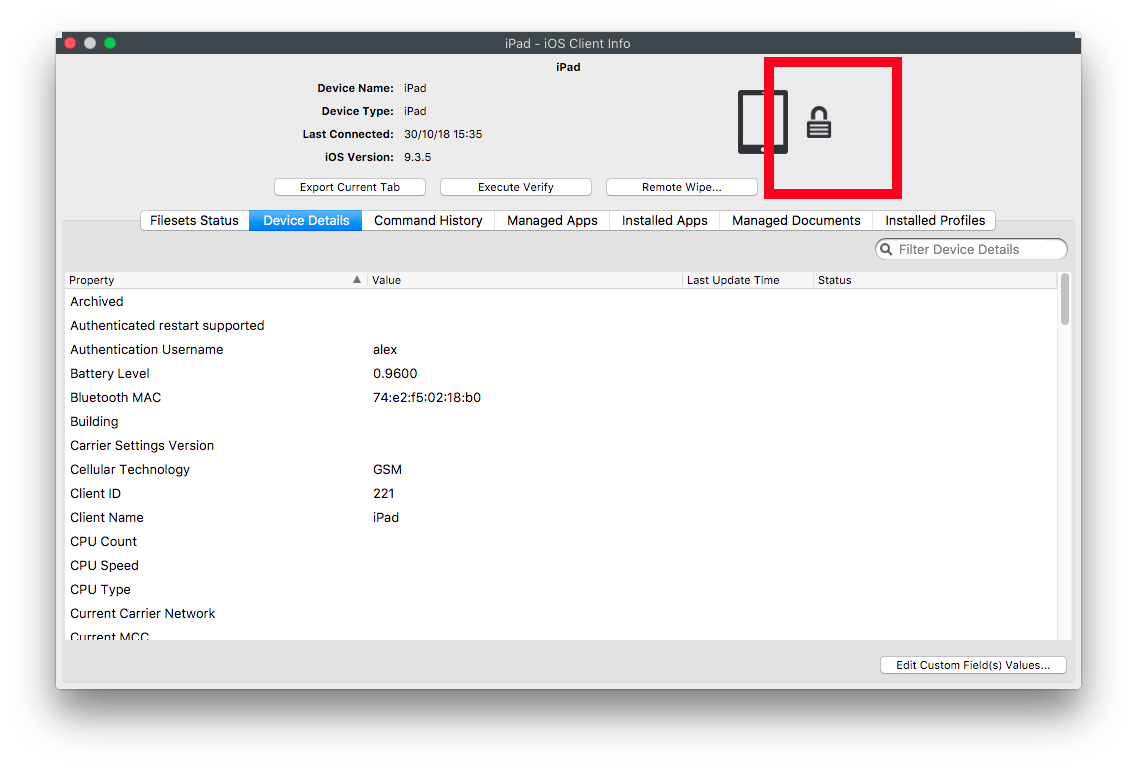
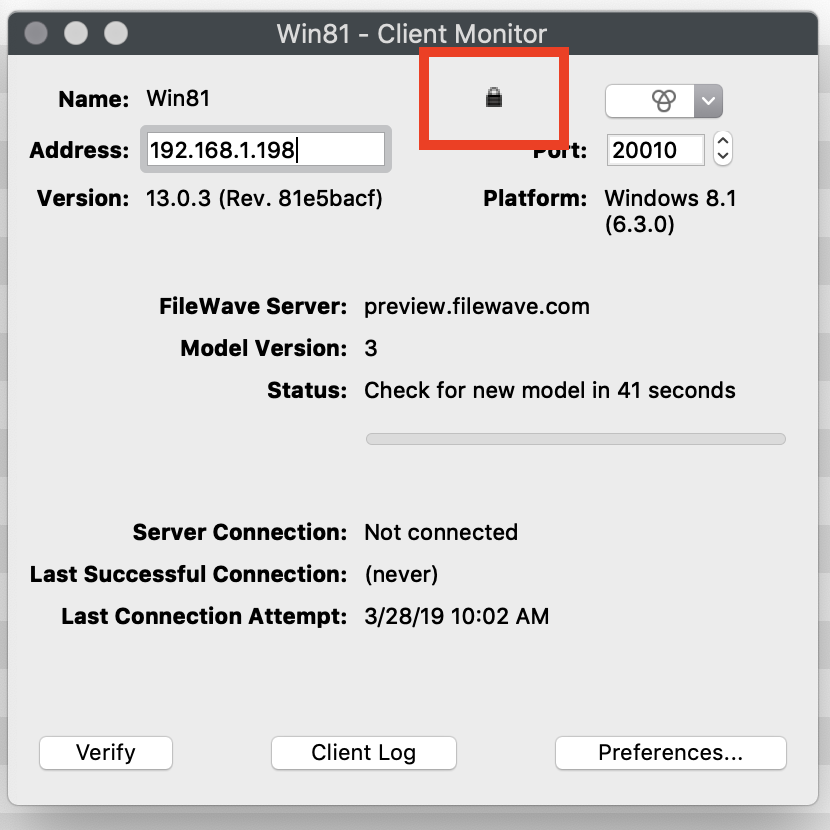
LockedA devicelocked client shows a lock icon or lock text in theClient clientView, view,Device device info,Info, and clientClient monitor:Monitor: