
FileWave Server On-Premise
Where servers are installed inFor on-premise environments,FileWave aServer coupleinstalls, ofmake basicthe proceduresserver shouldname followand immediately.certificate decisions early. These settings affect how clients and MDM-enrolled devices connect to the server, so changing them later can be disruptive.
Server Name
Arguably, the local server name need not necessarily matter, but theThe FileWave Server name isshould very much something to consider carefully.
When naming the server, always providebe a Fullyfully Qualifiedqualified Domaindomain Name.name This(FQDN). should bePrefer a name that could bealso usedwork externally,externally later, even if thatthe first deployment is notinternal only. Choosing the initial plan at inception. Subsequently changing the serverright name hasup massivefront impactgives you room to publish services or deviceschange alreadynetwork enrolled.layout Usinglater awithout nametouching thatevery couldenrolled be used at a latter date, provides future-proofing, extensively simplifying workload.device.
Certificates
AThe certserver willcertificate needmust to be generated with a Subject Alternate Name (SAN) which matchesinclude the chosen server name.name Pleaseas seea ourSubject KBAlternative pagesName on(SAN). certificates:See the certificate articles for the current certificate workflow:
https://kb.filewave.com/books/certificates
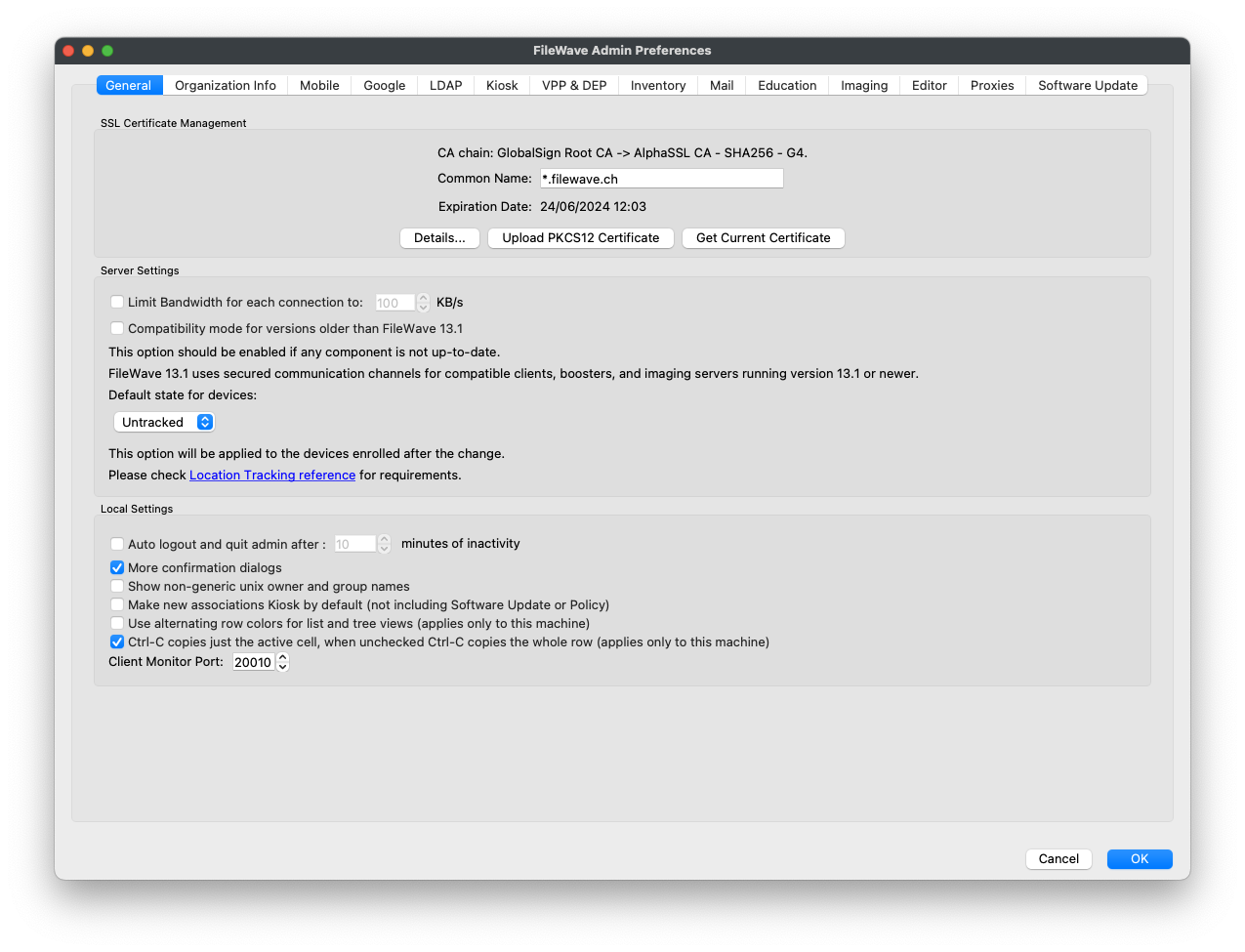
OnceAfter athe P12 certificate is generated, upload it may be uploaded to the FileWave Server through the FileWave CentralCentral/FileWave Application.Admin preferences.
Naming the Server
The chosen name should be entered intoEnter the FileWavesame CentralFQDN application'son the Mobile tab. For example, for a server called 'demo.filewave.:ch'ch

Server Command Line Configuration
WithAfter athe certificate and server name configured,are thereconfigured is a small amount of input required viain the server'sadmin commandapplication, line.make sure the FileWave Server itself can resolve that name locally.
Hosts File
TheEdit the server's hosthosts file should be edited to ensureso the FileWave Server name isresolves entered. Taketo the followinglocal exampleserver. Starting with this simple hosts file:
127.0.0.1       localhost
::1 localhostFromUsing the same above example 'server name demo.filewave., ch'chthe hosts file may edited in oneeither of twothese ways.approaches Either:is acceptable:
127.0.0.1       localhost demo.filewave.ch
::1 localhost demo.filewave.choror:
127.0.0.1       localhost
127.0.0.1       demo.filewave.ch
::1             localhost
::1 demo.filewave.chItThe doesentries notcan matterbe if the additional entry is space space-separated on the same line or split onto separate lines. The goal is that a newlookup line entry, either method doesfor the sameFileWave process.Server FQDN from the server returns the local host.
Apache Conf File
This is only required if the server's local server namehostname does not match the FileWave Server name.
Edit the following file:
/usr/local/filewave/apache/conf/httpd_custom.conf
Add the following entryServerName for ServerName:entry:
ServerName demo.filewave.chRestart Server Process
After configuration change,Restart the serverFileWave processServer shouldafter bethe restarted.change. ThisRun the command should be ran as root.root, or use sudo:
sudo fwcontrol server restart