
Kiosk Package Updates Category (macOS PKG)
Description
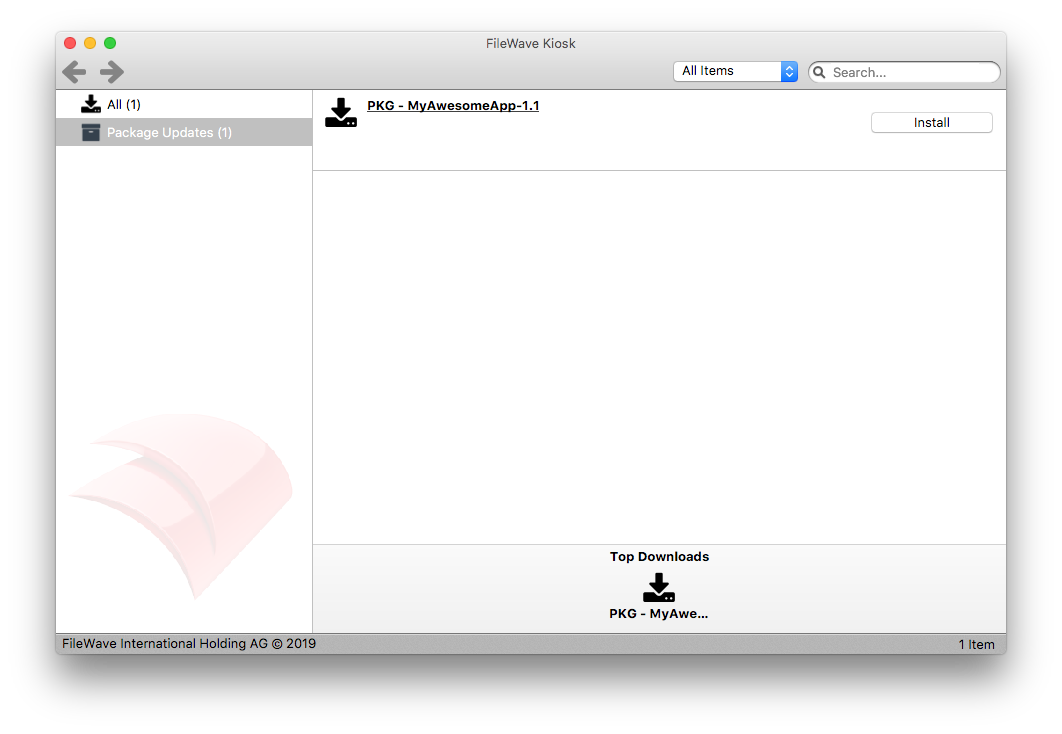
Kiosk maycan show 'Package Updates'Updates for associated PKG Filesets wherewhen an older PKGsversion areof the same PKG is already installed on the device.

Information
When a PKG Fileset is associated,associated to a device as a Kiosk item, to a device, the FileWave Client will checkchecks the PKG receipts on thethat device. If it finds a matching receipt is found and the installed version of this installation is older, Kiosk lists the Kiosknewer willitem showunder this as a 'Package Update'Updates. This category is angenerated automatedautomatically, categoryso andit therefore willdoes not be visibleappear in either:either location below:
AdminFileWave Central > Preferences > Kiosk > CategoriesAdminFileWave Central > Fileset > Properties > Kiosk > Category
For example, a device thatmay already hashave version 1.0 of My Awesome App,App installed asfrom a PKG.

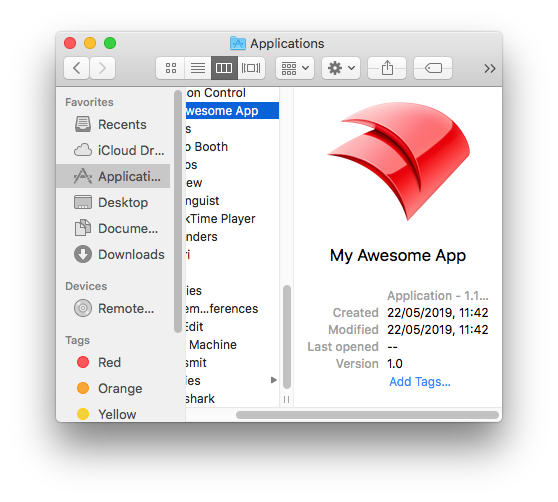
SinceBecause installationthe app was installed by PKG, therethe device should behave a package receipt. If you know the identifierPKG ofidentifier, you can confirm the PKG,installed youversion mayin use Terminal to confirm this:Terminal:
# pkgutil --pkg-info com.myawesomeapp.pkg.app
package-id: com.myawesomeapp.pkg.app
version: 1.0
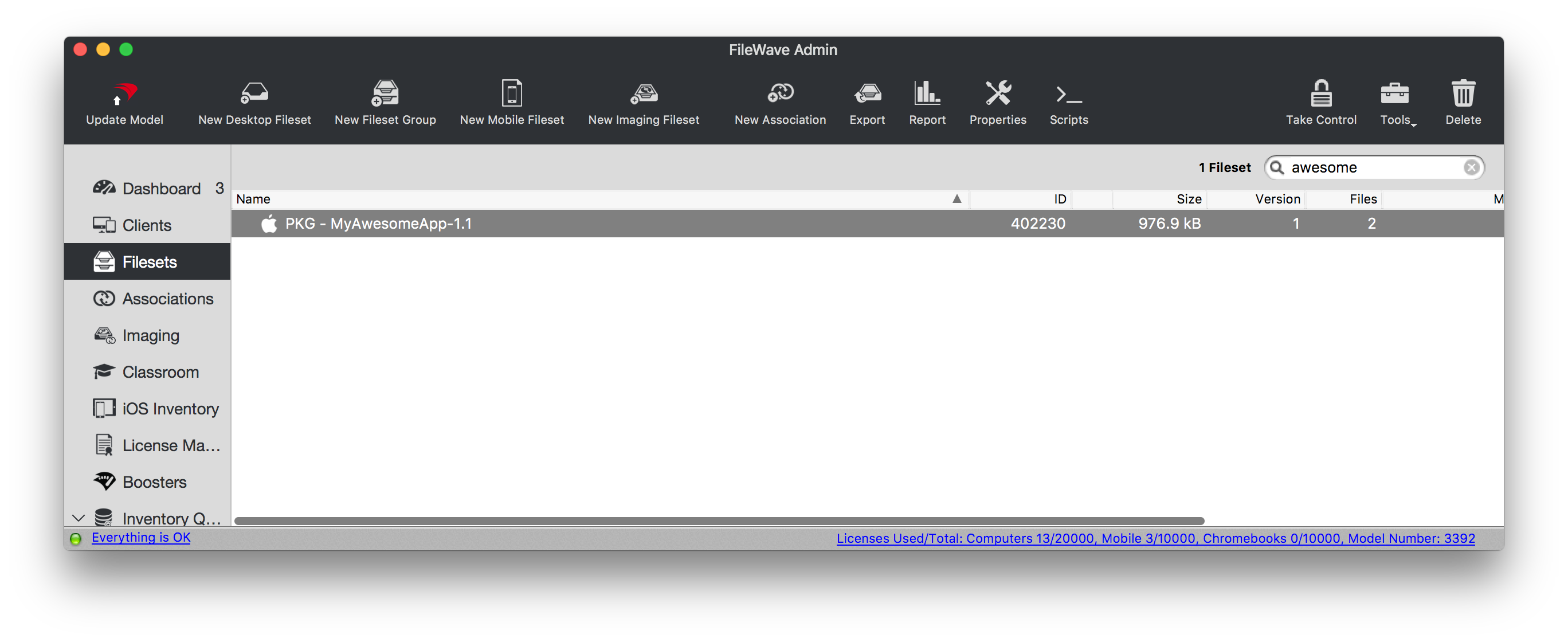
Upload the newer PKG and create a Kiosk association offor a newer PKG version of the Appit.

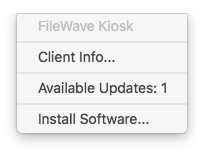
When the device receives this newthe association, the Kiosk drop drop-down menu willadds add an additional option 'Available Updates'Updates:

ClickingSelecting onthat thisoption will openopens the Kiosk Installer window,window showingand shows the added 'Package Updates'Updates category as shown above in the description.category.
It does not matter how theThe older PKG wascan initiallyhave installed,been e.g.installed through FileWave or locally. This is particularly useful forwhen warningusers users, who have the option tocan install their own PKGPKGs andbut canyou seestill want Kiosk to show that anFileWave updateis hasoffering beena offerednewer through FileWave.version.
PKG version is set withininside the PKG by the developerpackage of the device.developer. If the developer does not increase the numberpackage version from priorthe versions,previous thenrelease, FileWave cannot show the newer Fileset cannot be shown as a 'Package Update'Update.
PKG installers have their own versionversion, and thisthat needversion does not have to match the Appapp version as shown in Finder.