
Login Window Banner (Agreement Policy) for macOS
Description
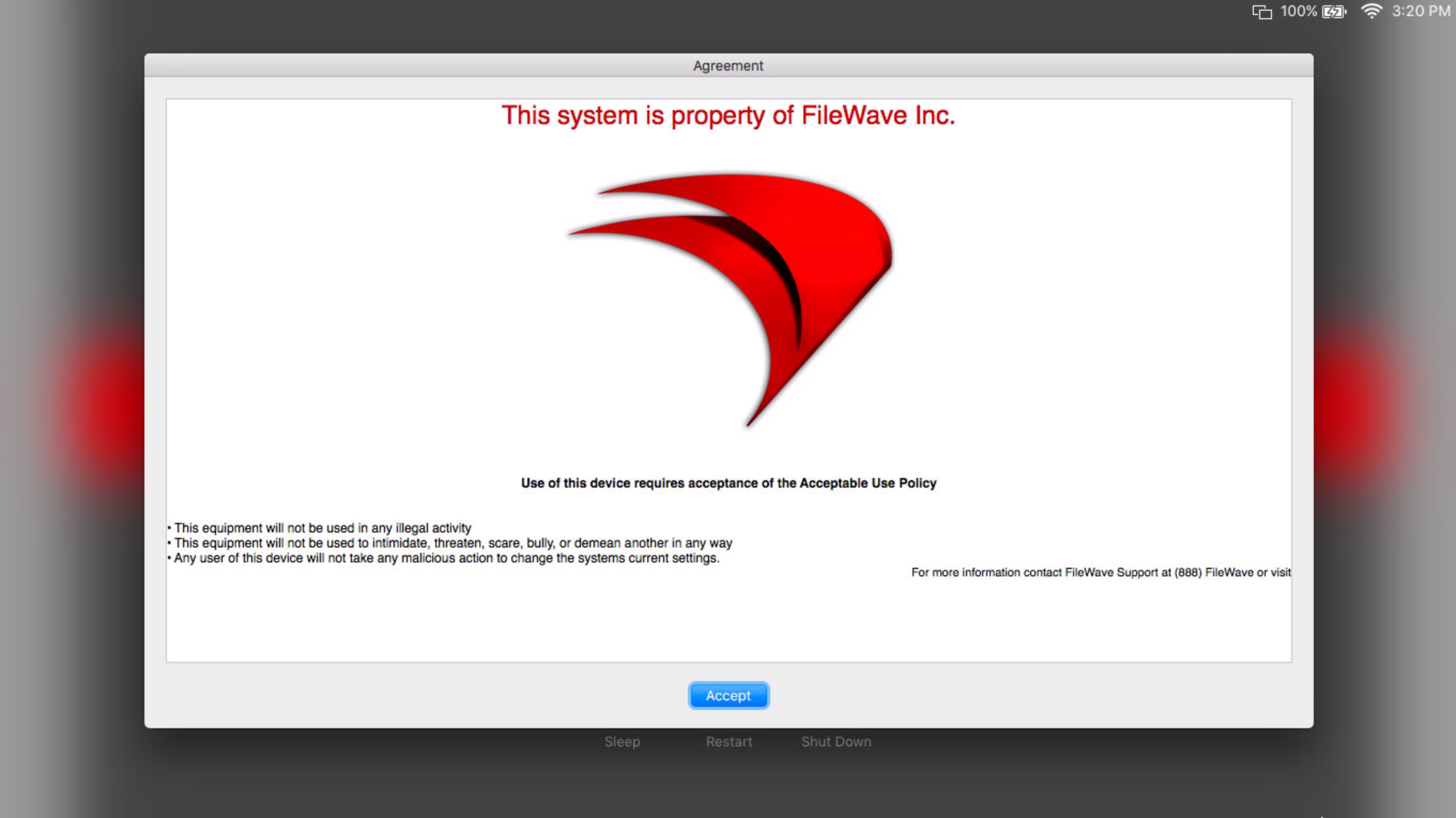
HavingUse youra macOS PolicyBanner file when users must accept aan policyagreement ator the login windownotice before they log in is easy.in.

Ingredients
FWFileWaveAdminCentral- A managed macOS computer
- A text editor application
Directions
Creating the text file
- Open a text
editoreditor.
Apple'sApple TextEdit willworks workfor perfectlythis. LocatedOn in:a default macOS installation, it is located at Macintosh HD → Applications → TextEdit.app.
- Add the
informationagreementyou'dorlikenoticeintext you want shown at thebannerloginandwindow, then save the filenamedwith this base name:
|
|
WithUse anyone of these supported file extensions:
.txt-Plain Text - Saves asplain text only.rtf-Rich Text - Saves asrich text withfeaturesformattinglikesuch as color and font choices.rtfd-Rich Text Directory - Saves asrich text directory withcolor, fontformatting and images
A sample rtfdRTFD file is attached (attached: PolicyBanner.rtfd_.zip ).
Placing the text file into the filesetFileset
- Download the sample
fileset (Fileset: Custom-LoginWindow-Agreement.fileset.zip). - Import the
filesetFileset into FileWaveAdminCentral. - Open the
filesetFileset and go to the/Library/Security/folderfolder.
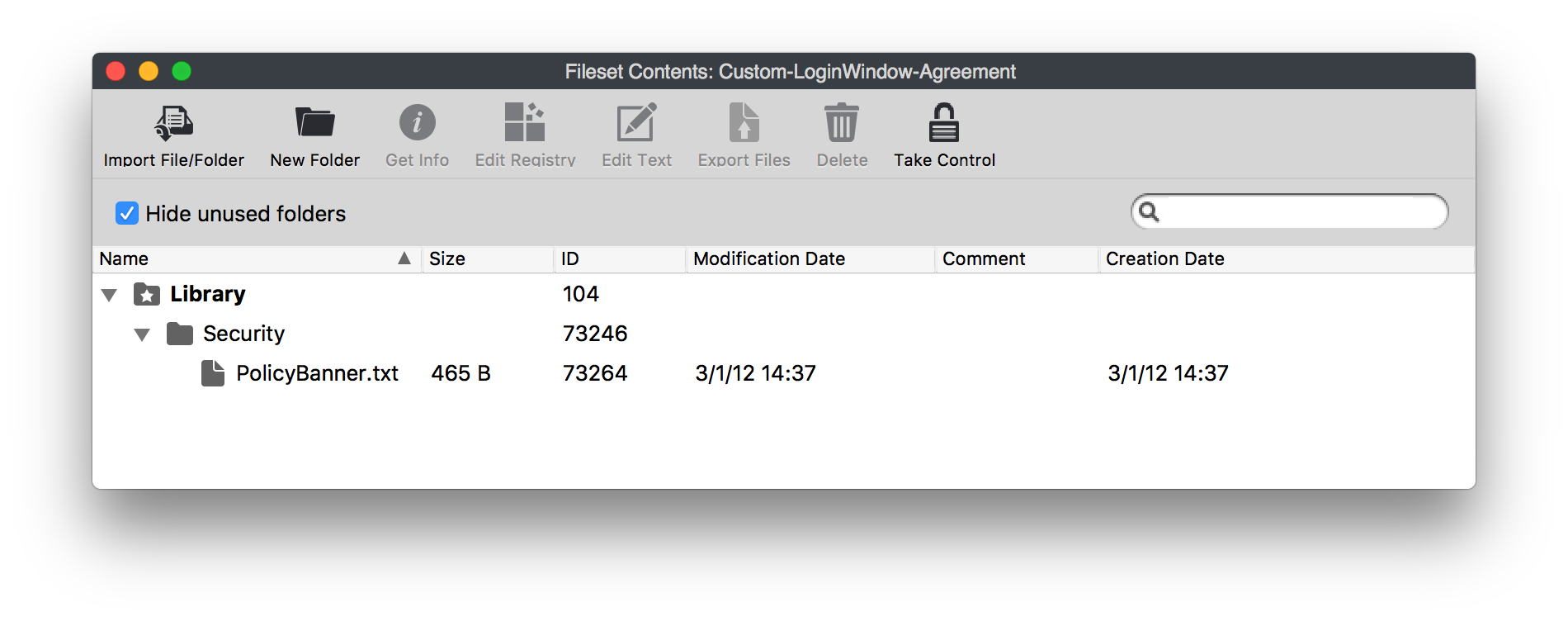
- Replace
PolicyBanner.txtwith yourPolicyBanner.txt,PolicyBanner.rtf, orPolicyBanner.rtf orPolicyBanner.rtfdfile. ChangeSet thepermissions/permissions and owner soastandarduseruserscan notcannot edit the file.
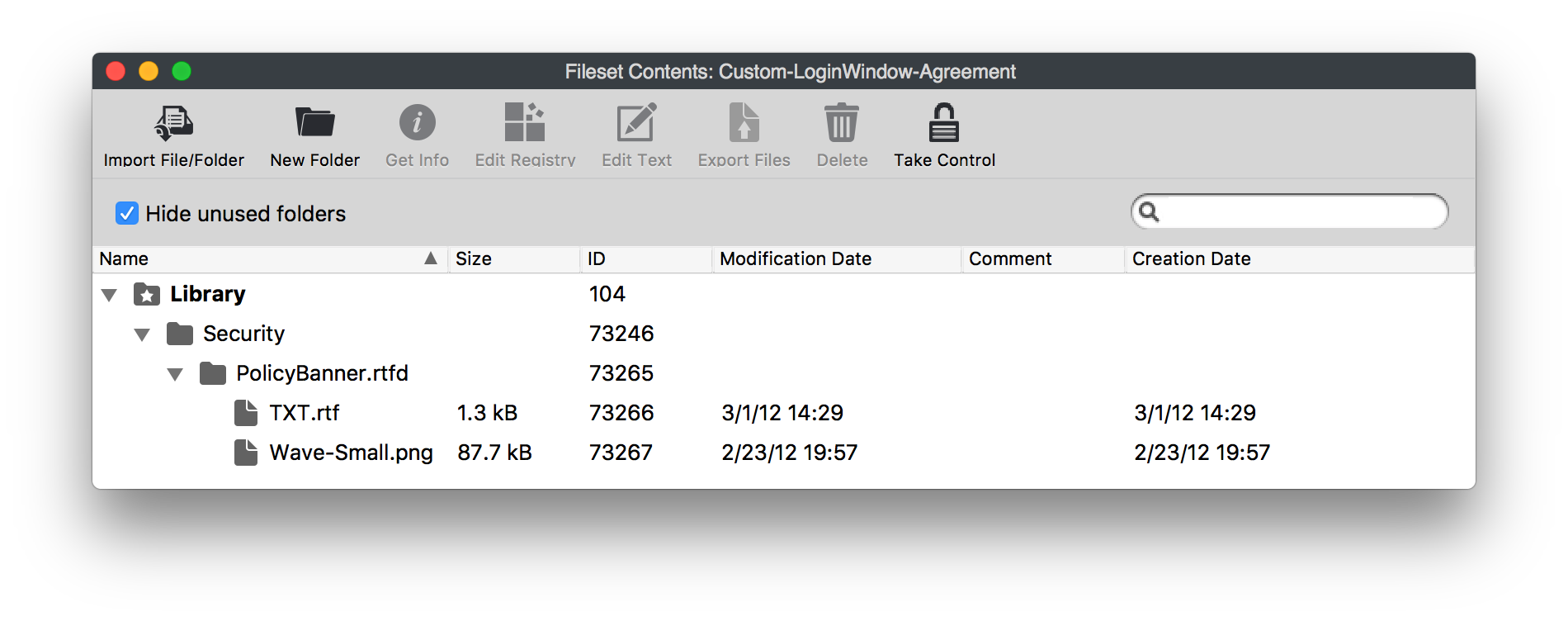
Please Note: If you use the .rtfd format:
1. The file will show upappears as a folder,folder asbecause it hascontains toseparate include the picturetext and textimage as two seperate filesfiles.
2. URLURLs orand other Hyperlinkshyperlinks willdo not work when displayedmacOS displays the banner at the login windowwindow.
3. You will not be able to export the rtfdRTFD later duebecause toof it'sits folder format.

Notes
SeeApple's current policy banner guidance is available at support.apple.com/kb/HT4788How to set up policy banners in macOS For more information..