
Apple Profile: Apple Intelligence
What
FileWave can configure Apple Intelligence-related restrictions in the Apple Restrictions payload. The first set of these controls arrived in FileWave 15.5.0, and newer Apple or FileWave releases may expose additional related options.
When/Why
Use these restrictions when you want to delay or limit Apple Intelligence features on managed devices for privacy, compliance, or support-readiness reasons.
- Privacy and data handling: reduce exposure to features your organization has not approved yet.
- Compliance: align device behavior with internal policy or regulated environments.
- Support readiness: give your team time to test new features before users start relying on them.
How
- Open the Apple Profile editor. Create a new Profile Fileset or edit an existing one in FileWave Central or FileWave Anywhere.
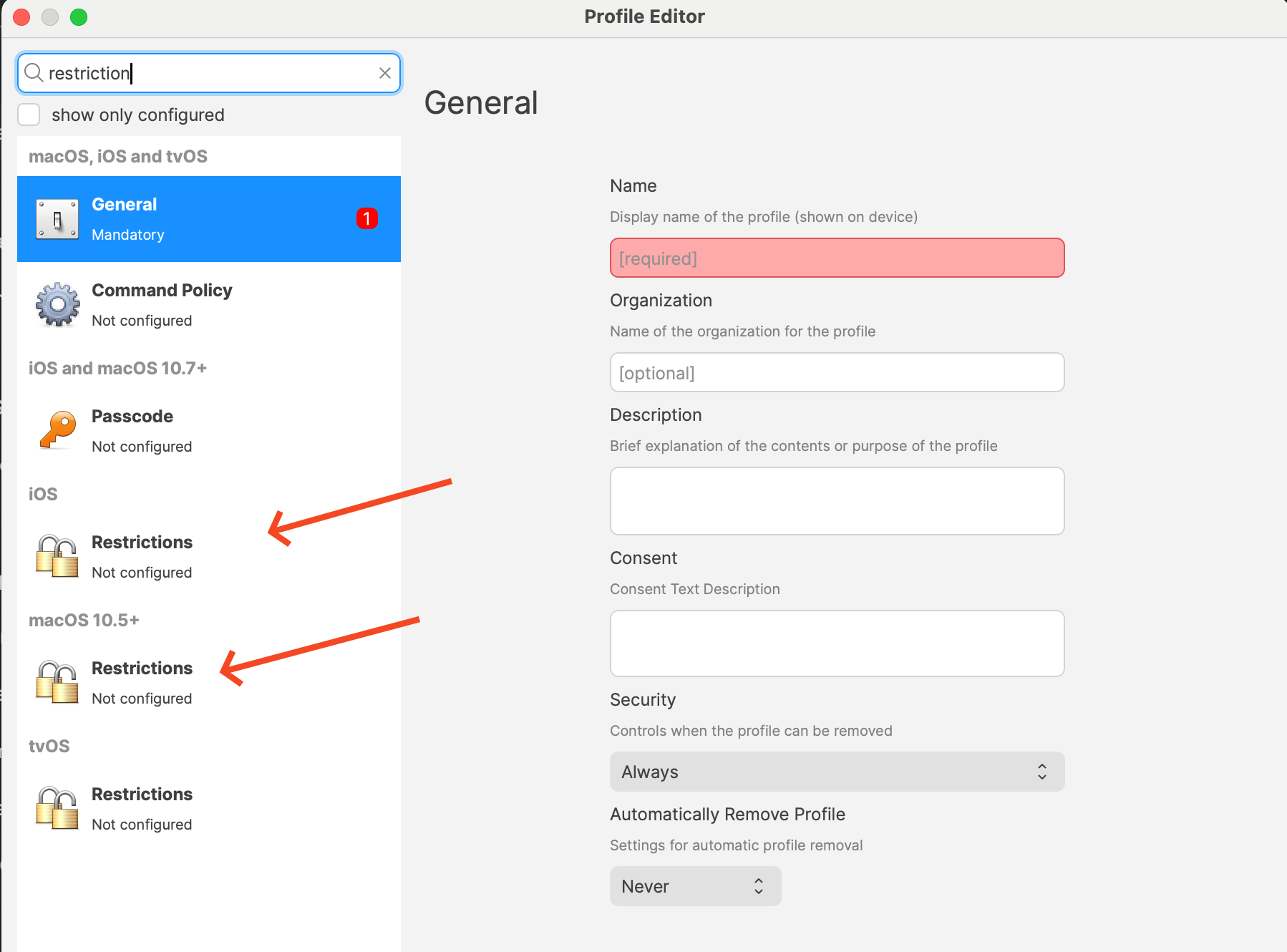
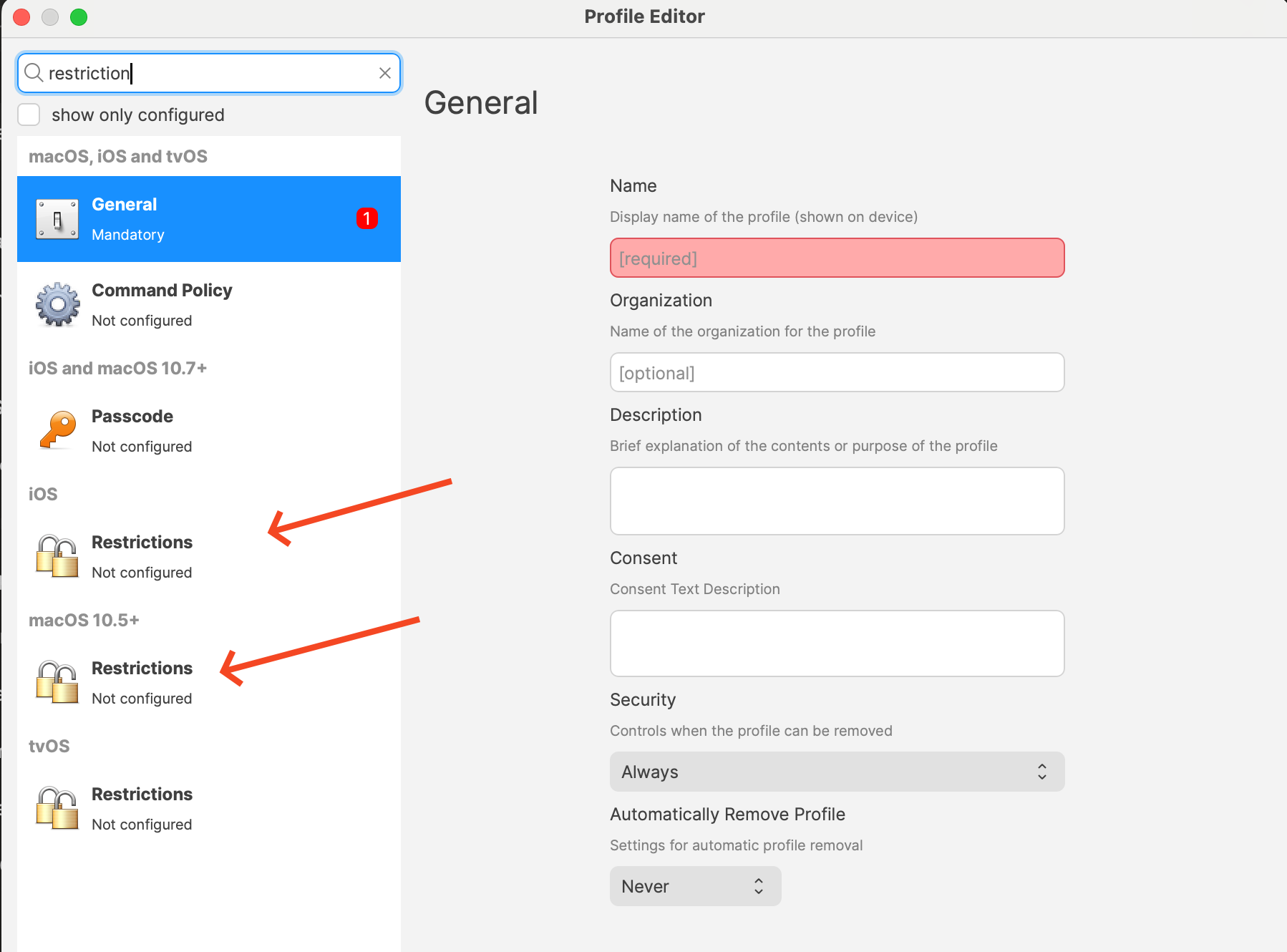
- Add the Restrictions payload for the target platform. The screenshot below shows where the platform-specific Restrictions payloads live.
- Configure the Apple Intelligence-related settings you want. The exact list depends on platform and FileWave version. Current Apple profile payloads expose labels such as:
- Allow creating new Genmoji
- Allow Image Playground
- Allow Apple Intelligence writing tools
- On supported platforms, options such as Notes transcription, Mail Smart Replies, manual email summaries, Image Wand, external intelligence integrations, Safari Summary, and Apple Intelligence Report
- Review the rest of the Restrictions payload before saving. Every restriction you set in that payload deploys together, so confirm you are not accidentally changing unrelated settings.
- Deploy the profile to the correct devices. Some options are supervised-only, and macOS, iOS, and iPadOS do not expose the exact same set of controls.
Related Content
Digging Deeper
This area keeps moving. Apple adds new Intelligence-related controls over time, and FileWave surfaces them as the underlying OS frameworks make them available.
If your goal is a cautious rollout, check the labels shown in the Restrictions payload for each platform instead of assuming every Apple Intelligence setting appears everywhere.