Comic Life Deployment (macOS Fileset Magic)
Description
AQuick simpleanswer: wayUse Fileset Magic to installcapture Comic Life onafter macOSinstallation and recordregistration, thatthen itdeploy wasthe registered.resulting EnsureFileset thatonly youif areyour organization is properly licensed for theComic application.Life.
Last tested with ComicLife 3.5.8
Ingredients
Directions
DoStart Initialthe initial Fileset Magic capturecapture.- Install
ComicLifeComic Life
unzipUnzip latestthe versioncurrent installer.placeMove Comic Life into applicationthe folderApplications folder.drag/Drag or import the app from the applicationApplications folder into the Fileset.
- Launch
ComicLifeComic Life.
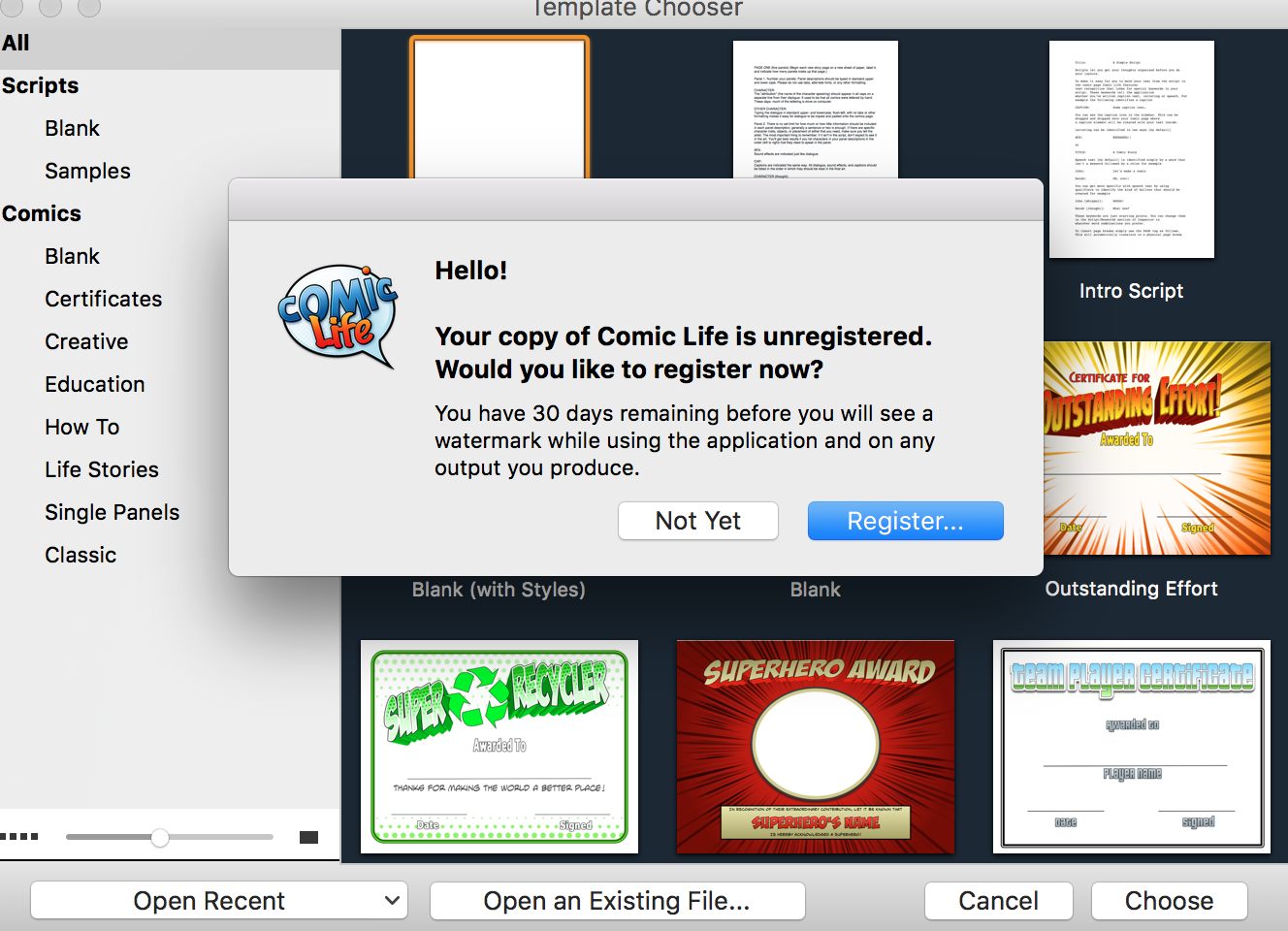
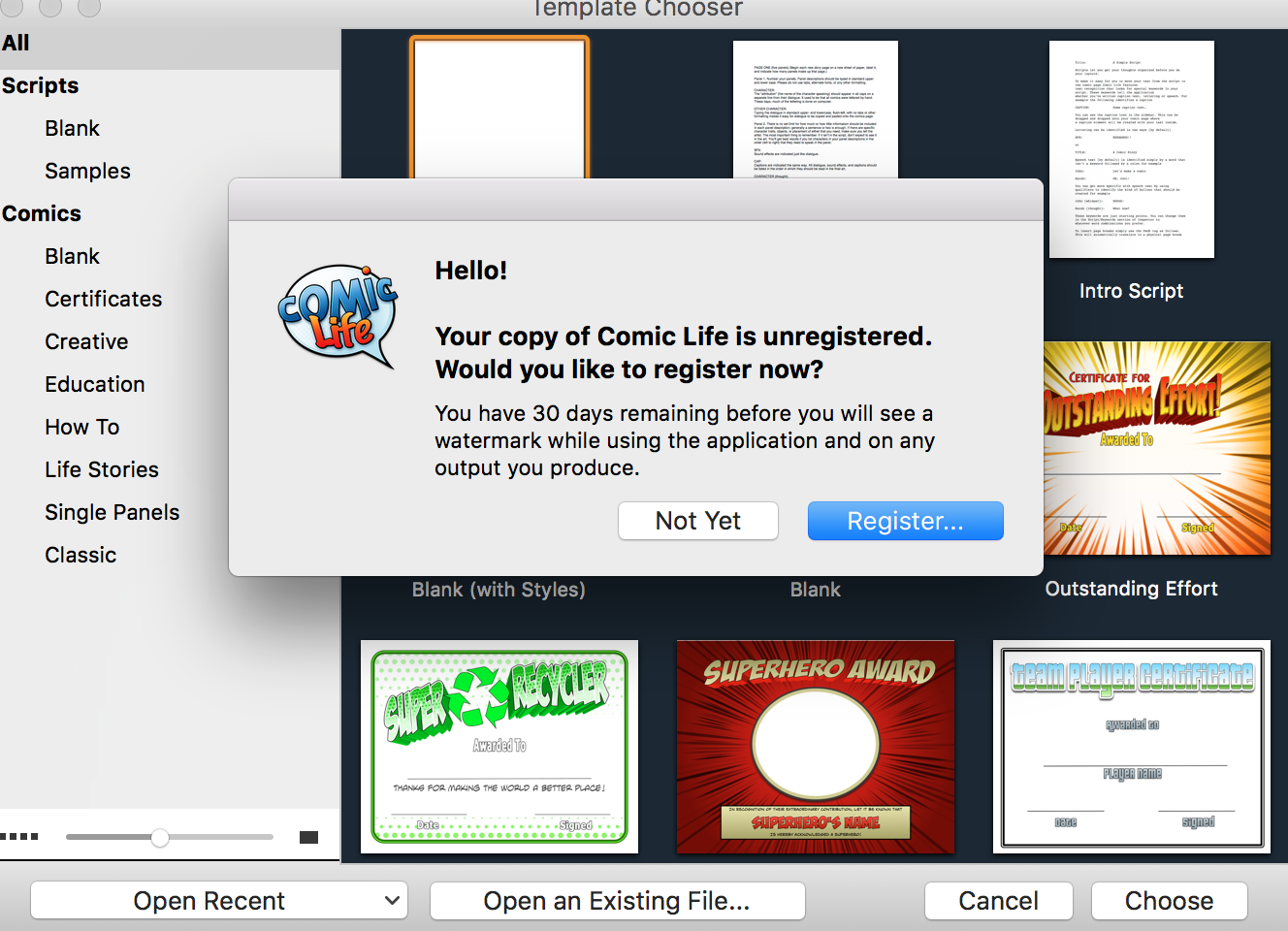
- Accept License
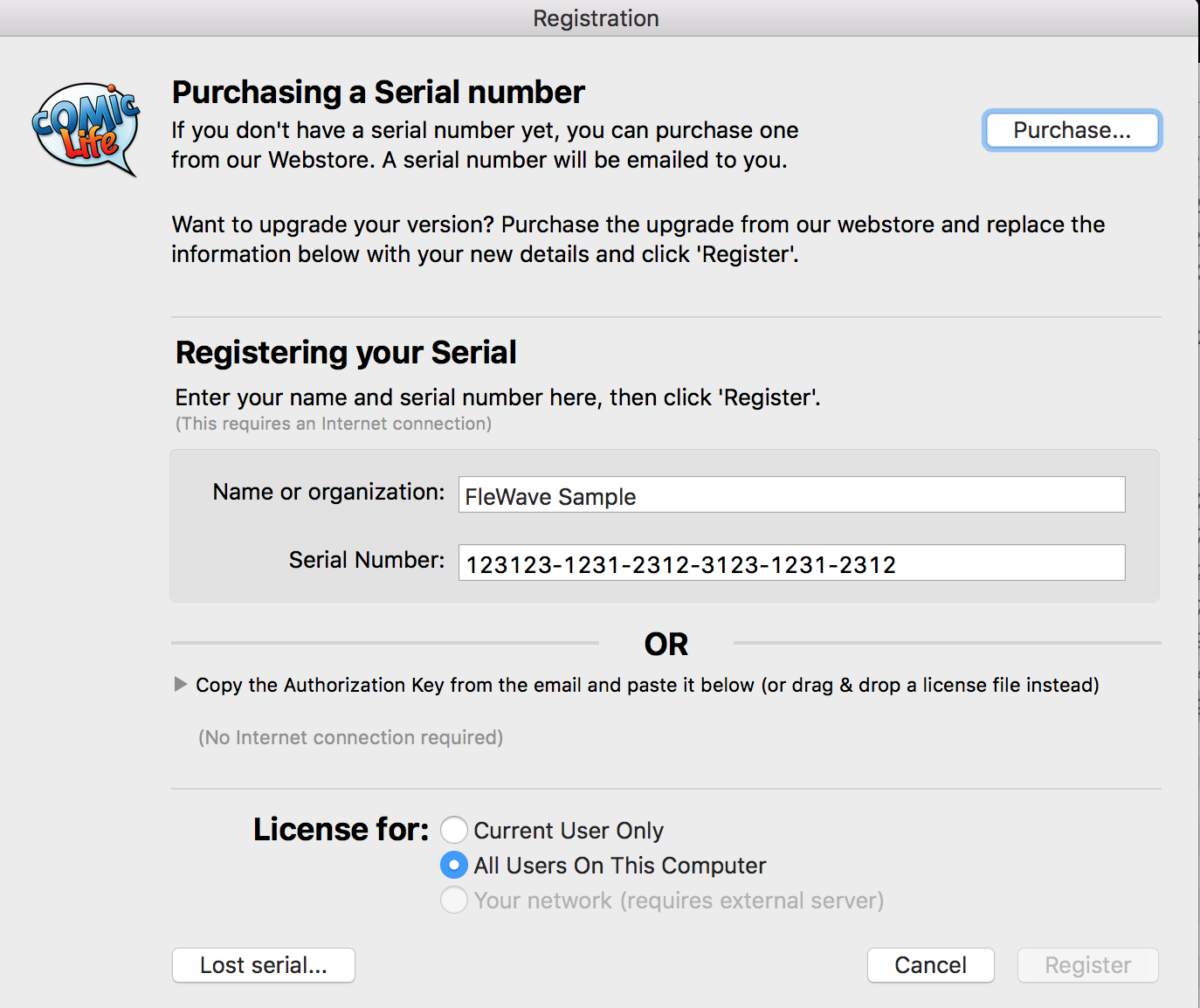
- Select "Register"
- Enter Org name
- Enter Serial Number
- Close
ComicLifeComic Life.
- Open
itComic againLife again.
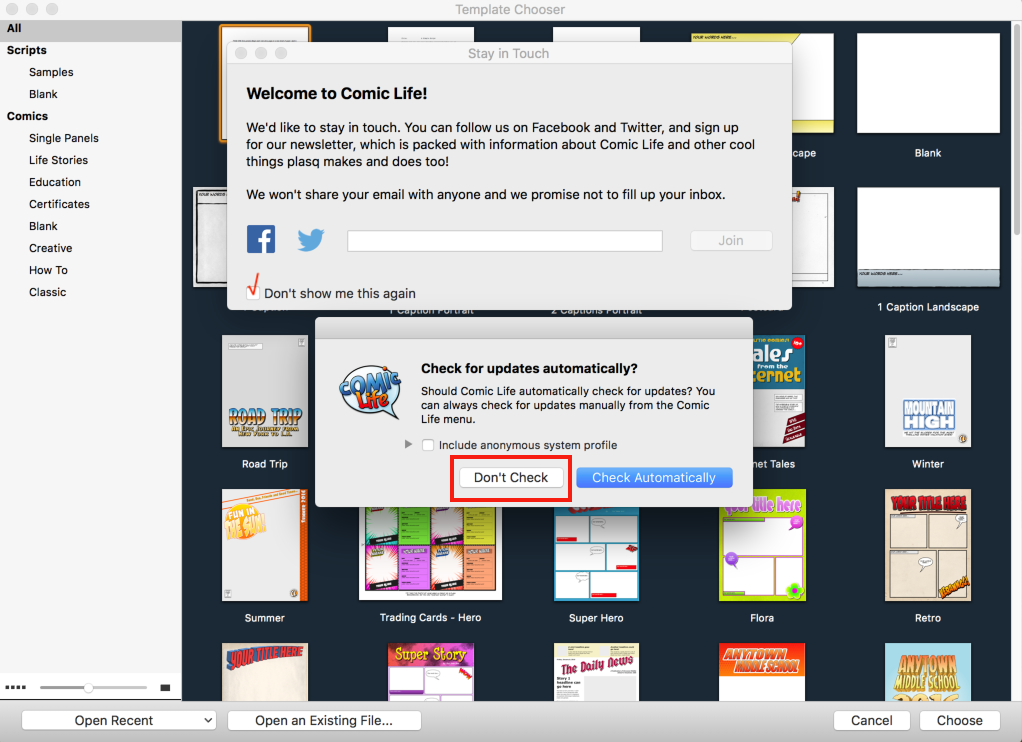
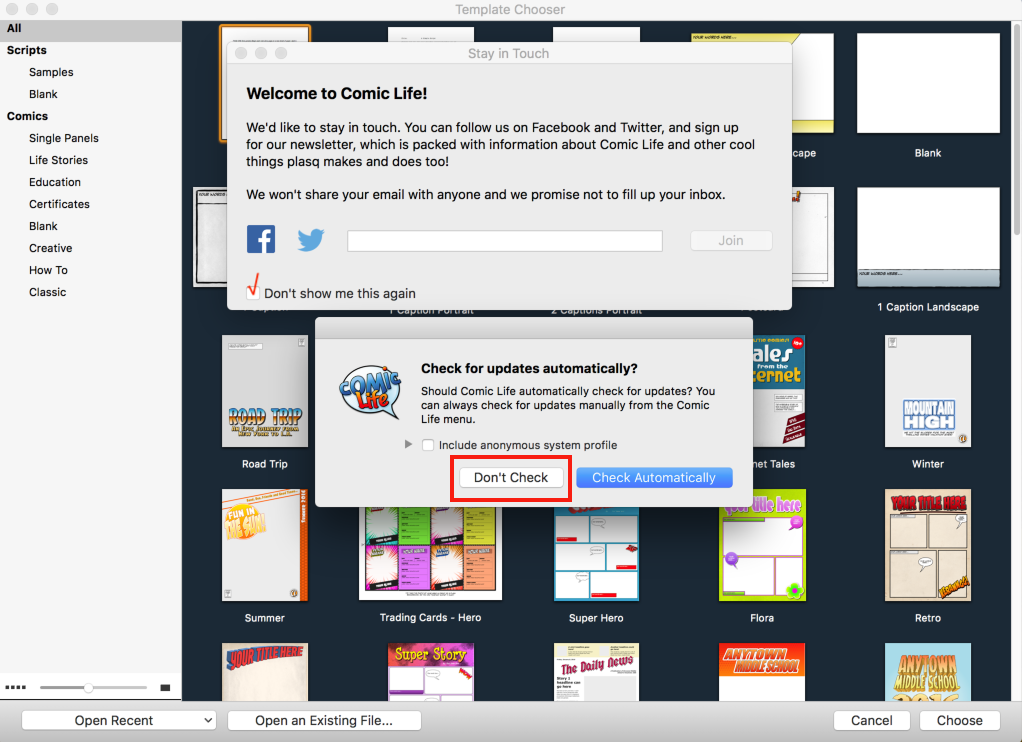
ThisWhen time it will askprompted about automatic updates and "staying in touch",touch, Ichoose likethe tosettings turnyour themorganization offwants deployed.
- Close
ComicLifeComic againLife again.
DoRun the second Fileset Magic scan (capturingto changes)capture the changes.
MakeMove sureregistration toand movepreference items to all users when they should apply to every user on the Mac.
|
|