
Google Chrome Managed (macOS)
Description
Chrome canbrowser user experience may be managed usingon methodsmultiple outlineddevice types by way of a Google Management Token available through the Google Admin Console.
Details on obtaining a token and Chrome management can be found in the following KB:
The directions below describe applying the token to macOS devices.
If Google Admin Console is not available, consider viewing the FileWave KB: Google Chrome Configuration Recipe (mac0S)
However, from the Google Admin Console, it is possible to create a Management Token, push the token to devices and then control the browser experience within Google's Cloud management.
The Chrome Browser Management Token can be used on macOS, Windows, Android and iOS.
Ingredients
FW Central
Chrome Browser Enrolment Token (only available via Google Admin Console) Profile to push out the token
The below Fileset is a template with two suggested keys, one of which is the required Google Token
macOS

Directions
Google
Google have their own KB on this topic: Enroll cloud-managed Chrome browsers

FileWave
- Download the above provided Fileset zip file, expand and drag into FileWave > Filesets
- Open the Profile for editing and access the Custom Settings Payload
- Edit the CloudManagementEnrollmentToken String, entering the copied token from the Google Admin console
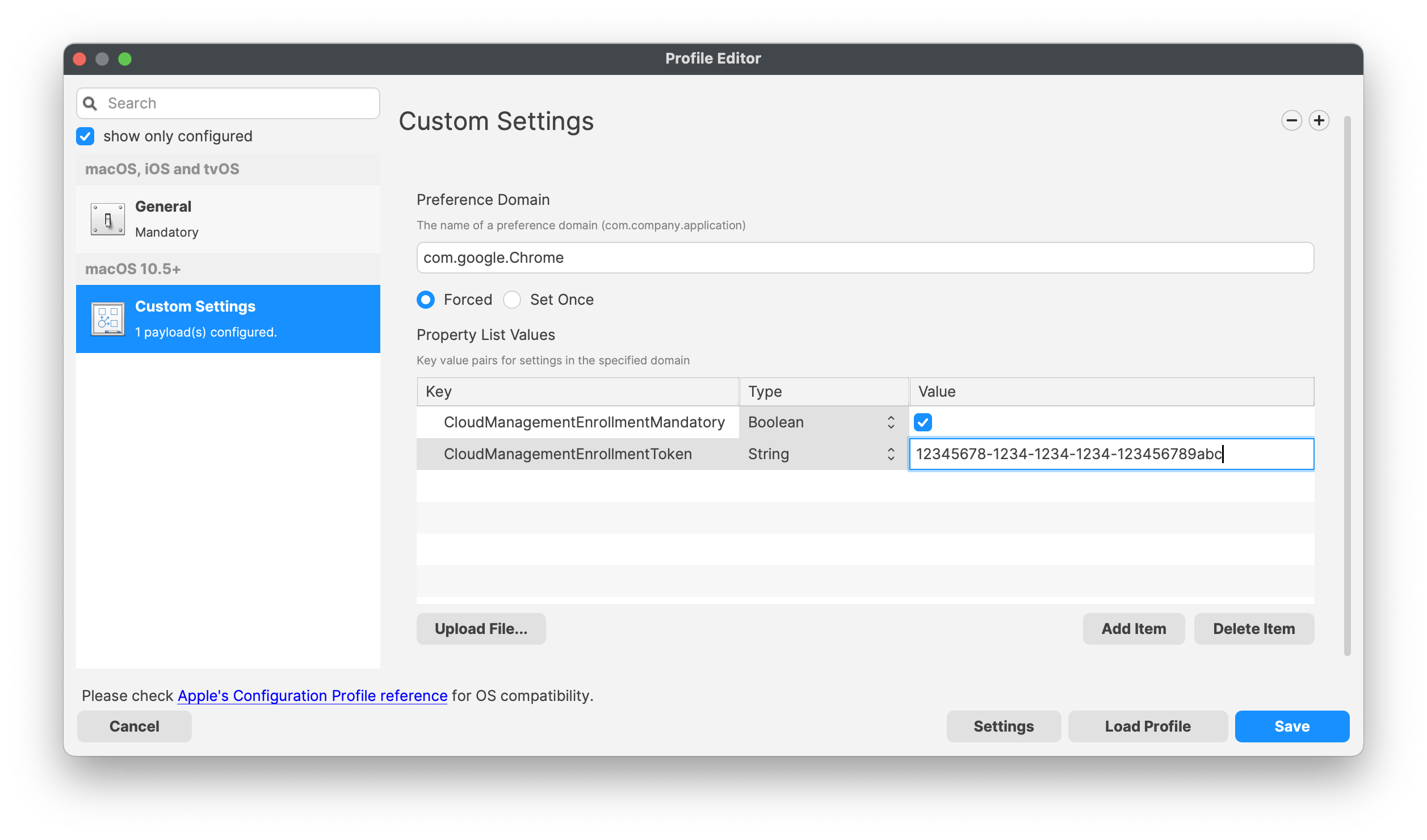
AssociationAssociation/Deployment
When associating,assigning with devices, to ensure the configuration is installed with the Application, consider creating a Fileset Group:
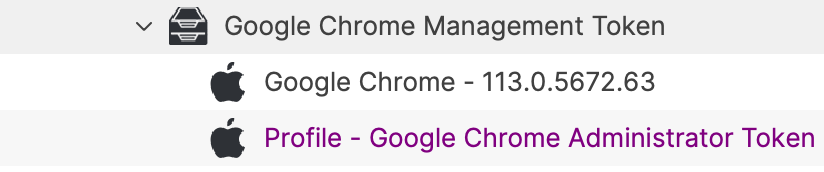
Assigning the 'Google Chrome Management Token' Fileset Group will ensure Application and Configuration are associated to devices. Below is an example using Deployments:Deployment:
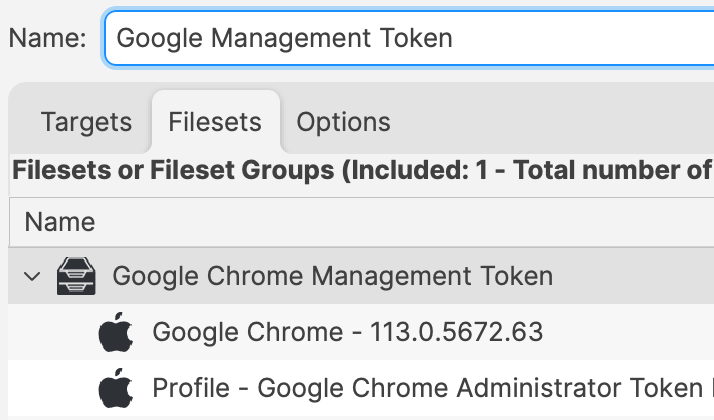
When there is an update to Google Chrome, replace the version in the Fileset Group with the latest version (after testing) or addswitch to a new Fileset Revision if desired.