Create a Local Administrator Account on Windows
Description
NeedUse tothis manage local admin accounts on your Windows devices? FileWave has you covered. Below is theFileset recipe with Fileset to create youra named local adminadministrator account on managed Windows devices. The download includes separate PowerShell scripts for account creation and removal, with environment variables for the username, passwordpassword, and full name. In addition, if needing to remove the local admin account, there is a removal script included.
Ingredients
-
FWFileWaveAdminCentral
Directions
-
Download and unzip the Fileset
- Import the Fileset into your server
viawith FileWaveAdmin
Select the Fileset, then open its Scripts view.
Select
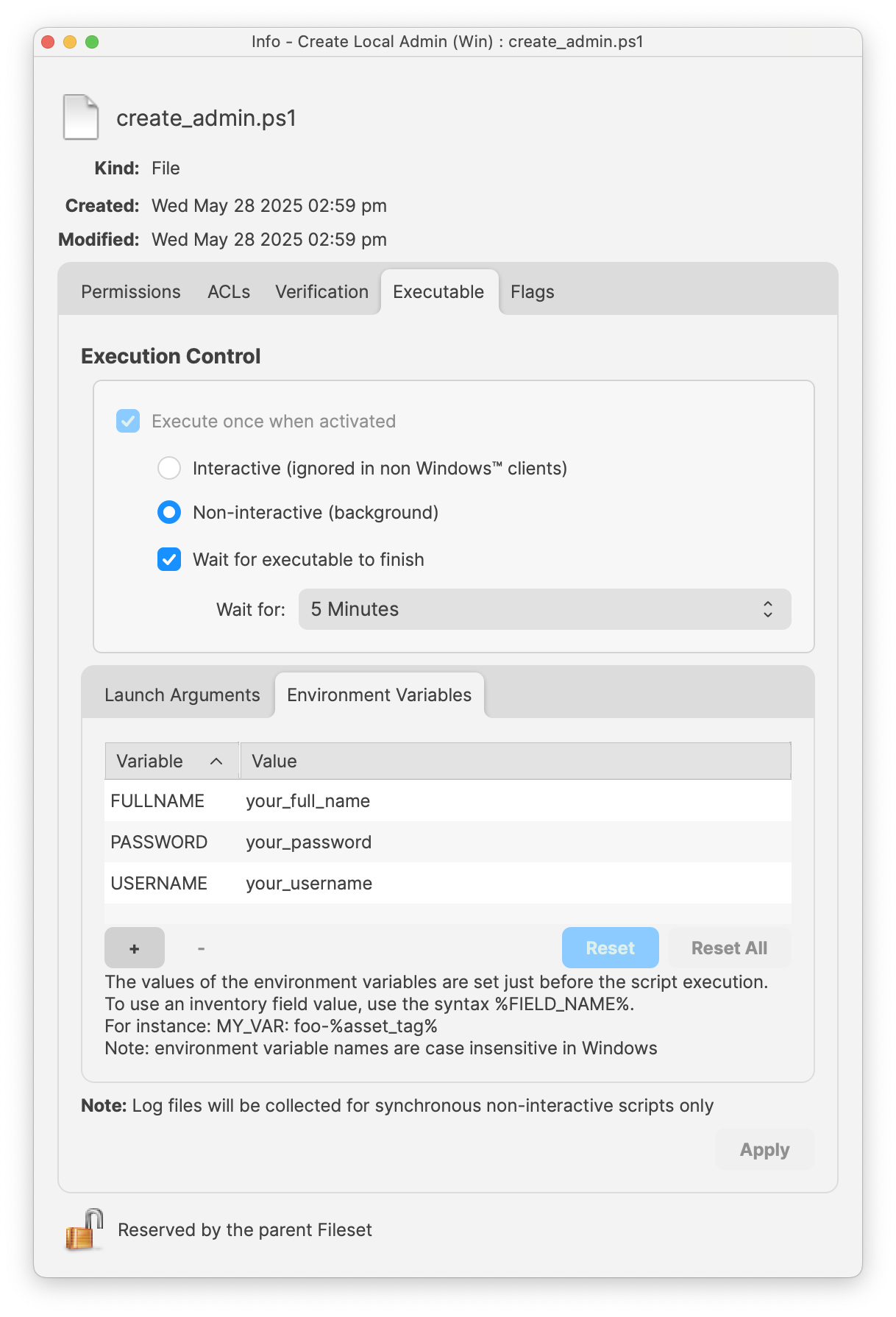
create_admin.ps1 to open the script properties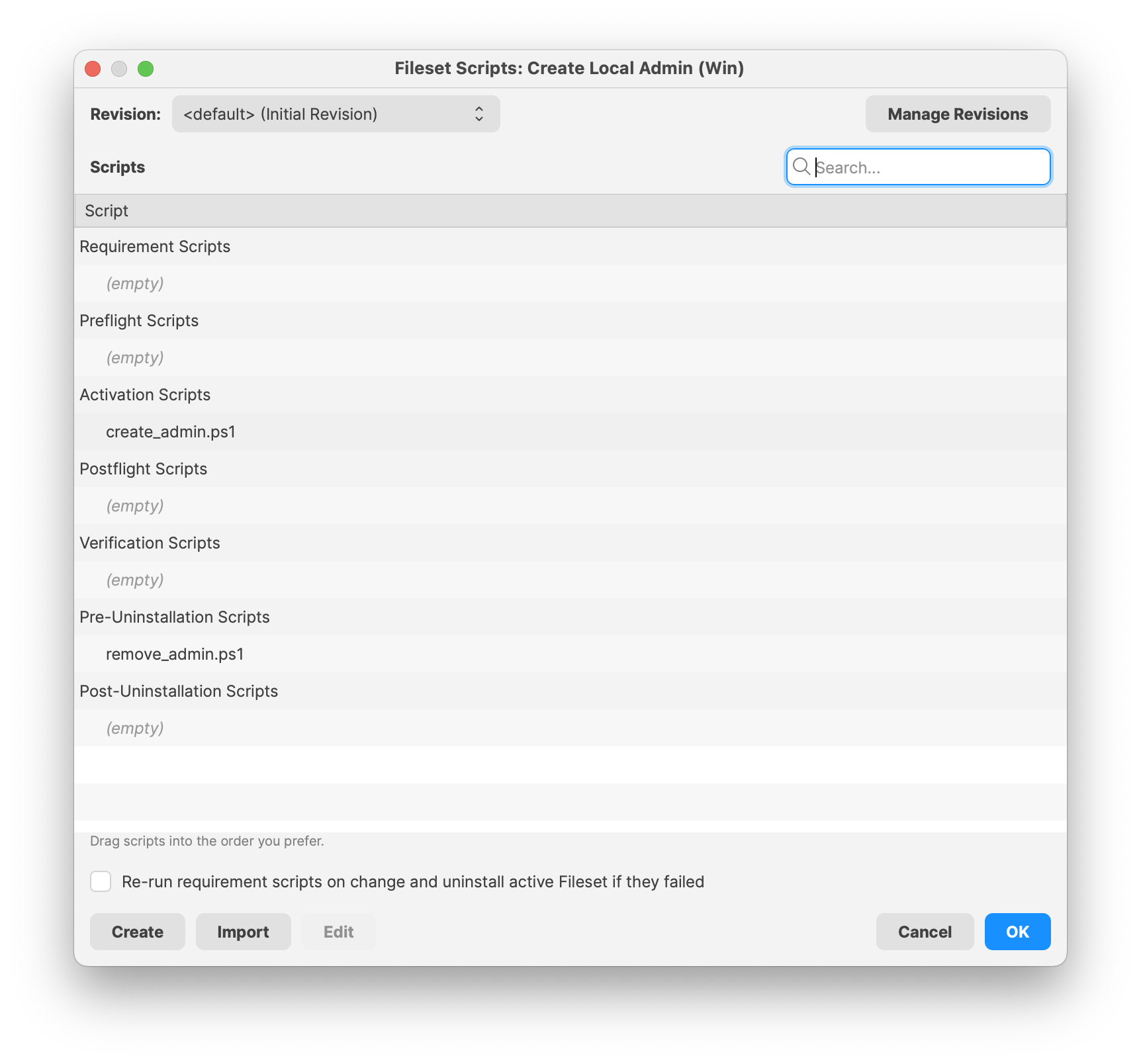 Enter in your local admin Username, Password and Full Name for the desired account
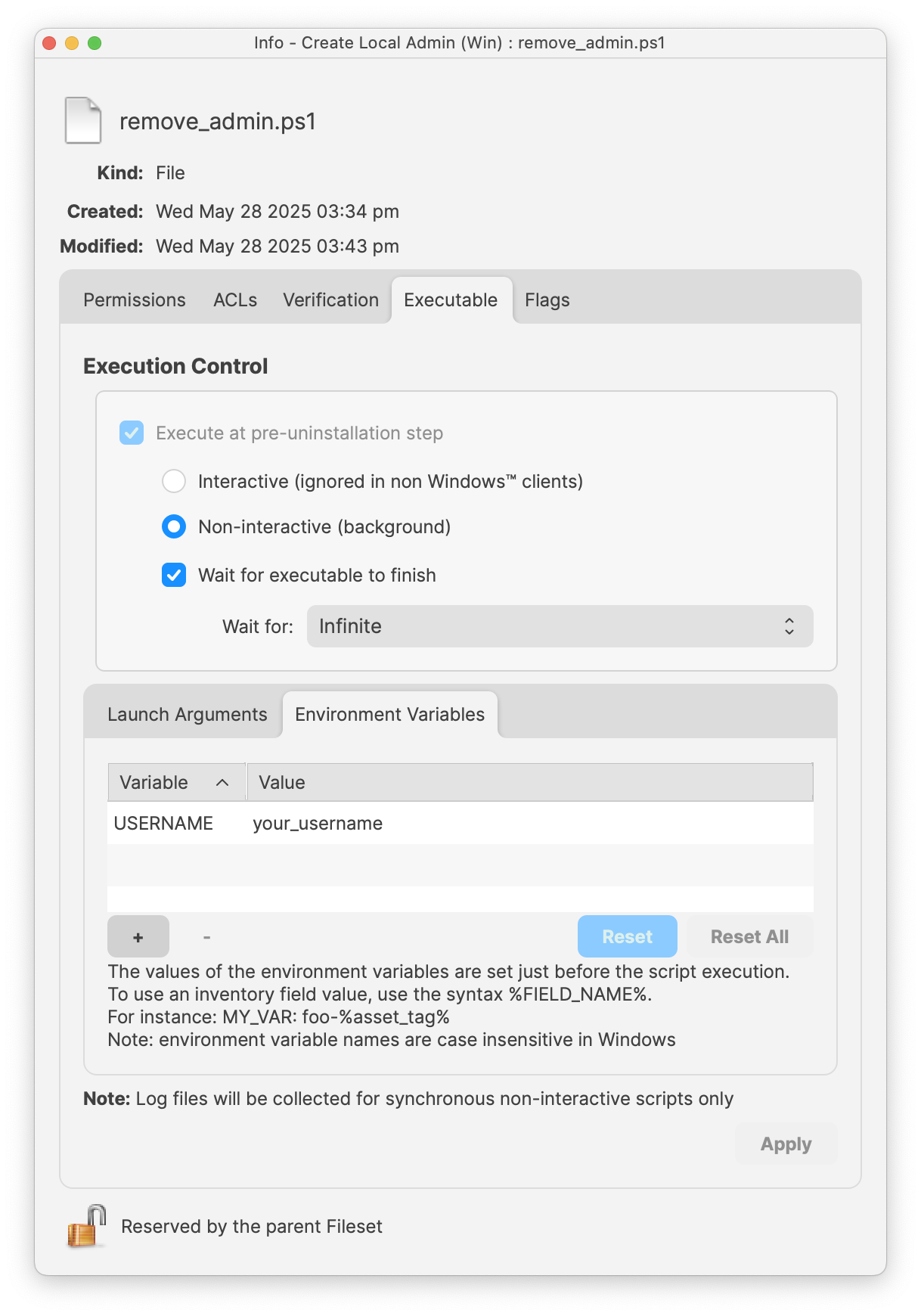
 Repeat the process for the remove_admin.ps1 and enter in the desired Username to remove
Removal deletes local data. The remove_admin.ps1 scriptUSERNAME environment variable needsin toremove_admin.ps1 must exactly match the Usernameaccount foundname. onThe included removal script deletes the machinelocal oraccount inand therecursively create_admin.ps1.deletes IfC:\Users\<Username> itwhen doesthat notprofile matchdirectory itexists. willTest notwith successfullya removedisposable theaccount adminand account.confirm that no required user data remains before deployment.
 Close the Script window to Save
Assign to a test device
Perform a Model Update to deploy
ConfirmationTo ofconfirm localaccount admin created, you maycreation, open the Windows Settings > Accounts > Other Usersusers toand viewverify that the newly creatednew local adminadministrator account.appears.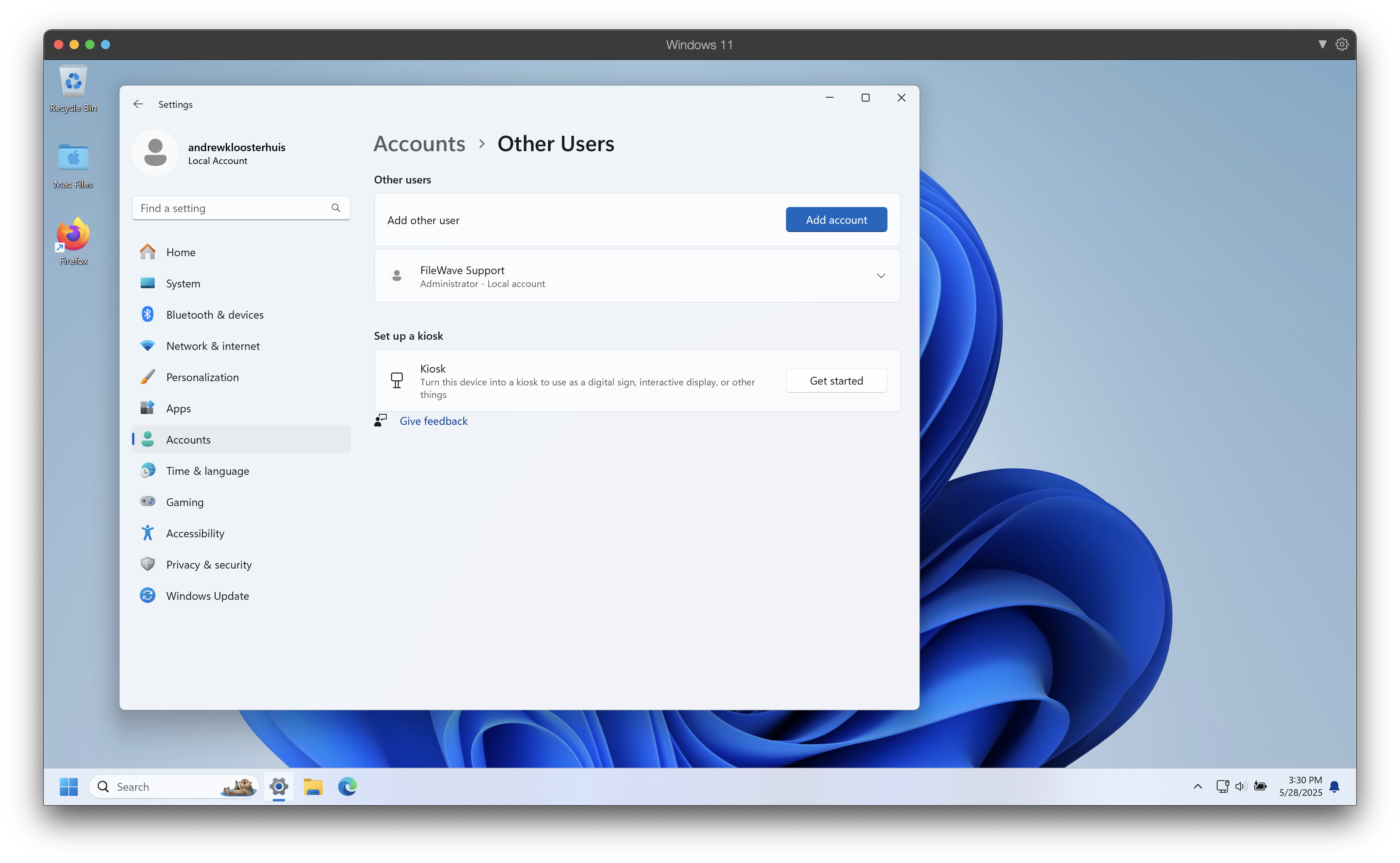
Notes
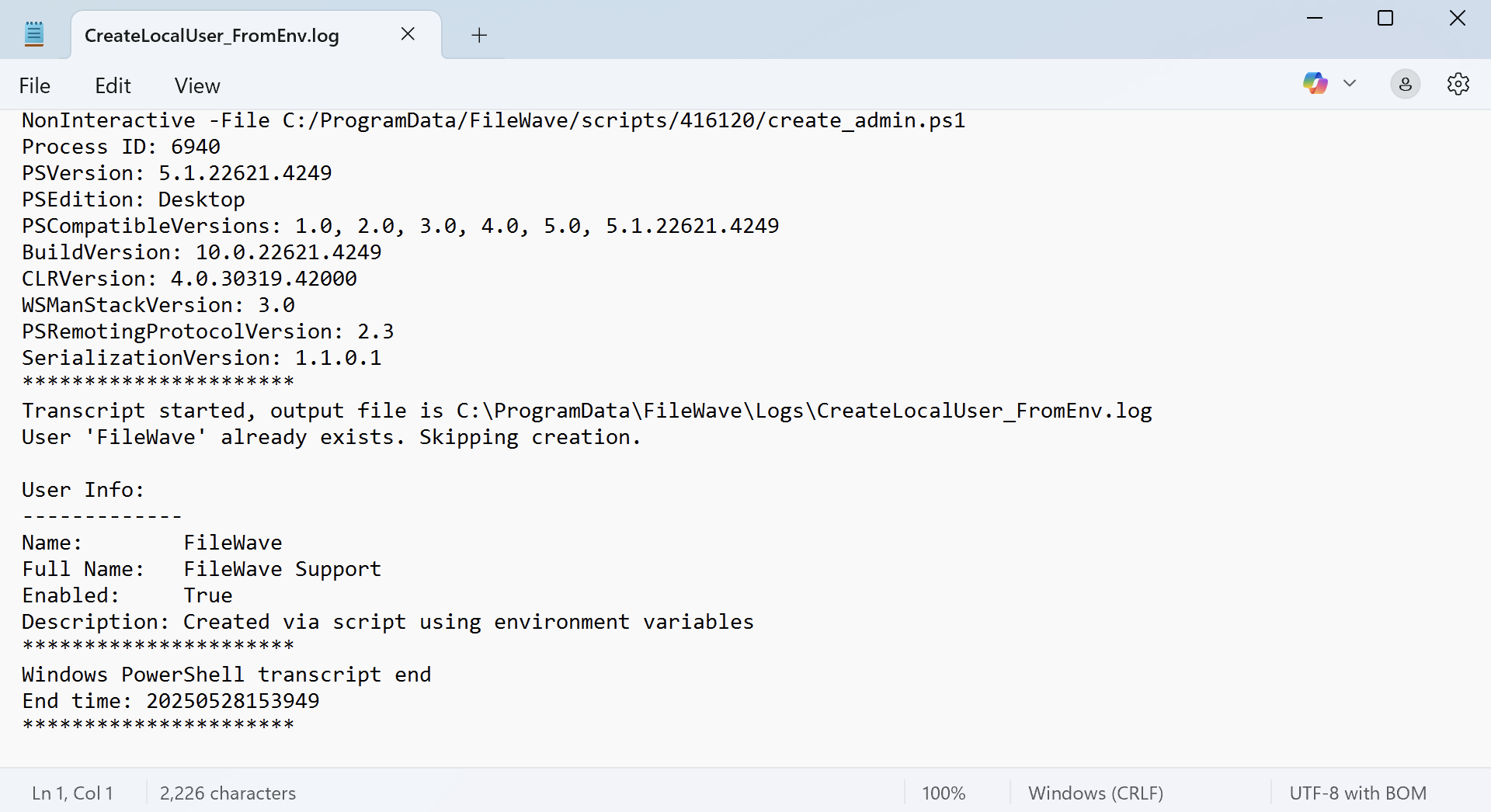
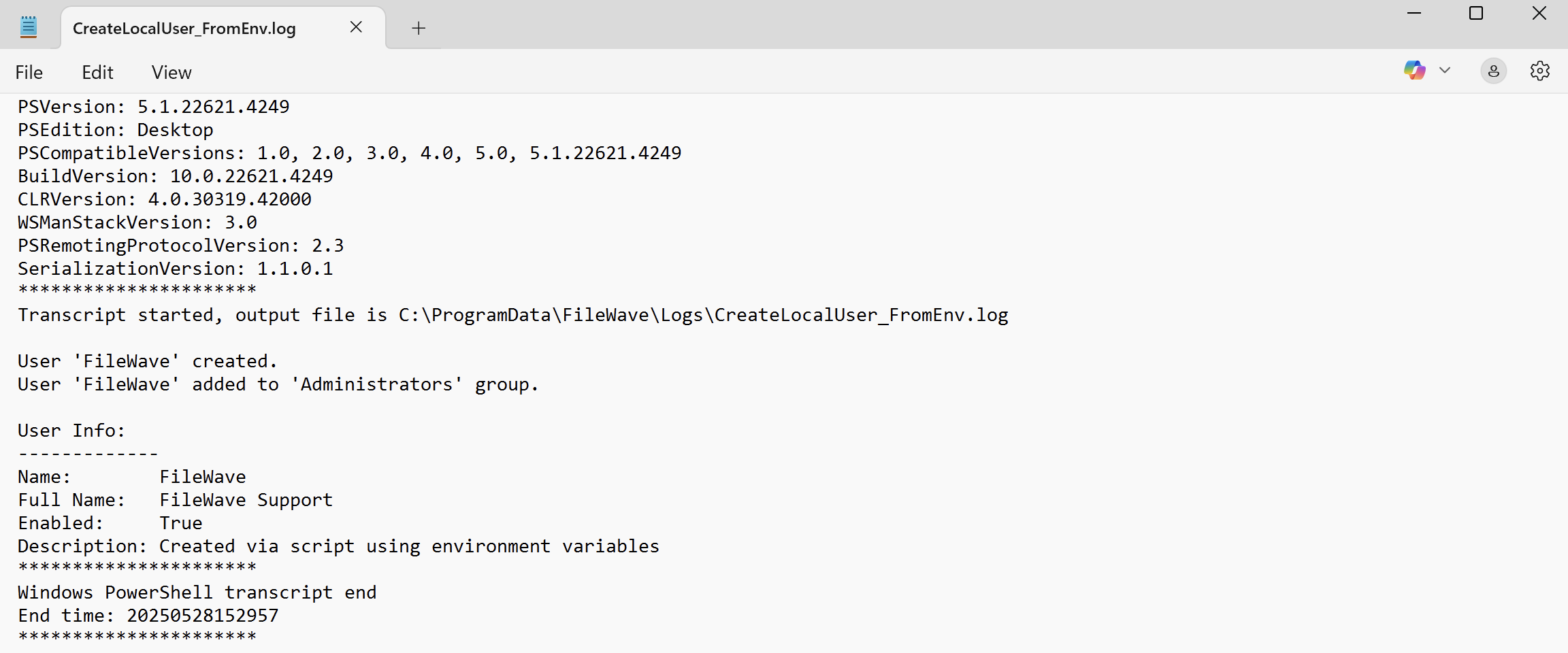
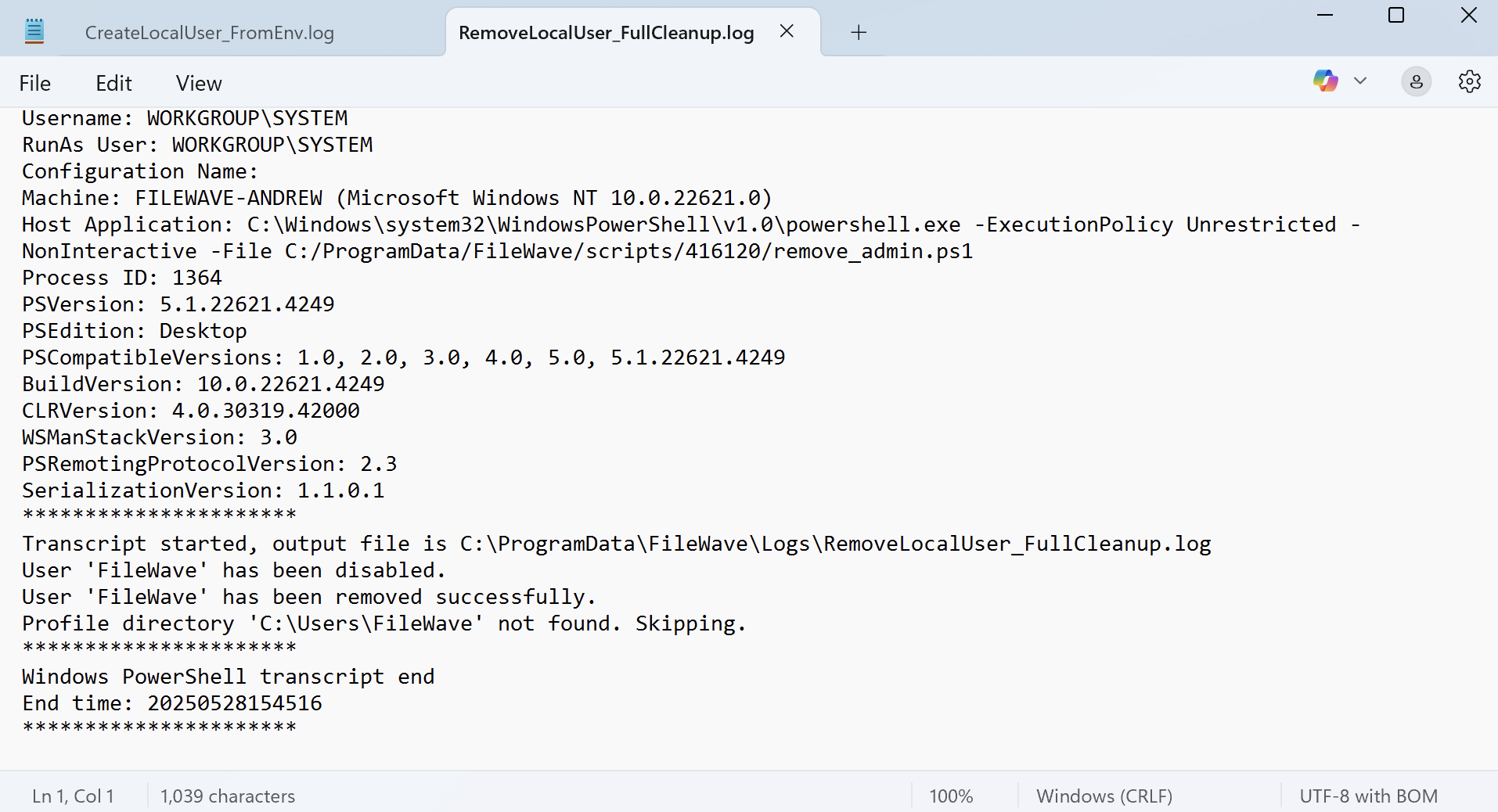
Both scripts will output their executed tasks for detailed logging. These logs may be found in:
C:\ProgramData\FileWave\Logs\The create_admin script log will be labeled: CreateLocalUser_FromEnv.log
The remove_admin script log will be labeled: RemoveLocalUser_FullCleanup.log
The create admincreation script willskips skipthe ifoperation there iswhen an account with the specified username already exists.exists; it does not replace or update that existing account.