
Google Play Store Errors
Android EMM Google Play storeStore errors
Use this article when FileWave cannot open or negotiate a managed Google Play Store instance and shows a 403 or 500 error.
403: Caller is not authorized to manage enterprise
If you see athis 403 error (Figure 1.1):error:
Server error; FileWave was unable to negotiate a Play Store instance with Google.
Please try reopening this Play Store window.

Server said (403): Caller is not authorized to manage enterprise.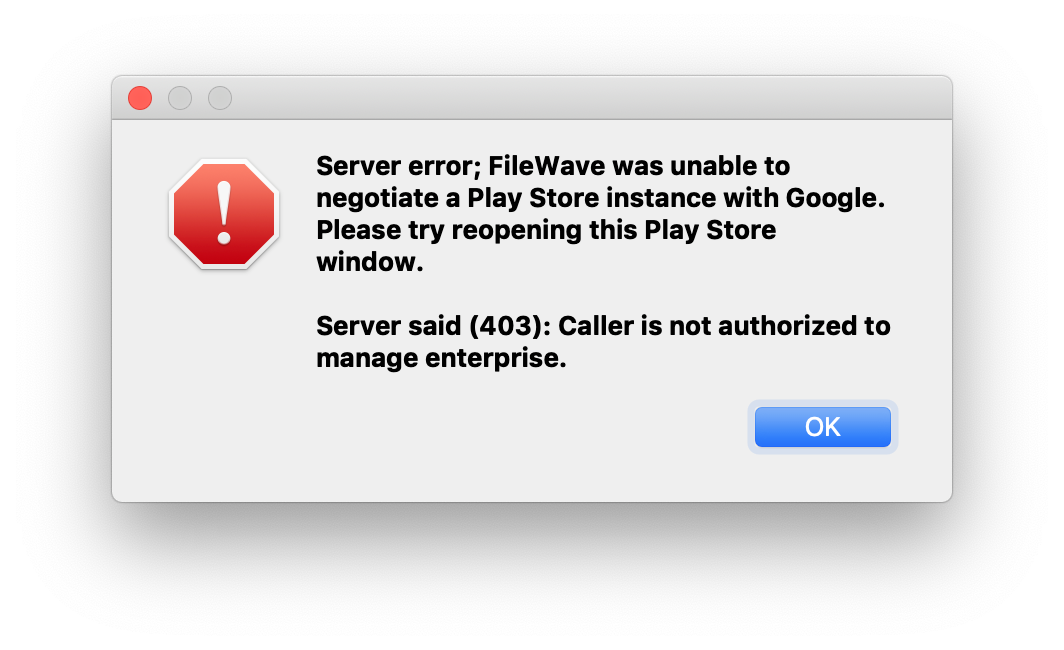
Figure 1.1 - 403 error
Check that your adminFileWave permissionsadministrator byaccount has the required permissions. See Managing FileWave Administrators.
If youthe keeppermissions seeinglook correct and the error after checking permissionscontinues, wait a while before openingreopening the Google WindowPlay again.window. OpeningRepeated itattempts toocan much willtemporarily disable yourthe EMM connection and youmay mightlead start seeingto the 500 error below.
500: Problem with Android EMM enterprise
If you see athis 500 error (Figure 1.2):error:
Server error; FileWave was unable to negotiate a Play Store instance with Google.
Please try reopening this Play Store window.

Server said (500): Problem with Android EMM enterprise; Please check your FileWave Dashboard.
Then your EMM may be disabled, check the dashboard for errors and then check your enterprise status Admin → Preferences → Google → Configure Service Account.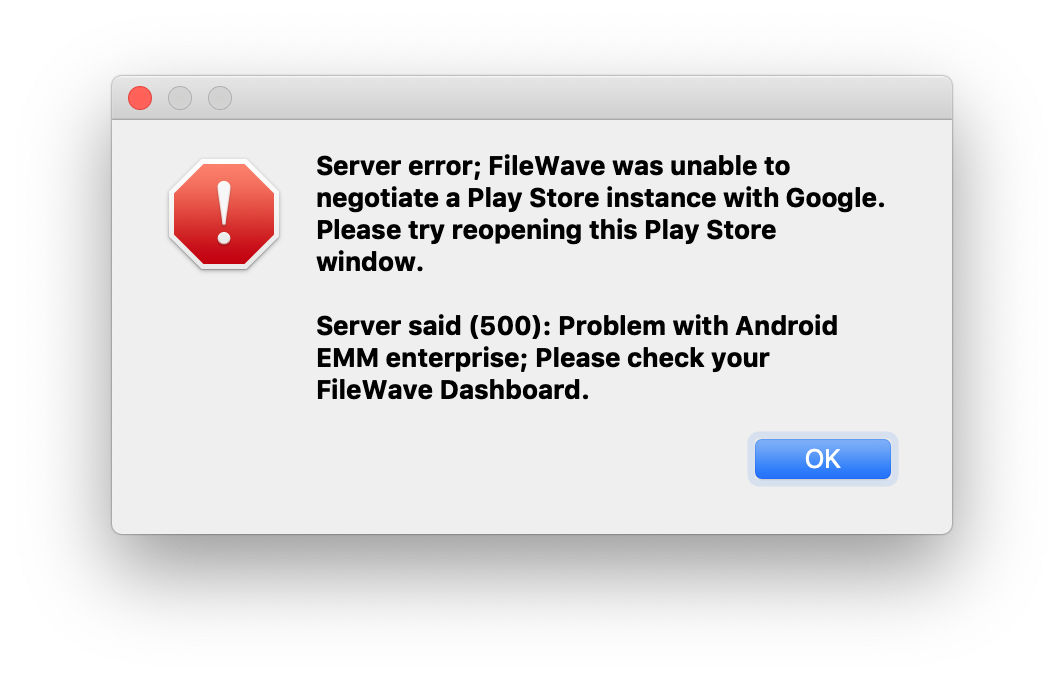
Then select "Re-Enable Enterprise" (Figure 1.3):

The
Android EMMSelect Re-Enable Enterprise.
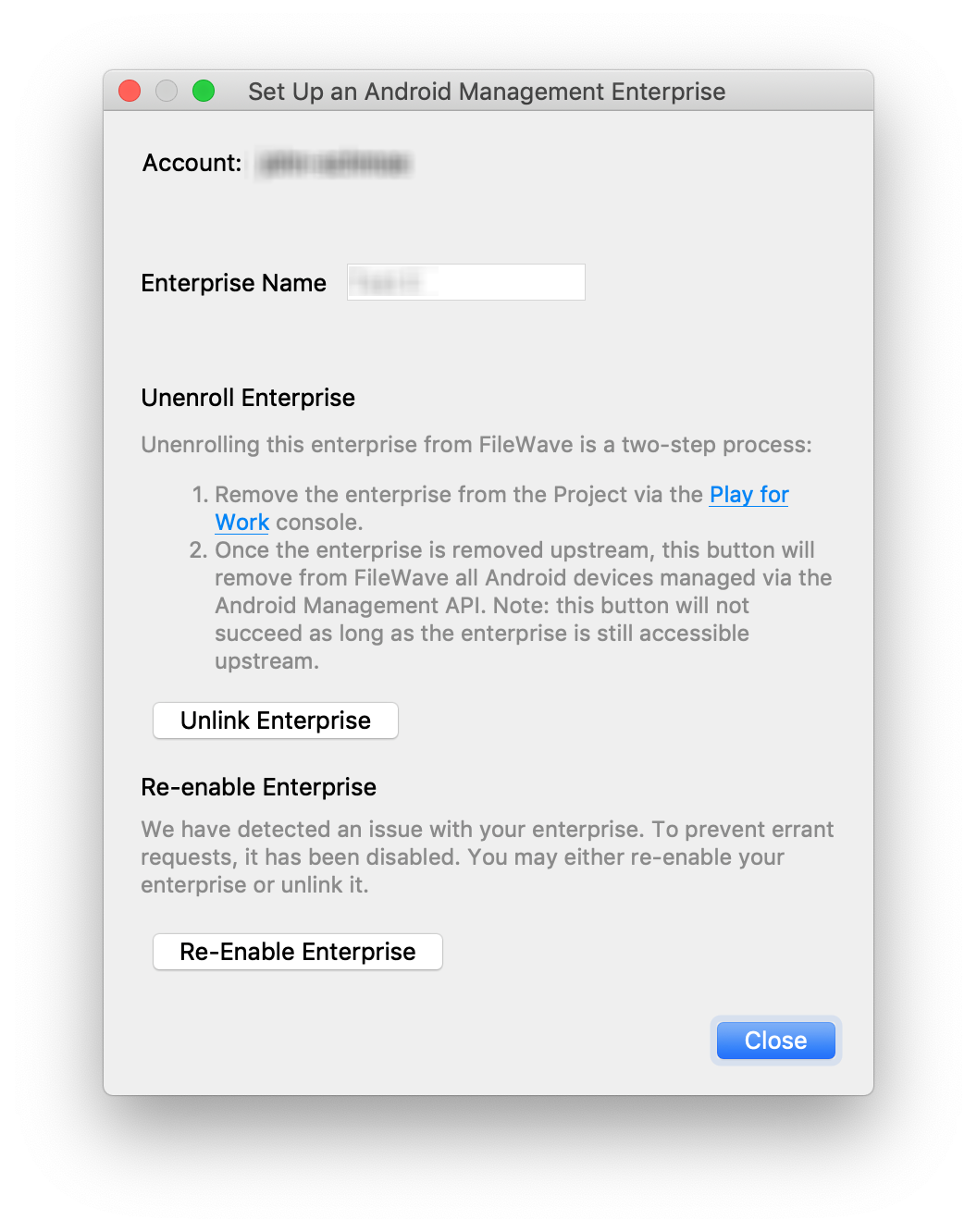
Figure 1.3 - Store has been disabled