
What are "Server Messages" and why do I want them?
What
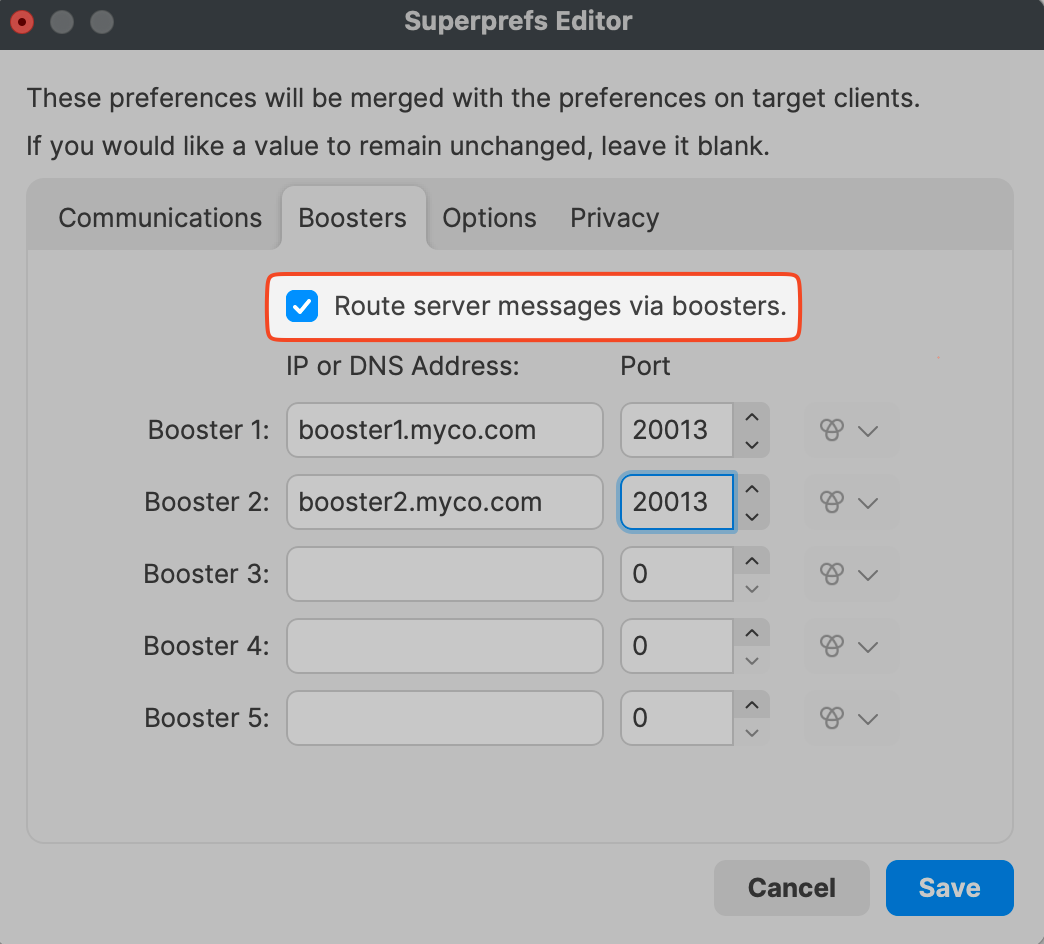
PerhapsRoute youserver havemessages seenvia boosters sends selected FileWave Client/server messages through Boosters instead of requiring every client to communicate directly with the FileWave Server for those messages. You may see this option in Superprefs Editor or in Client Monitor about "Route server messages via boosters" and asked yourself what that was?.
When/Why
WeFileWave knowClients thatcheck whenin a client is talking towith the FileWave serverServer it doeson a check-in every so oftenschedule (2min2 minutes by default). ButServer howmessages doescover itthe talkadditional client/server communication that lets the client receive status, commands, and whatrelated is said?updates.
When we take a look at theThe Default TCP and UDP Port Usage forarticle FileWave we seelists 20015 and 20017 (communicationsfor betweenclient/server client and server). There is alsocommunication. NATS ports thatalso handle notifications for thingsworkflows likesuch as initiating a TeamViewer session.
Note: The default port setting is 20015. However, SSL is now required, and the system will automatically use port 20017 instead when 20015 is entered. Do not manually set the port to 20017. Always enter 20015, and the system will handle the SSL port change for you.
How
Basically, serverServer messages are the communications a client needs to work with the server. BelowIf routing is a list of messages that could be sent via theenabled, publishing and routing services ifcan send messages like the ones below through Boosters. Enable this option iswhen enabled. YouBoosters should enable Route Server Messages via boosters to let your Boosters handle thesemore additionalof communicationsthat toclient takecommunication burdenand offreduce direct load on the FileWave Server.
-
Checkin
-
Fileset properties and status
-
Software updates
-
Lock / Unlock client
-
Kiosk categories and item info