
FileWave Discord Server
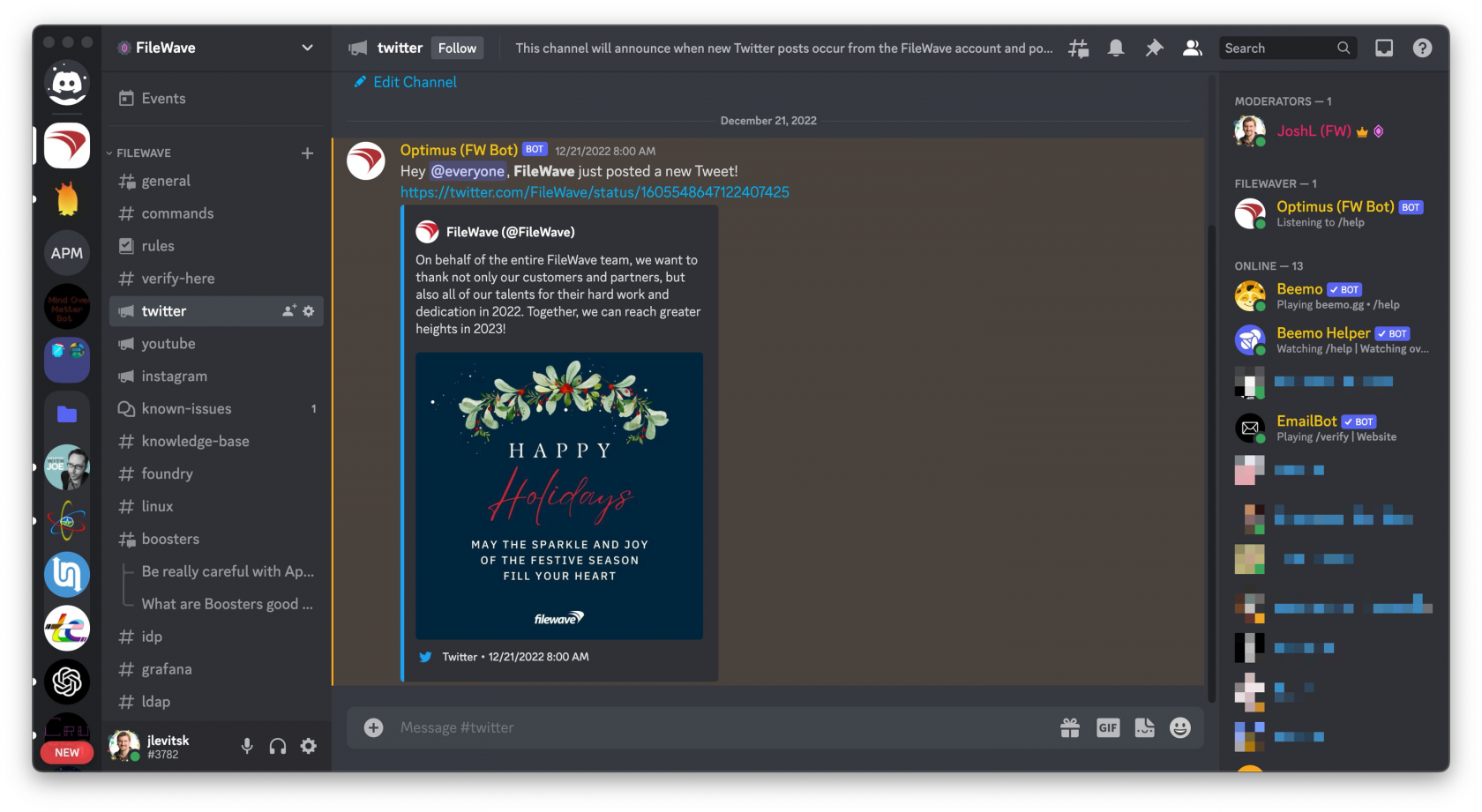
EveryoneThe FileWave Discord Server is our community space for customers who uses FileWave appreciates learning more about it and being ablewant to discuss ways of using itconnect with other customers.FileWave Forusers, that reason, we also run a Discord server that can be accessed via the button below. Look forward tojoin live eventsevents, withask demosquestions, and trainingstay forengaged allbetween andsupport AMAcases.
If For anyone whoyou used the Alliance Forums in the past, Discord hasnow taken overfills that rolerole.
What everythingyou iswill find in Discord now.
Joining
StepThe 1:FileWave Discord community is a good place for:
How to join
Join the FileWave Discord Server here:
If you are new to Discord then you'll see the below text on the login screen andDiscord, you can create a free Discordaccount account.

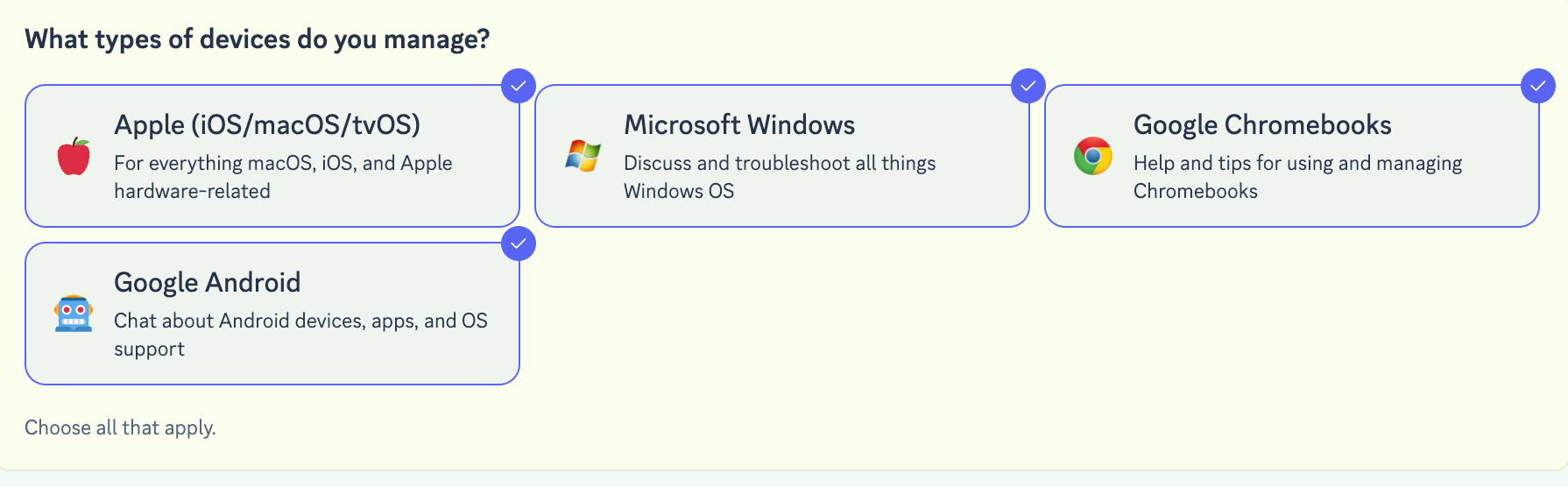
Stepsign-up 2: When you join you'll initially be asked a couple of questions to customize your experience. By selecting (or not selecting) options you will decide how many topics you see in Discord, and can go back and change it at any time.
Events and ongoing engagement
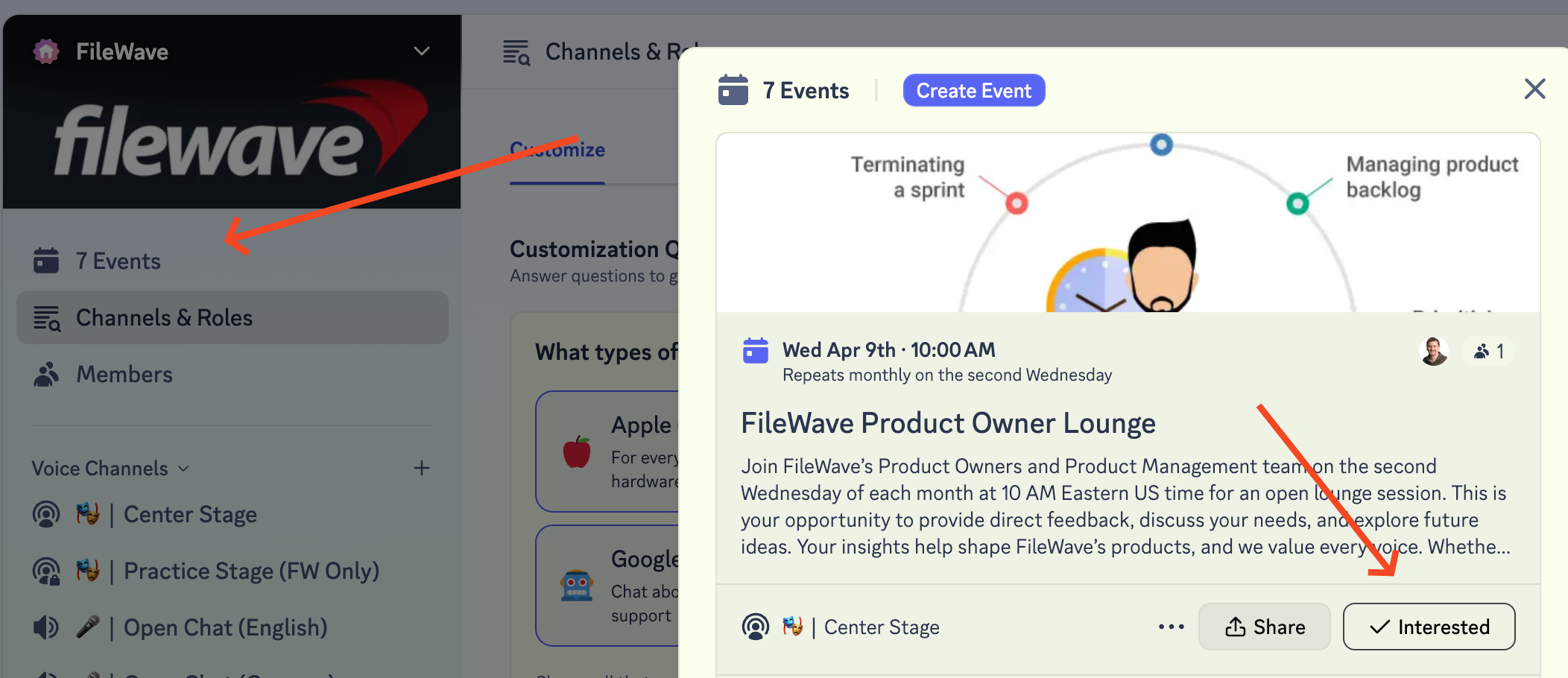
Step 3: Check out the events areas in Discord for upcoming sessions and community activity.
You can also view the full FileWave event schedule here:
Which channel where you'll see all of our scheduled events. There you canto use thefor what

Discord iconis to RSVPgreat for ancommunity eventdiscussion, learning, and seestaying a simple list of all the upcoming events. We have things like monthly Open Office Hours where you can ask our Pro Services / Training department anything. A full list of events is always available at: https://www.filewave.com/customer-events/ connected.
Feelingbreak/fix stuck?technical Reachissues, outplease tocontact Customer Technical Support and we'll help get you through it. .
What
For isrenewals, Discord?license
Don'texpansion, knowaccount what Discord is? Discord describes itself this way: "Imagine a place where you can belong to a school club, a gaming group,questions, or ageneral worldwidelifecycle artguidance, communityplease wherecontact justCustomer you and a handful of friends can spend time together. A place that makes it easy to talk every day and hang out more often." It's very popular as a chat platform and very community driven. Below is an excellent video to explain how to use it.Success.
For onboarding, migrations, training, health checks, or other strategic service-led engagements, please contact Professional Services & Training.