InvGate integration with FileWave
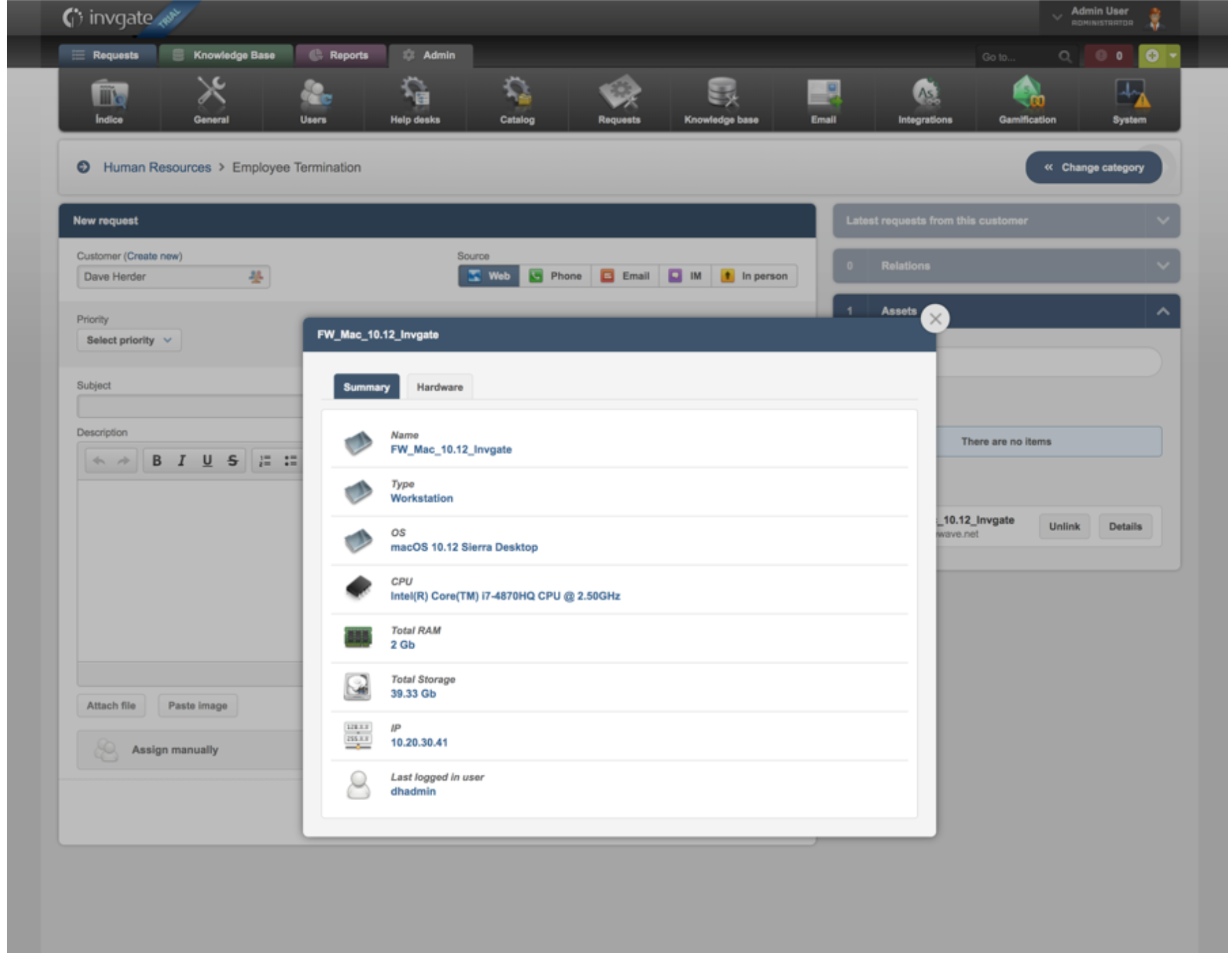
IT admins often need computer and mobile asset details inside their help desk system. FileWave can send asset information to InvGate ITSM, keyed by the FileWave "Last Logged in User" field.
Third Party Software
InvGate is a third-party application. The details provided are examples only and are unsupported by FileWave.
Step-by-step guide
Set up the integration on the InvGate side:
- Make sure you capture user data in both InvGate and FileWave. LDAP integration in both systems helps keep the user records aligned.
- In InvGate, go to "Admin" > "Integrations" and define the following fields:
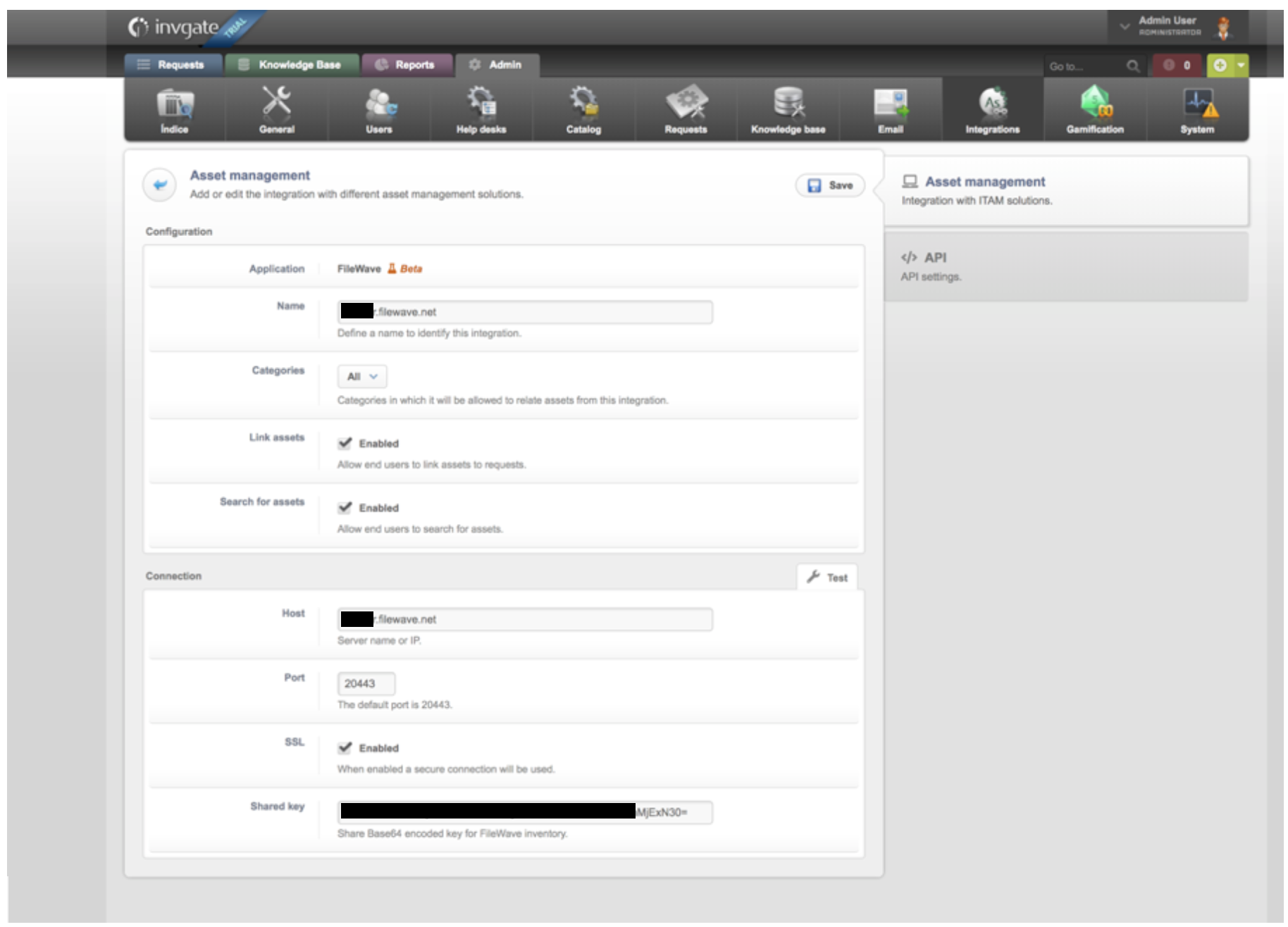
- Click "Save"
- Wait for the data to synchronize from FileWave to InvGate.
- Create a new request using the asset information now populated in InvGate. The new assets appear in the left-hand column of the InvGate "New Request" dialog.