
Find Macs Compatible with macOS Big Sur Using a Custom Field
Description
DetailsImport onthe identifyingincluded Custom Field to identify Macs that are compatible devicesor forincompatible with macOS 11 (Big Sur) using a Custom Field.Sur.
|
macOS |
|
Custom Field, returns either: compatible or incompatible |
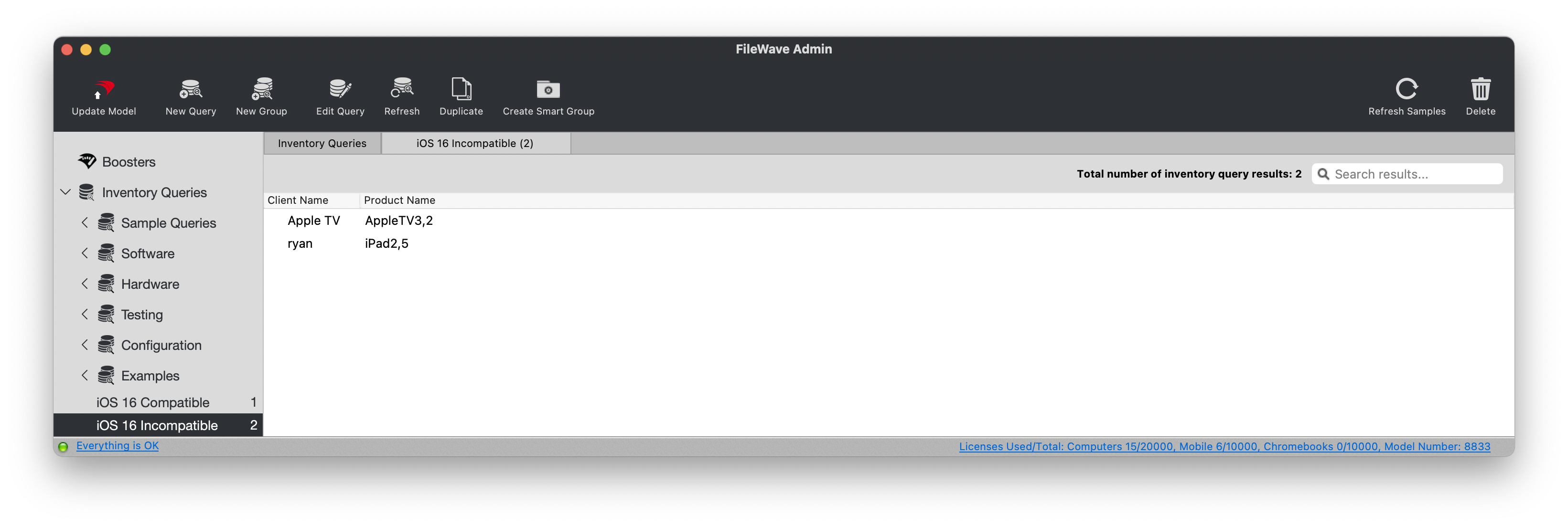
ExampleThe queryscreenshot view:below shows Reports (formerly Queries) in an older version of FileWave Central.

Ingredients
- macOS - Custom Field exported file: Custom Big Sur Compatible Devices.customfields.zip
Directions
- Download the exported Custom Field
exportedfile and unzip it. FromIntheFileWaveAdminCentral,console, open:choose Assistants > Custom Fields.- Choose Import and select the unzipped Custom Field file.
- After importing,
select desired value forset Assigned to all devices as needed. - Save the Custom Field.
DetailsSee for Importing and Exporting Custom Field Files for the complete import workflow.
MayYou becan assignedassign this Custom Field to all devices,devices sincebecause its Windows script isreturns configured to return: NA.