
Find Macs Compatible with macOS Big Sur Using a Custom Field
Description
Use the included historical Custom Field as an initial model-based check for macOS 11 Big Sur, not as a definitive compatibility decision. Its 2020 script compares model-family numbers, ignores the part of the model identifier after the comma, and does not check memory, available storage, or the oldest macOS a newer Mac can run. Confirm the exact model against Apple's Big Sur compatibility list and review the installation requirements before planning an installation.
|
macOS |
|
Boolean Custom Field: the macOS script prints True or False when it recognizes the model family. A failed script is not an incompatible result. |
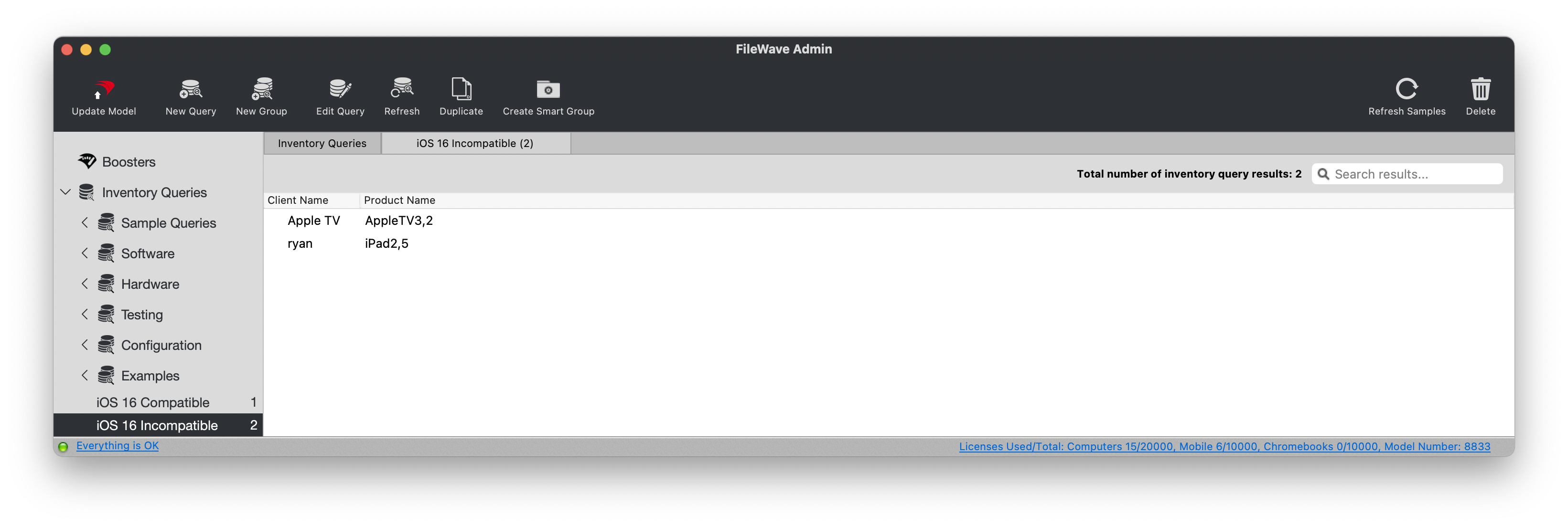
The screenshot below illustrates Reports (formerly Queries) in an older version of FileWave Central. It shows an iOS compatibility report, not the results of this Big Sur Custom Field.
Ingredients
- macOS - Custom Field exported file: Custom Big Sur Compatible Devices.customfields.zip
Directions
- Download the exported Custom Field file and unzip it.
- In FileWave Central, choose Assistants > Custom Fields.
- Choose Import and select the unzipped Custom Field file.
- Before saving, review Assigned to all devices: this export has it enabled. Clear it if you want to limit the field to test Macs.
- Save the Custom Field. If you cleared the global assignment, use Edit Custom Field Associations to assign it to the intended test Macs.
See Importing and Exporting Custom Field Files for the complete import workflow.
The included Windows script returns FALSE, not NA. Filter reports to macOS devices so Windows results are not counted as incompatible Macs. On a test Mac, confirm that the field has a value and compare it with the exact model. An unrecognized model family causes the macOS script to fail rather than return False; a missing value must not be treated as a compatibility result.
No comments to display
No comments to display