
Last Changed Inventory Field
What
The “Last Changed” inventory field records when a device’s inventory data changed or when the device last reported inventory. It was added in FileWave 15.5.0 and is useful for reports, API sync jobs, and troubleshooting stale inventory.
When/Why
The “Last Changed” field is useful in the following scenarios:
- Inventory monitoring: See when a device’s inventory data last changed.
- Data synchronization: Let external systems decide whether they need to pull updated FileWave inventory.
- Change review: Use the timestamp as a quick audit signal when inventory fields change.
- API integration: Include the timestamp in sync logic so integrations can avoid unnecessary inventory pulls.
How
Understanding the “Last Changed” Field
- Records Updates: The “Last Changed” field automatically updates the timestamp when:
- Any custom or built-in field value is changed for a client.
- The client reports new information to the inventory.
- A new custom field is associated with or disassociated from the device.
Viewing the “Last Changed” Field
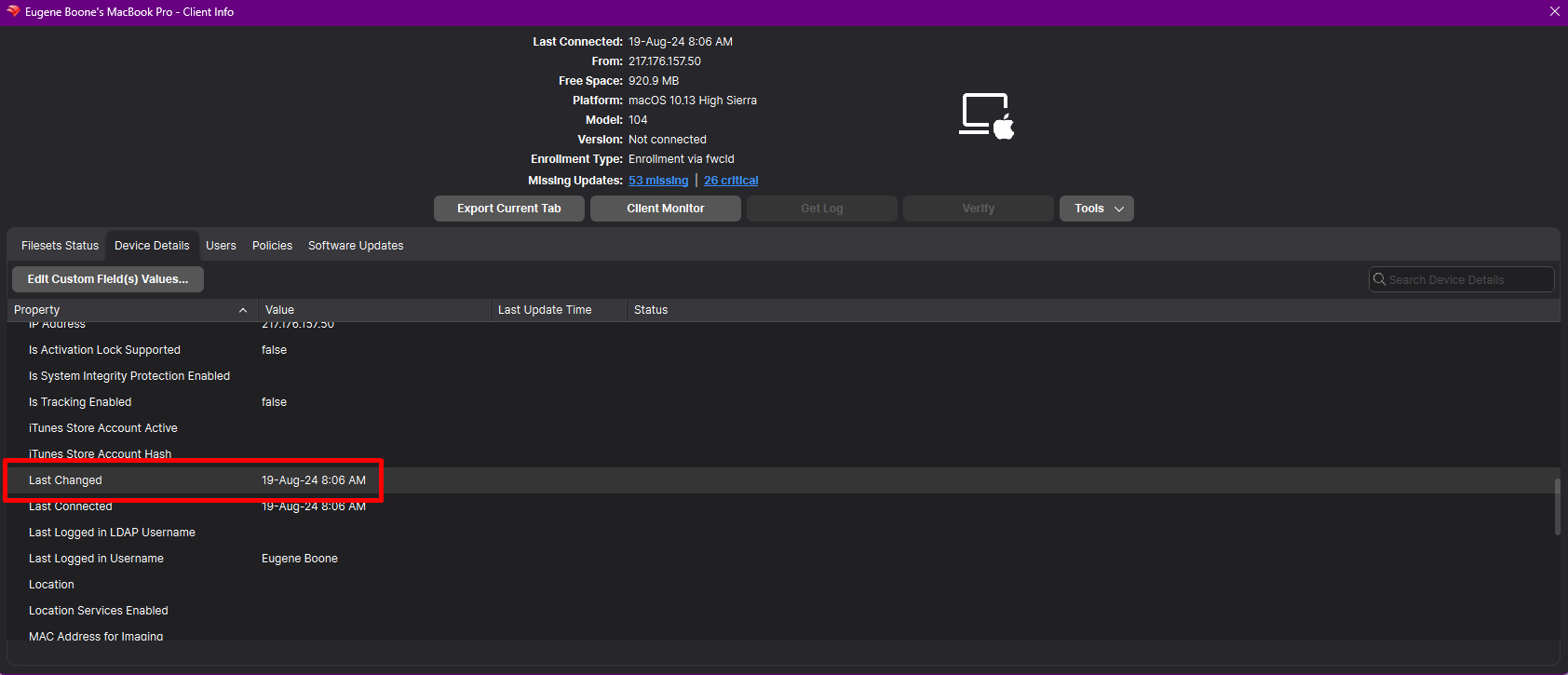
- In FileWave Central:
- Open FileWave Central.
- Navigate to the Clients tab.
- Select the device you wish to inspect.
- Locate the “Last Changed” field within the device’s inventory details.
- In FileWave Anywhere:
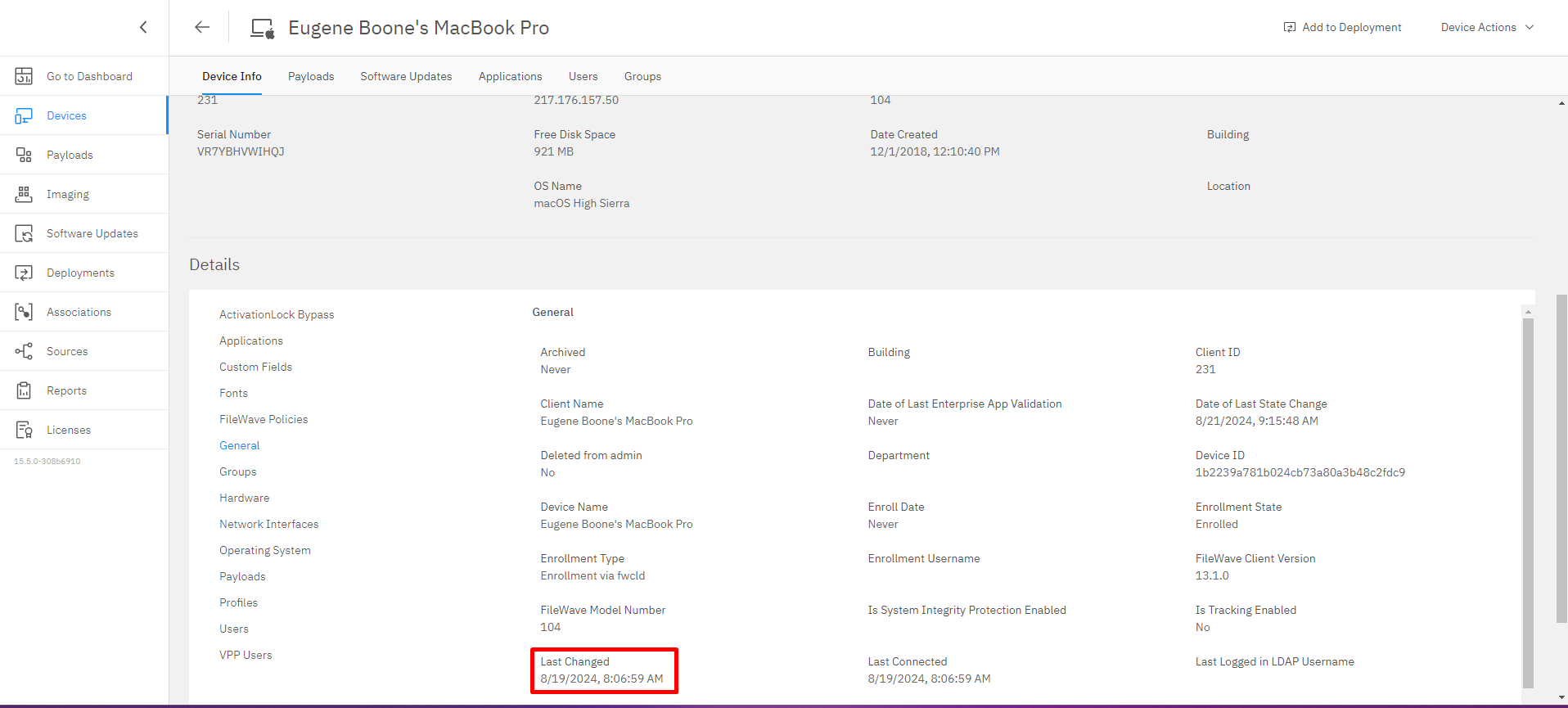
- Log in to FileWave Anywhere through your web browser.
- Go to the Devices section.
- Click on the specific device to view its details.
- Find the “Last Changed” field in the inventory information.
Utilizing the “Last Changed” Field
- Field Updates:
- The field provides a precise timestamp, helping you determine the exact moment a change occurred.
- Useful for troubleshooting and verifying when specific updates were made.
- API Integration:
- The “Last Changed” field is included in public inventory API responses.
- Enables developers to:
- Optimize data sync: Check the “Last Changed” timestamp before pulling updated data.
- Improve automation timing: Trigger scripts or integrations only when inventory has changed.
Important Notes
- Custom Fields Association:
- Associating or disassociating custom fields with a device updates the “Last Changed” timestamp.
- Helps in tracking changes to custom data points specific to your organization’s needs.
- Client Reporting:
- Each client inventory report updates the “Last Changed” field.
- If a device appears stale, compare this value with the device’s last check-in and inventory reporting behavior.
No comments to display
No comments to display