Creating a New Revision
What
Create a new Fileset revision when you need to update an existing Fileset without losing the earlier version.
When/Why
Fileset revisions are useful for applications and payloads that will be updated over time. For example, you can keep the current Firefox revision assigned while preparing a newer Firefox revision for testing or rollout.
How
Add a revision from the Manage Revisions view by clicking the plus icon:
Choose the revision type that matches the change. Start empty when you do not want files from the previous revision. Duplicate the previous revision when you want to keep existing content, scripts, or properties and edit from there. Once the revision is created, edit it like any other Fileset.
When creating a new revision, youchoose how much of the previous revision should be copied:
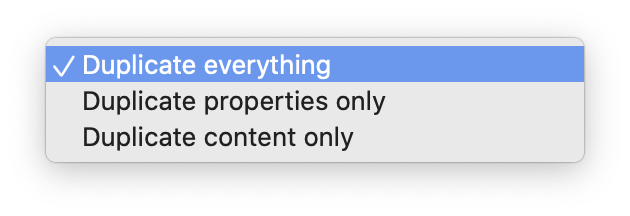
You can duplicate everything, duplicate only the properties, or duplicate only the content from an earlier revision:revision.
Drag-and-drop revisions
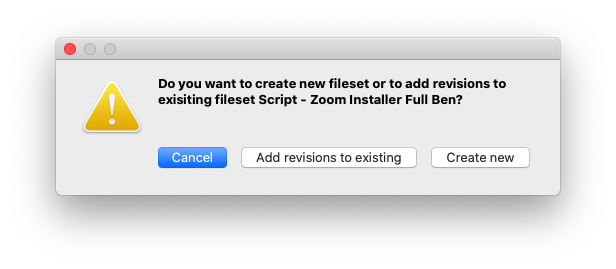
You can also create Fileset revisions by dragging files from the file system onto an existing Fileset. FileWave will prompt you to create a new Fileset or add revisions to the existing Fileset:Fileset.
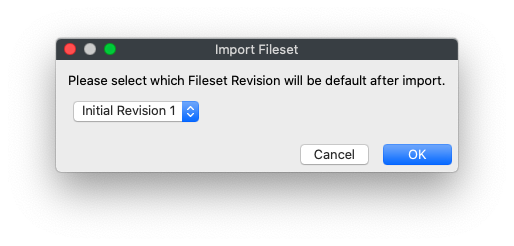
If you add revisions, FileWave will also ask which revision should be the default after import: