
Managing Revisions
What
ThereFileWave arerevisions quitelet you keep multiple versions of a numberFileset, ofprofile, thingsor wescript canavailable dofor totesting, "manage" revisions. We can create new revisions, edit them, delete them,rollback, and setproduction default revisions.deployment.
When/Why
OurThe revision management optionsactions breakdown as follows:are:
EditingEditrevisionsrevision(different from editing the contents of the revision) allows usmetadata to change thenamesrevisionandnamedescriptionsorofdescriptionrevisionswithout changing the revision contents.CreatingCreatethemaallows usrevision tocreateaddadditionalanotherrevisionsversioninwithin the currentfilesetFileset.Deleting a revision, as the name implies, allows us to removeDelete a revisionfromwhenathatfilesetversion should no longer be available.SettingSet a revision asthe "Default" allows usDefault toeasilycontroldealwhichwithrevision existing associations use for testingandorproduction in different waysproduction.
How
TheAccess thingthese that all of the options listed above have in common is they are all accessed in the same way,actions through the "Manage Revisions"Revisions button in the Fileset Editor, the Script Editor, or the Fileset Properties window, as shown below:


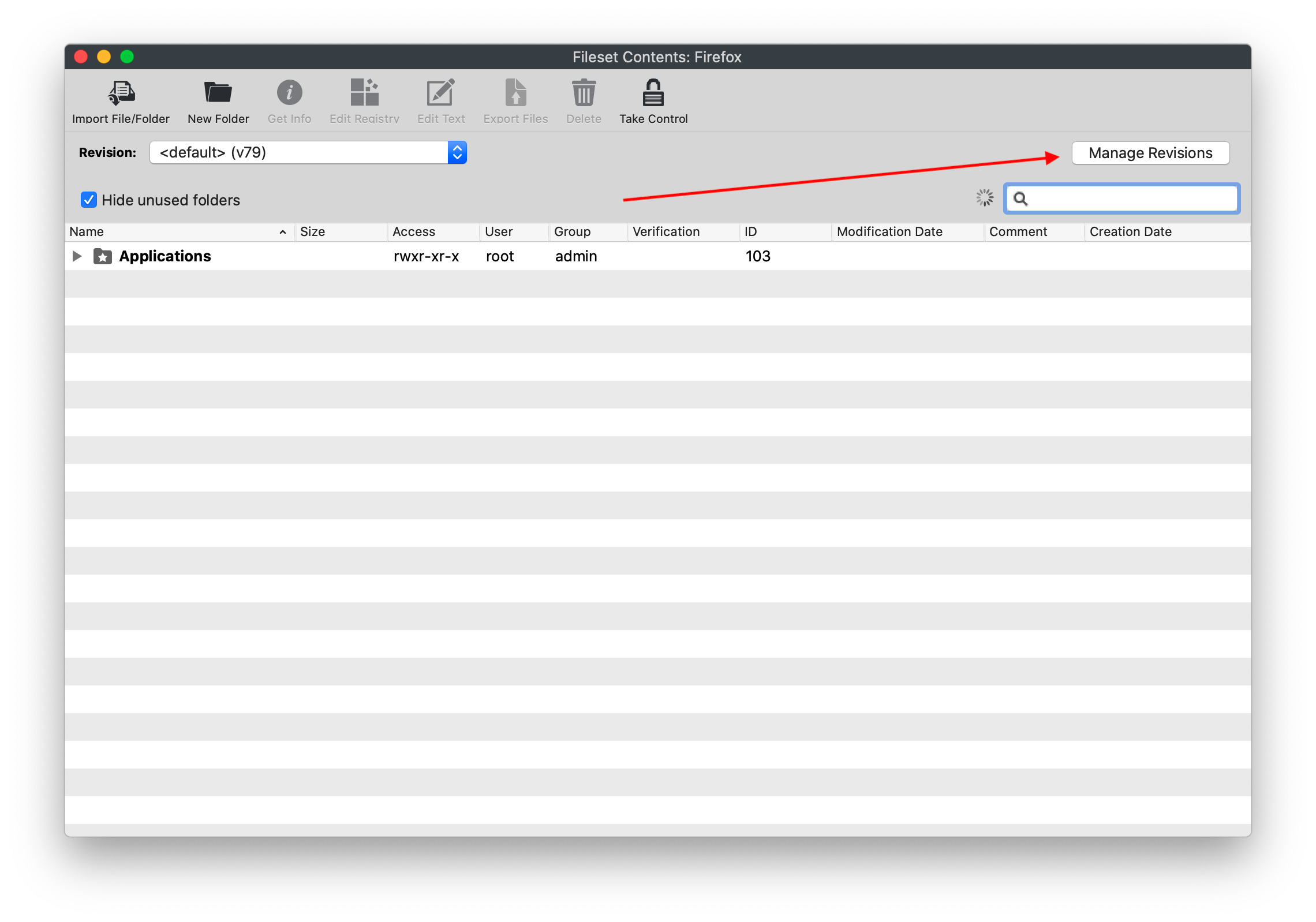
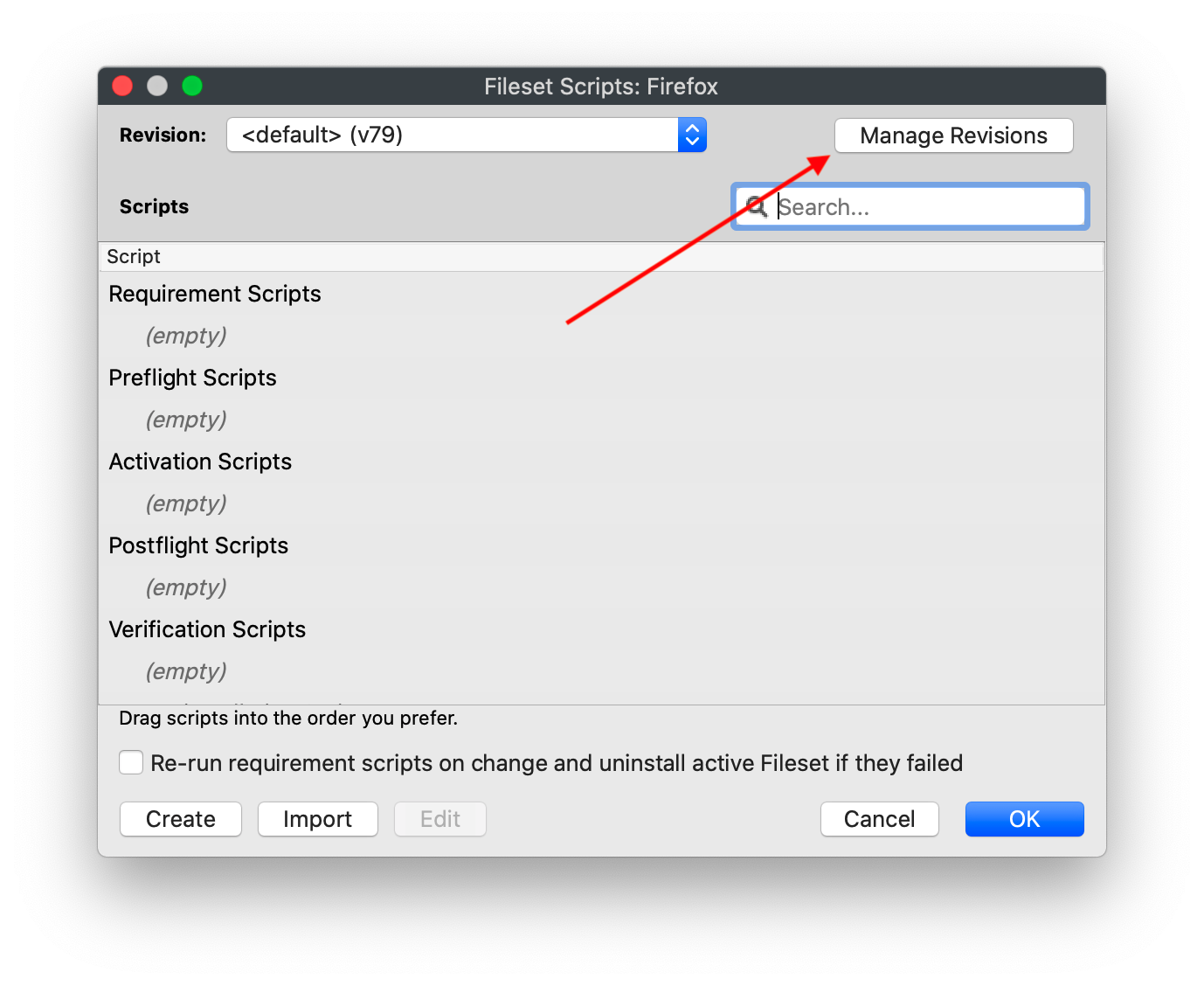
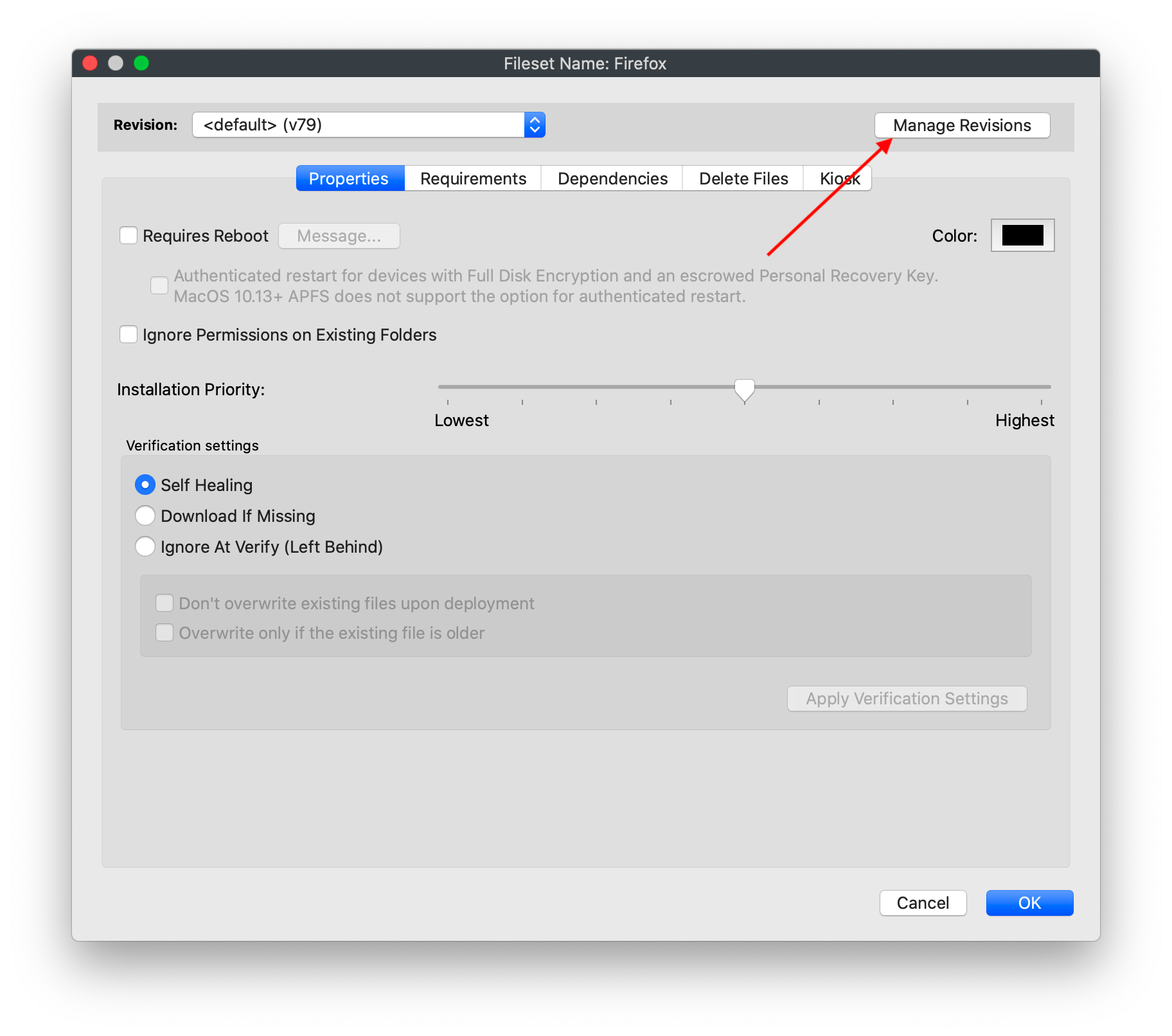
Each ofUse the managementrelated optionsarticles isbelow detailed infor the articlesstep-by-step linkedworkflow below.for each revision action.