Removing/Deleting a Revision
Removing/Deleting a Revision (v14+)
What
WeYou can create revisions, so of course we want to be able to delete thema asFileset well.revision when it is no longer needed.
When/Why
We'llKeep usuallythe wantprevious torevision deletewhen you may need it for rollback. Older revisions wheneverthat the revision isare no longer pertinent.useful can Webe would probably always leave the N-1 version of our fileset, but if we have older revisions, we would certainly wantremoved to cleanreduce upclutter toand save on disk space.
How
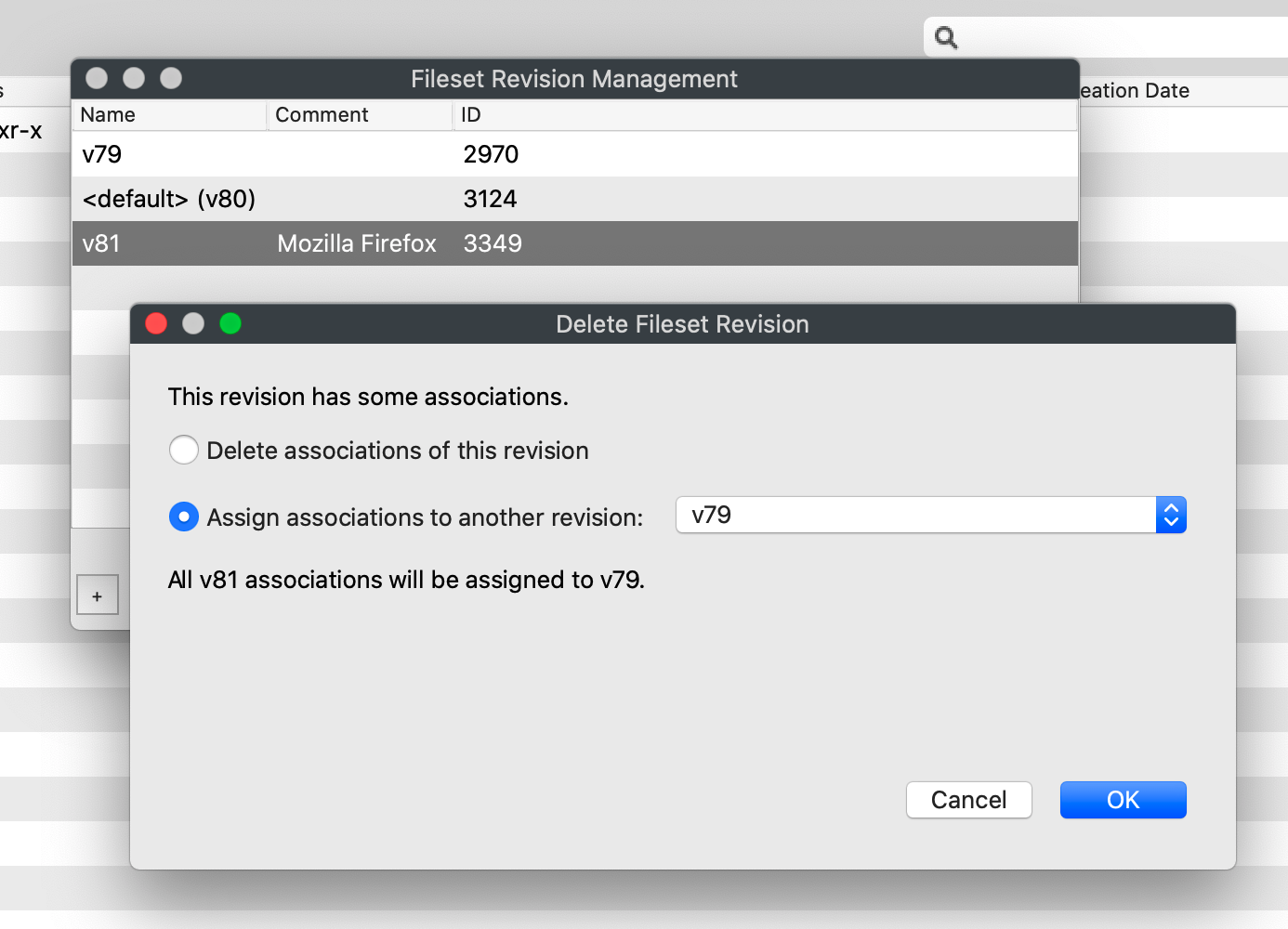
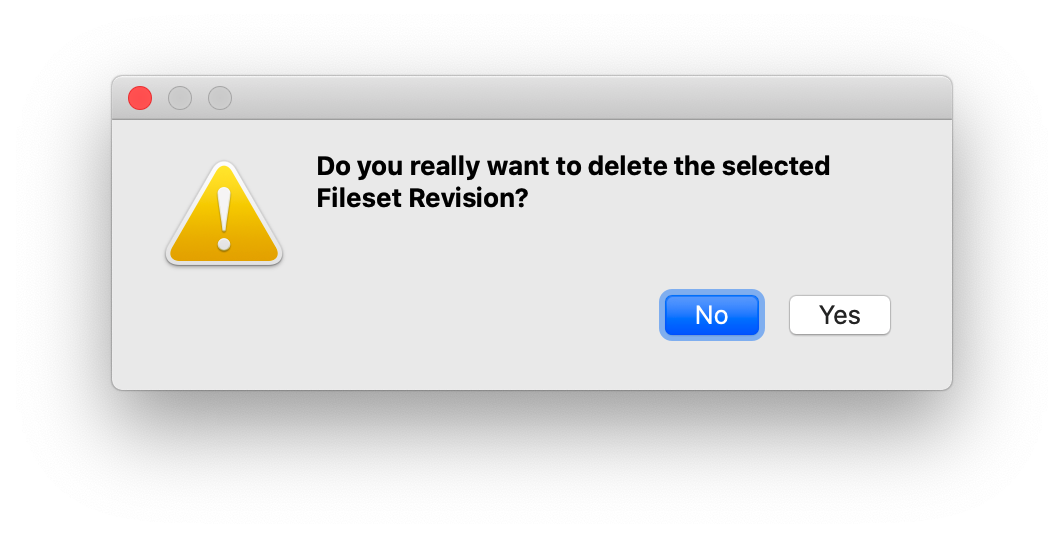
If we go intoIn the "Manage Revisions"Revisions view, we can select athe revision and hitclick the minus signbutton to remove it. If no associations exist foruse that revision, we'llFileWave simply getshows a promptconfirmation to confirm:prompt:

But, if there isIf an association,association westill canuses the revision, choose whether to remove thethat association outright, or switchmove it to another revision: