
Admin Login Using an IdP Provider
What
You'llAfter noticeyou someconfigure newan optionsidentity nowprovider for(IdP), loginFileWave onceCentral and FileWave Anywhere show an IdP providersign-in isoption specified.on the login screen.
When/Why
We'llUse wantthis tooption usewhen thesean newadministrator optionsshould wheneverauthenticate we want to login usingwith IdP credentials.credentials instead of a local FileWave account.
How
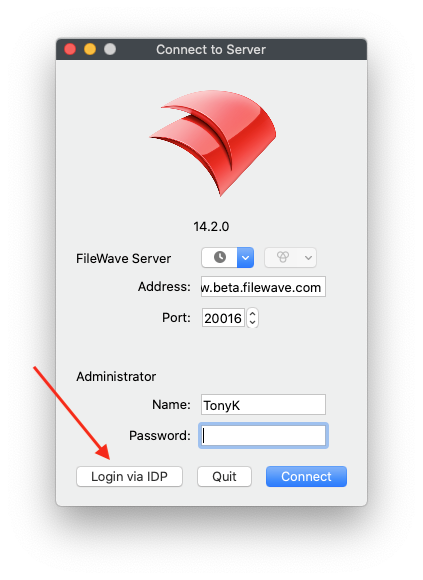
In bothFileWave Central or FileWave Anywhere, select the Anywhere and Central admins, you just have to click a button toIdP login option shown on the login screen.
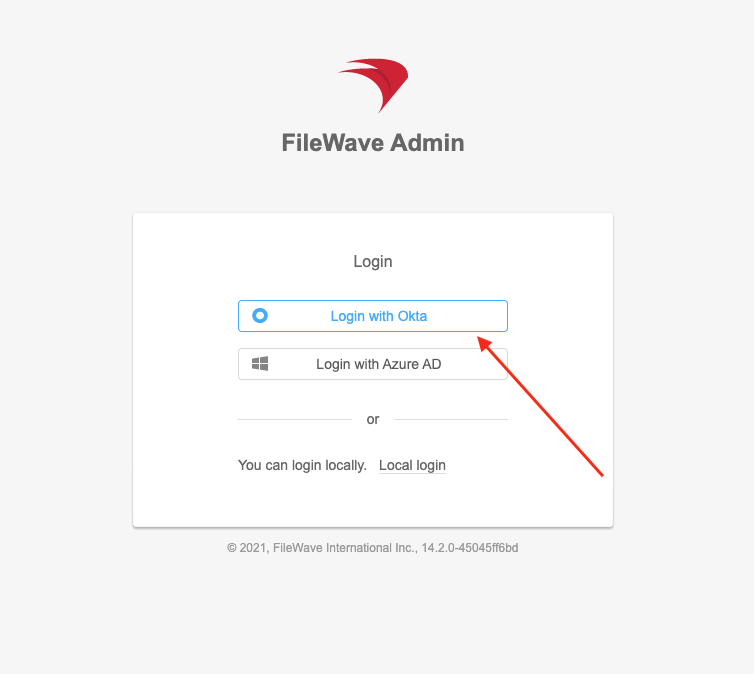 .
. 
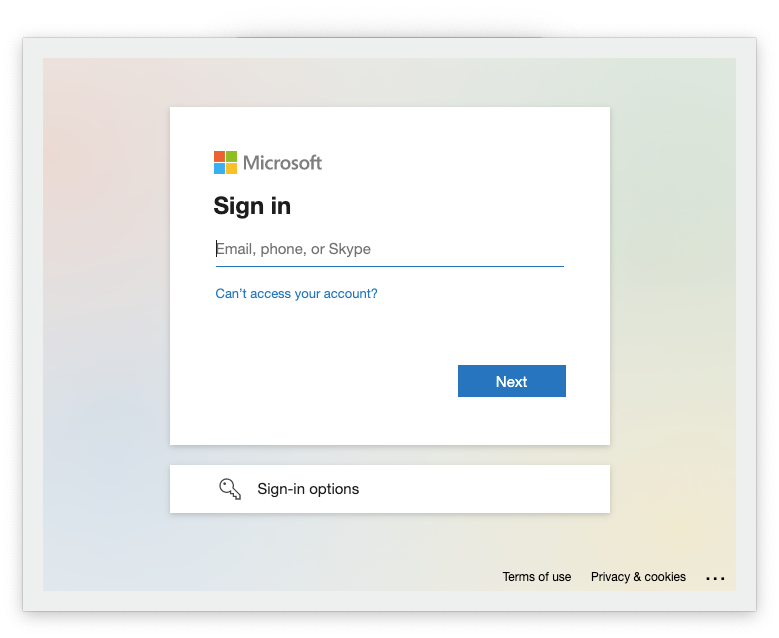
FileWave then prompts for the IdP sign-in details.
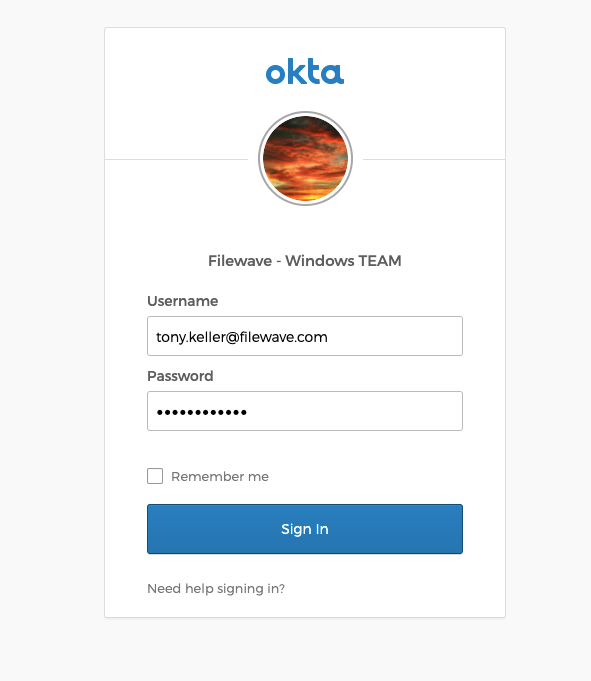 .
. 
Signing out of FileWave only ends the FileWave session. If the browser still has an active IdP session, the next FileWave login may authenticate automatically. Sign out of the IdP in the alternatebrowser manner:
.
And,when inyou bothneed cases,to you'll be prompted forend the IDP'sSSO loginsession information
.
Logging in and out with an IdP isn't the same in the web admin as a "local" account. If you have other sessions open with your IDP credentials, you'll find that you authenticate straight through. And, "logout" of the FileWave Admin does not log you out of other IdP related web sessions. completely.