Admin Login Using an IdP Provider
What
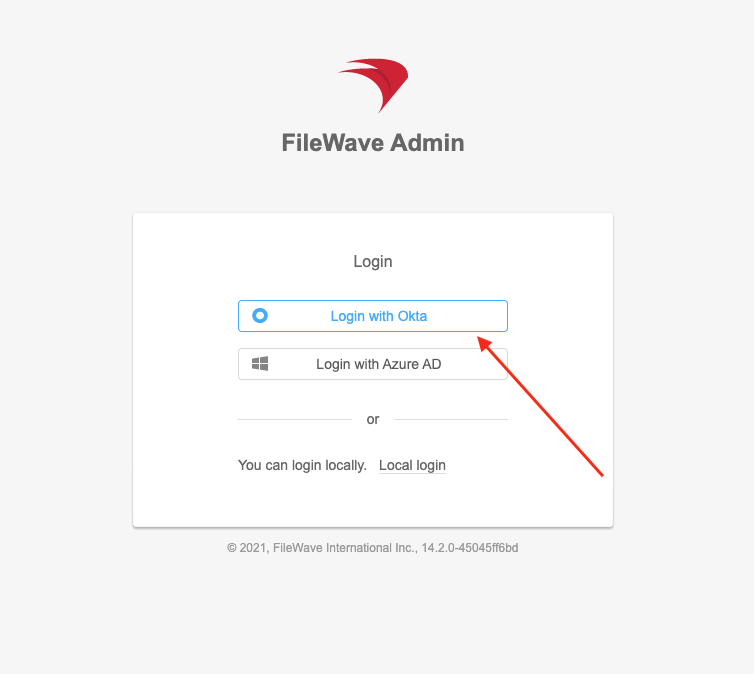
After you configure an identity provider (IdP), and administrator group access are configured, FileWave Central and FileWave Anywhere show an IdP sign-in optionoption. onAdministrators can authenticate through Microsoft Entra ID, Okta, Google, or Keycloak instead of using a local FileWave account.
FileWave Central 16.4 uses the logincomputer’s screen.system browser for IdP authentication instead of an embedded sign-in frame. The change is automatic and requires no additional FileWave setting. FileWave Central 16.3.x and earlier use the embedded flow.
When/Why
Use thisIdP optionadministrator login when anaccess should follow the organization’s identity-provider policies, including provider-managed multi-factor authentication, conditional access, saved browser credentials, and SSO session behavior.
Local FileWave administrator shouldaccounts authenticateremain withavailable through the local-login option. Keep a secured local administrative path for recovery and IdP credentialstroubleshooting.
FileWave Central 16.4
Start FileWave Central and select the intended FileWave Server.
Select Login via IdP.
FileWave Central opens the configured default system browser instead of
adisplaying localthe FileWaveprovider account.inside How
Central.
In
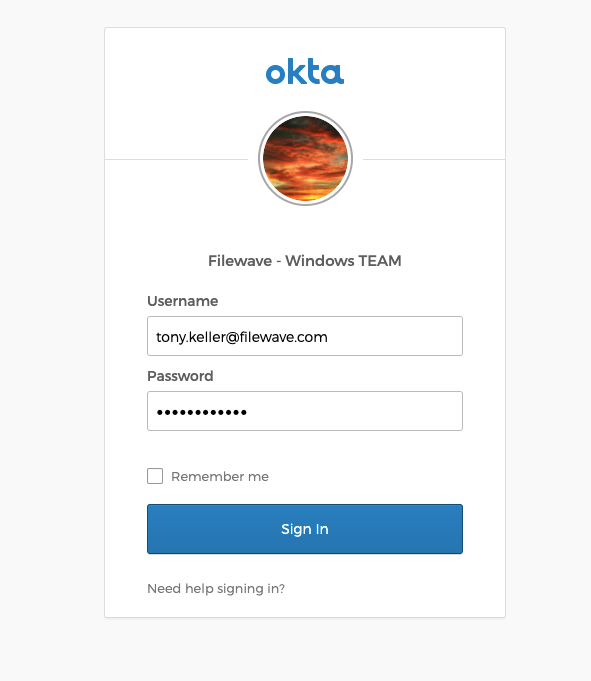
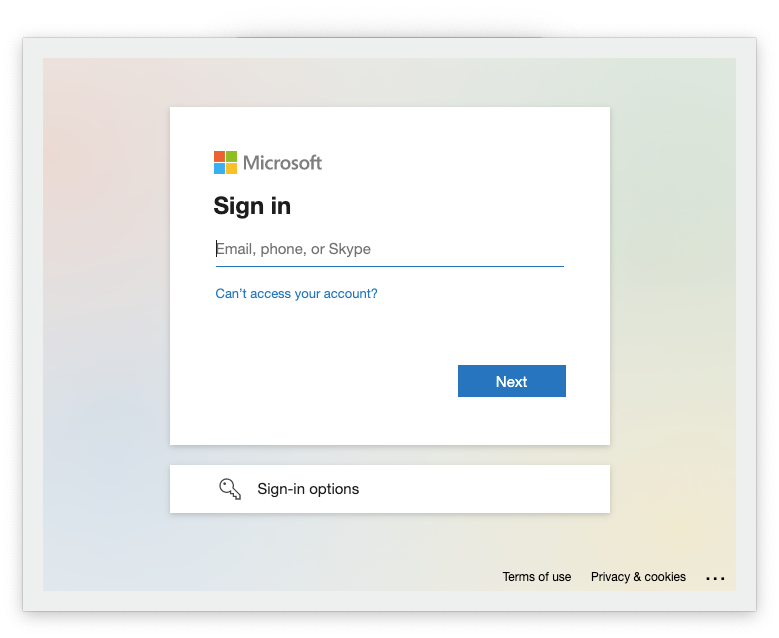
Select the provider when more than one IdP is available, then complete the provider’s sign-in, multi-factor authentication, and consent or policy checks.
After successful authorization, FileWave Central
orcompletes FileWavethe Anywhere,connection selectusing the permissions assigned to the matching IdP Group Account.
Because the provider runs in the system browser, it can use browser-managed credentials and an existing provider session when the IdP loginand optionorganization shownpolicy permit it. No FileWave preference switches the 16.4 desktop application back to the embedded frame.
FileWave Anywhere
Open FileWave Anywhere in a supported browser.
Select the configured provider on the login
screen.page.
 .
.
Complete 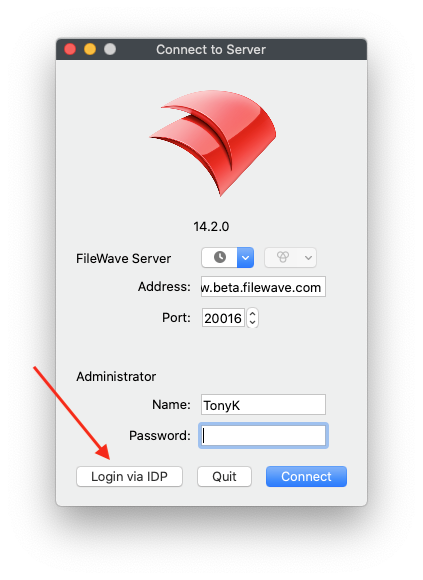
FileWave thenAnywhere promptsalready foroperates in a browser, so the IdPFileWave Central 16.4 system-browser change does not create a separate Anywhere login model.
Browser sessions and sign-in details.out
 .
. 
Signing out of FileWave only ends the FileWave session.session; it does not necessarily end the identity-provider session stored by the browser. If the system browser still has an active IdP session, the next FileWave login may authenticate automatically. Sign out offrom the provider or use the intended browser profile when a complete SSO sign-out or account change is required.
Verify the displayed provider account before approving access, especially on shared administrator workstations.
Apply browser and device security controls appropriate for privileged administration.
Test IdP login with a non-emergency administrator before relying on it as the only routine access path.
Keep IdP group membership and FileWave permissions aligned with least privilege.
Troubleshooting
SymptomCheck
Login via IdP is not availableConfirm that an IdP is configured for administrator use and that the required IdP Group Account exists in Assistants > Manage Administrators.
FileWave Central does not open a browserConfirm that the operating system has a working default browser and can open HTTPS links, then restart Central and retry.
The provider signs in, but Central does not complete the connectionReview the provider configuration, group membership, FileWave permissions, redirect/authorization result, and FileWave Server logs. Retry without closing the browser before the provider finishes.
The wrong provider account is reused automaticallySign out from the IdP in the
system browser
asor well when you needswitch to
endthe browser profile containing the
SSOintended sessionadministrator completely.account, then start the FileWave login again.
The user authenticates but lacks accessConfirm membership in the mapped IdP group and review the permissions assigned to that IdP Group Account in FileWave Central.
Related Content
Provider IdP(IdP) Setup:Integration Azure AD
IdP Setup: Okta
Configuring DEP Profiles for IDP AuthenticationOverview
Adding IdP Groups for FileWave Authentication
IdP Setup: Google
IdP Setup: Microsoft Entra ID
IdP Setup: Okta
IdP Setup: Keycloak
