
Integrating MacOnboardingMate (MOM) with FileWave
What
This article is about MacOnboardingMate (MOM), ahelps toolonboard thator streamlinesmigrate theMacs onboarding and migration of Mac devices across differentbetween Mobile Device Management (MDM) solutions,solutions includingwhile FileWave.preserving Automated Device Enrollment context. This page explains where MOM fits when FileWave is the destination MDM or part of the onboarding flow.
When/Why
Use MOM is utilized when a Mac needs to be onboarded to aninto MDM solution or migratedmoved from one MDM platform to another. ThisCommon isuse relevantcases wheninclude anew-device newprovisioning, MDM migration projects, and device istransfers addedwhere you want to your network, a device is being transferred to a different MDM platform, or when you are initiating an MDM switch project. MOM retains thepreserve Automated Device Enrollment configuration during migration, a key feature for most organizations.behavior.
How
MOM operates inhas two different execution modes: Launcher and AutoLauncher.
Launcher is used when MOM isruns manually run outside of an MDM, whileMDM. AutoLauncher is used when MOM is operatedruns from within an MDM, either automatically or manually through a Self Service.
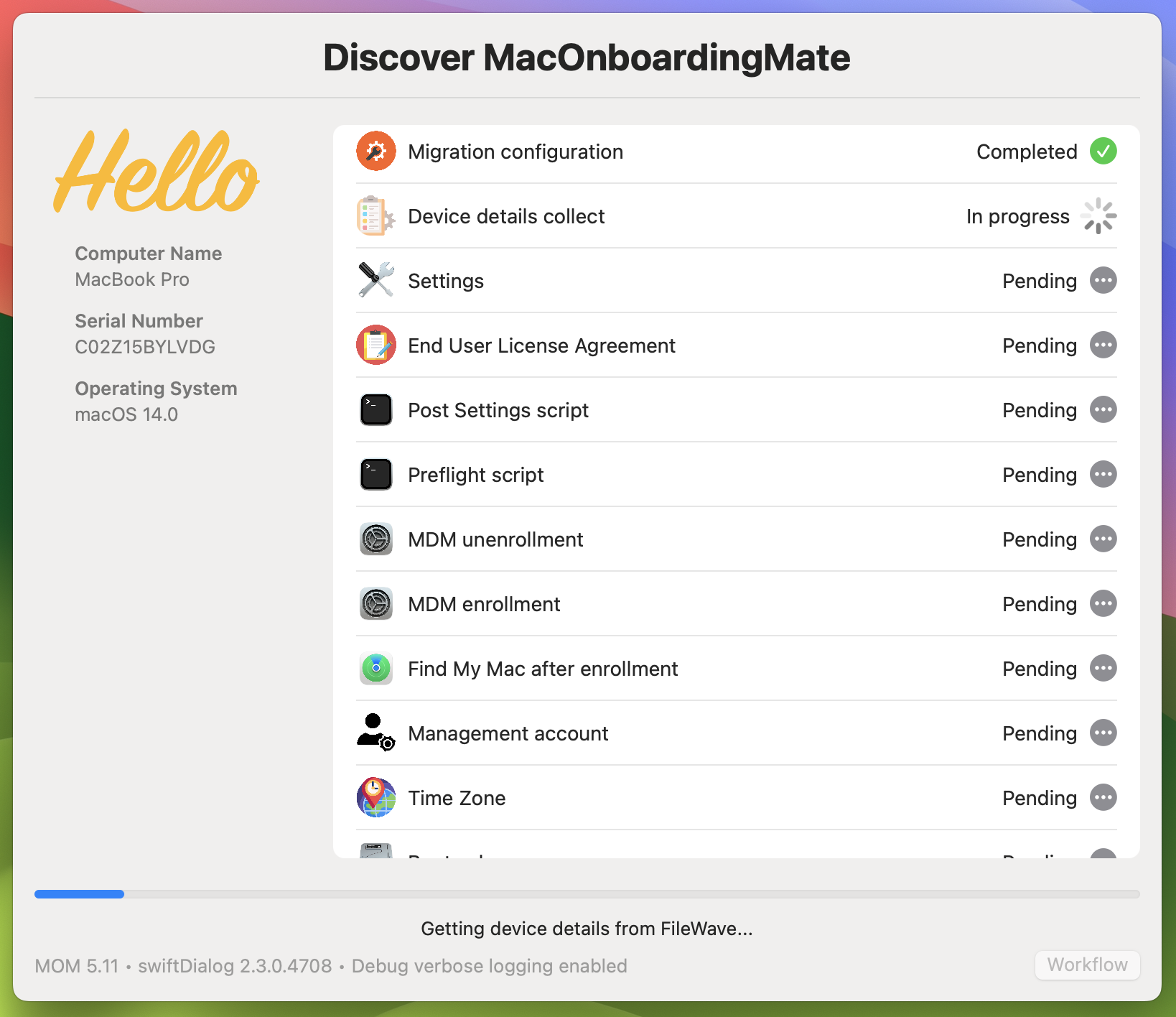
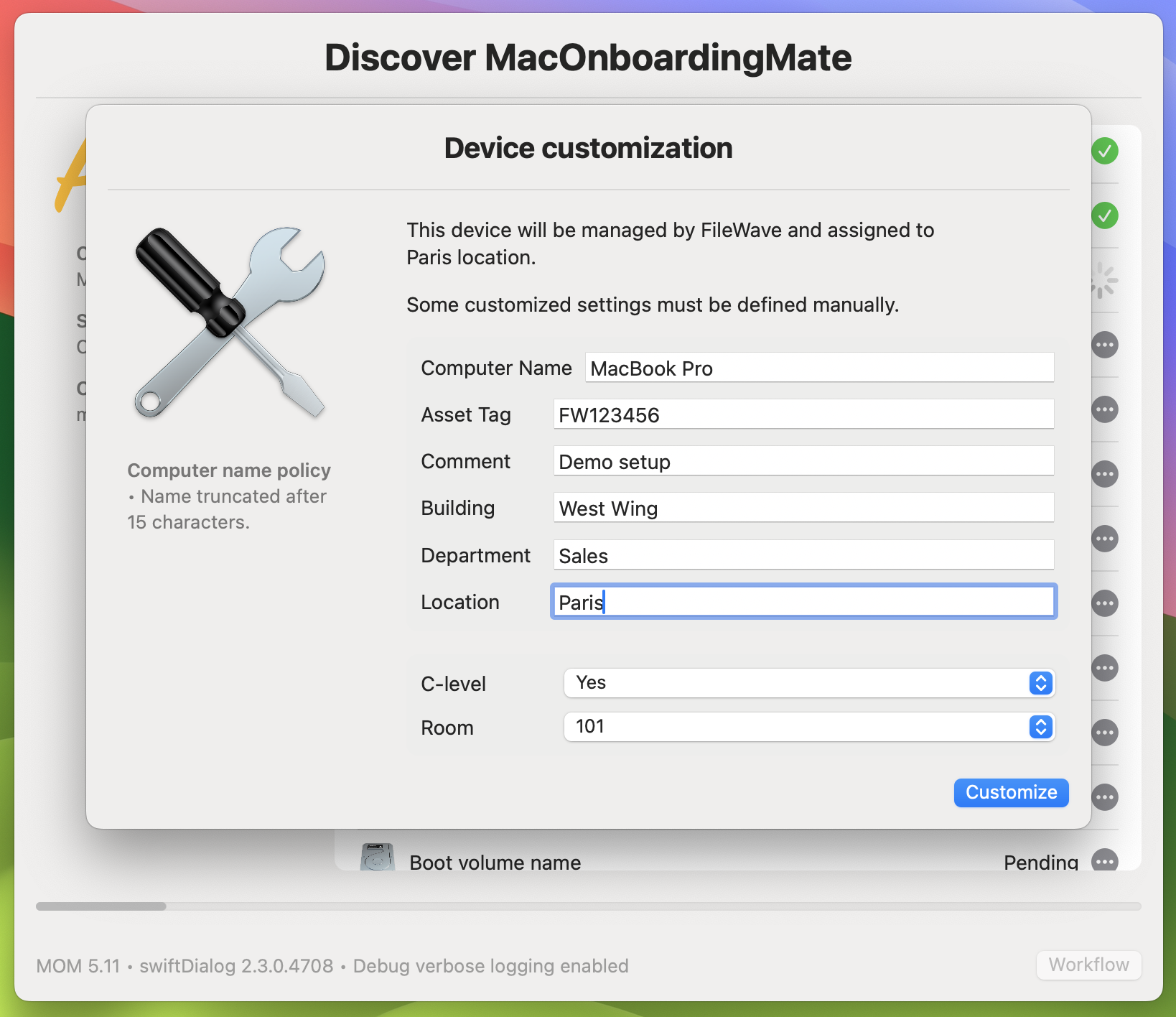
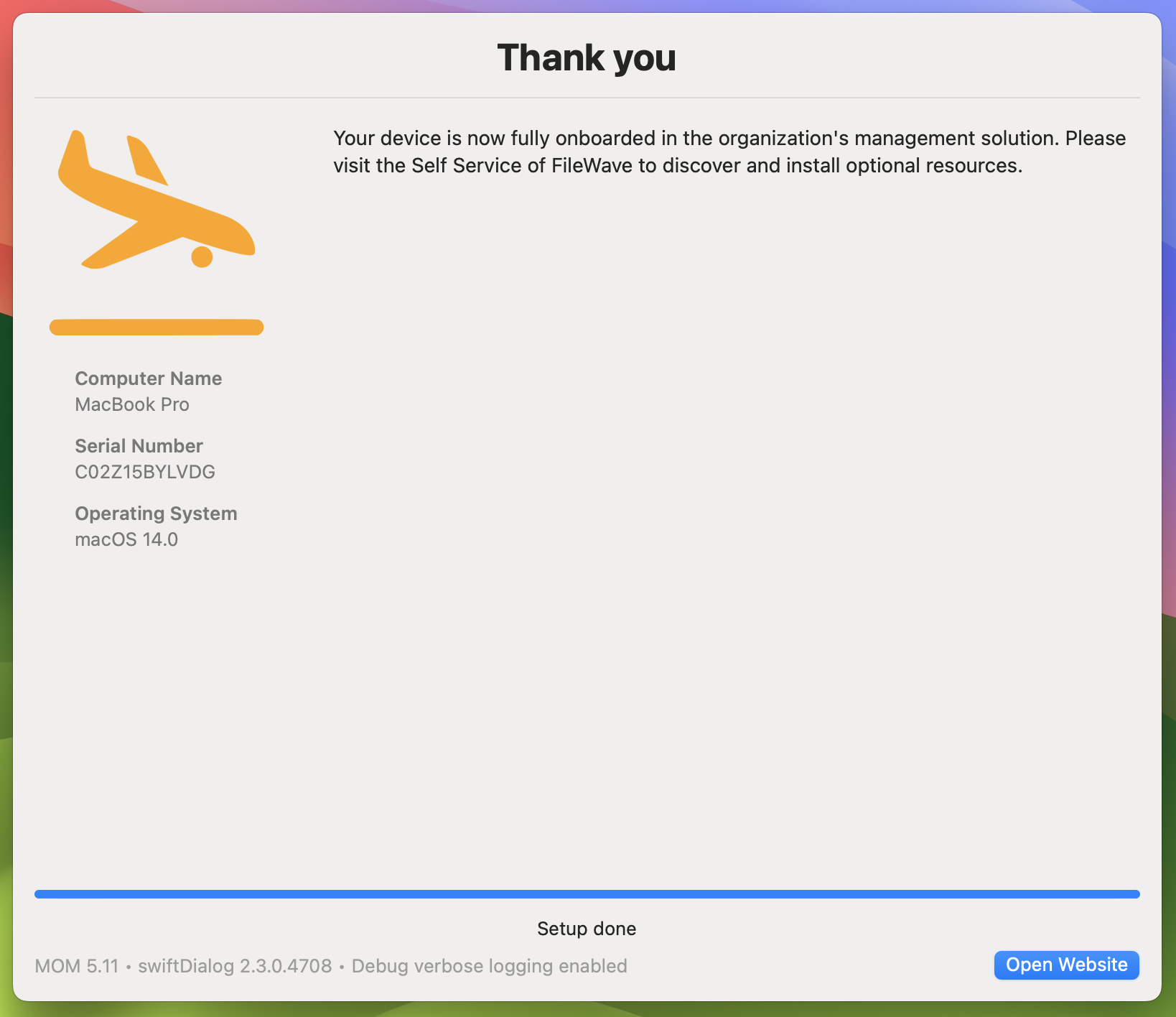
MOM will facilitatehandles the onboarding or migration process,workflow, managing both theincluding unenrollment from the previous MDM and the enrollment into FileWave. For new onboarding, MOM is runruns from within the FileWave MDM and started during the Setup Assistant. For migration to FileWave, MOM is executedruns from the MDM that the deviceMac leaves.is leaving.
MOM's latest versionMOM includes a newswiftDialog-based userinterface, while the DEPNotify-based interface based on swiftDialog. The previous interface, based on DEPNotify, is stillremains available to ensure a smooth transition for existing users.workflows. MOM White white-glove provisioning combined with macOS Automated Device Enrollment offerscan give Mac deployments a similar experience as Windows Autopilot for pre-provisioned deployment.experience similar to Windows Autopilot.
The tool supports multiple languages, currently available in English and French, and can be localized to other languages as required. An important advantage of using MOM is its "turnkey" nature, requiring no scripting knowledge for implementation or upgrade. If necessary, it can be augmented with scripts at key steps of the workflows, offering flexibility and customizability.
CompleteAgnosys documentationprovides on how to usecomplete MOM with FileWave isdocumentation providedafter upon purchase, offering detailed instructions and support. Please note thatpurchase. MOM supports a variety ofmultiple MDM solutionssolutions, withincluding FileWave included.FileWave.
 |
 |
 |
Demos
Demo : Migration of a Mac between two MDM (DEPNotify)
Demo : Onboarding of a Mac enrolled during the Setup Assistant (DEPNotify)
Demo : Onboarding of a Mac enrolled from an opened user’s session (DEPNotify)
Related Links
- MacOnboardingMate Official Website - Comprehensive information about MOM, its features, and support.
- MacOnboardingMate - Management solutions support - EN - Agnosys
- Integrating EasyLAPS with FileWave
- Integrating Telepod with FileWave