
Integrating MacOnboardingMate (MOM) with FileWave
What
MacOnboardingMate (MOM) helps onboard or migrate Macs between Mobile Device Management (MDM) solutions while preserving Automated Device Enrollment context. This page explains where MOM fits when FileWave is the destination MDM or part of the onboarding flow.
When/Why
Use MOM when a Mac needs to be onboarded into MDM or moved from one MDM platform to another. Common use cases include new-device provisioning, MDM migration projects, and device transfers where you want to preserve Automated Device Enrollment behavior.
How
MOM has two execution modes: Launcher and AutoLauncher.
Launcher is used when MOM runs manually outside MDM. AutoLauncher is used when MOM runs from within an MDM, either automatically or through Self Service.
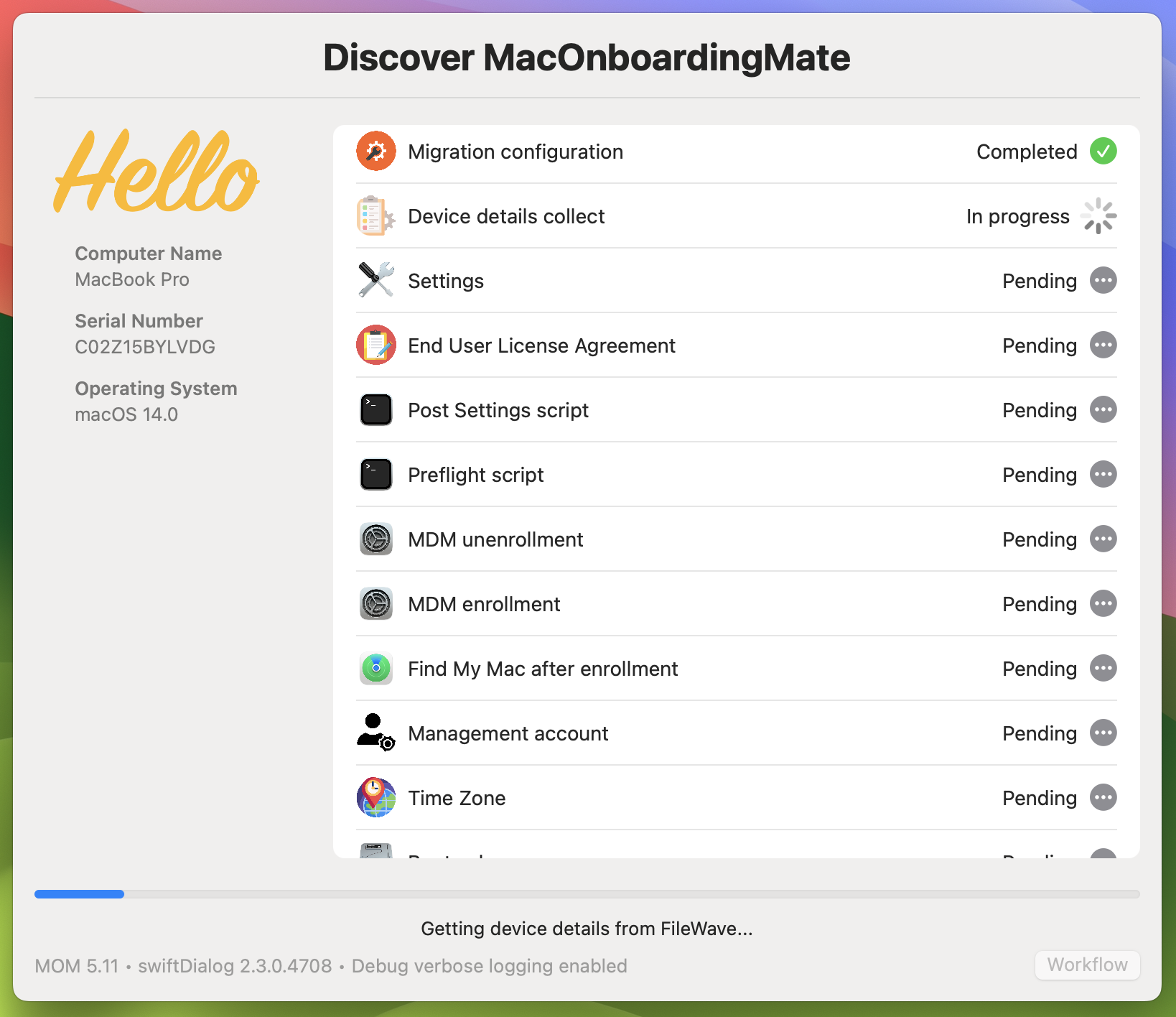
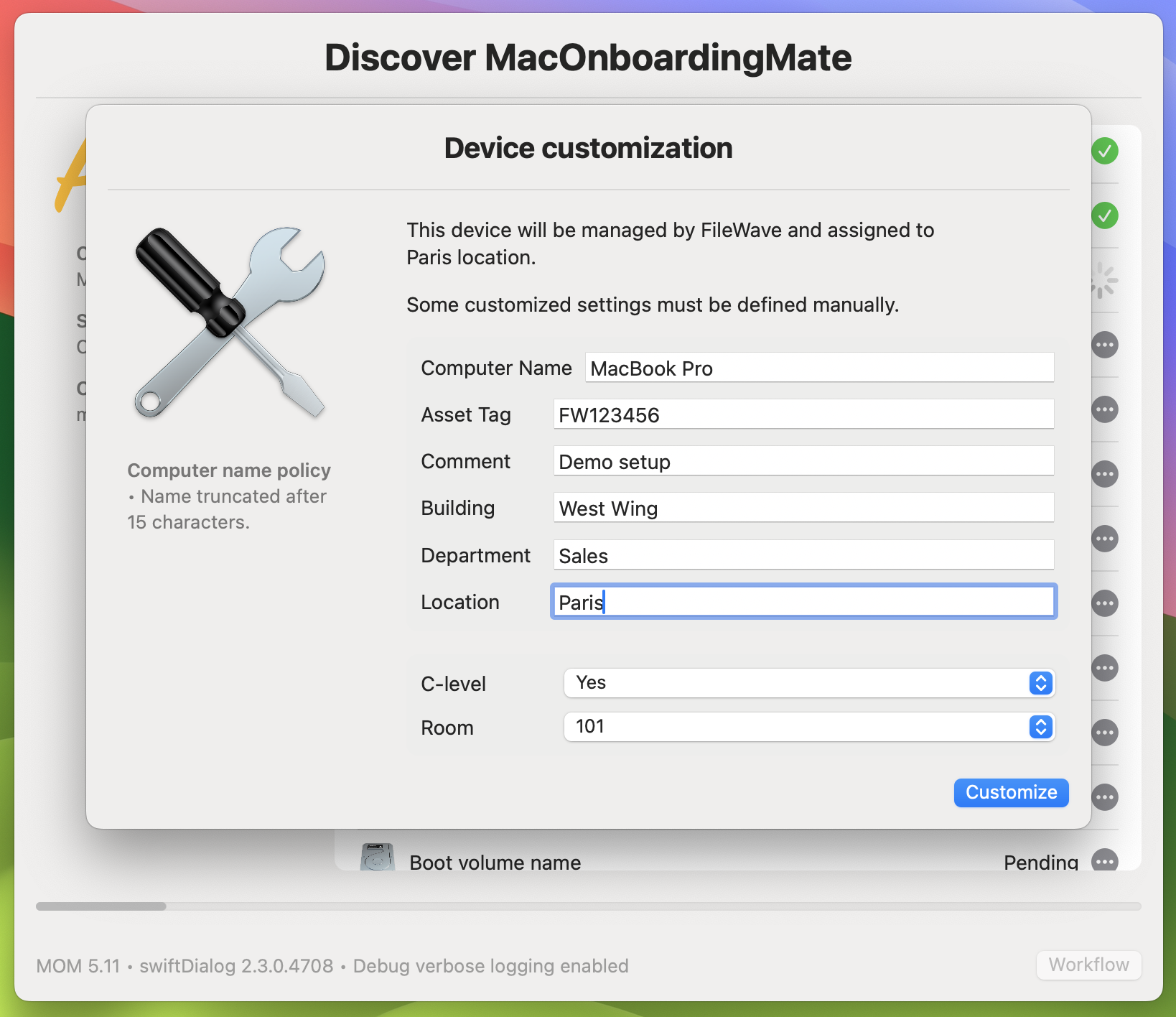
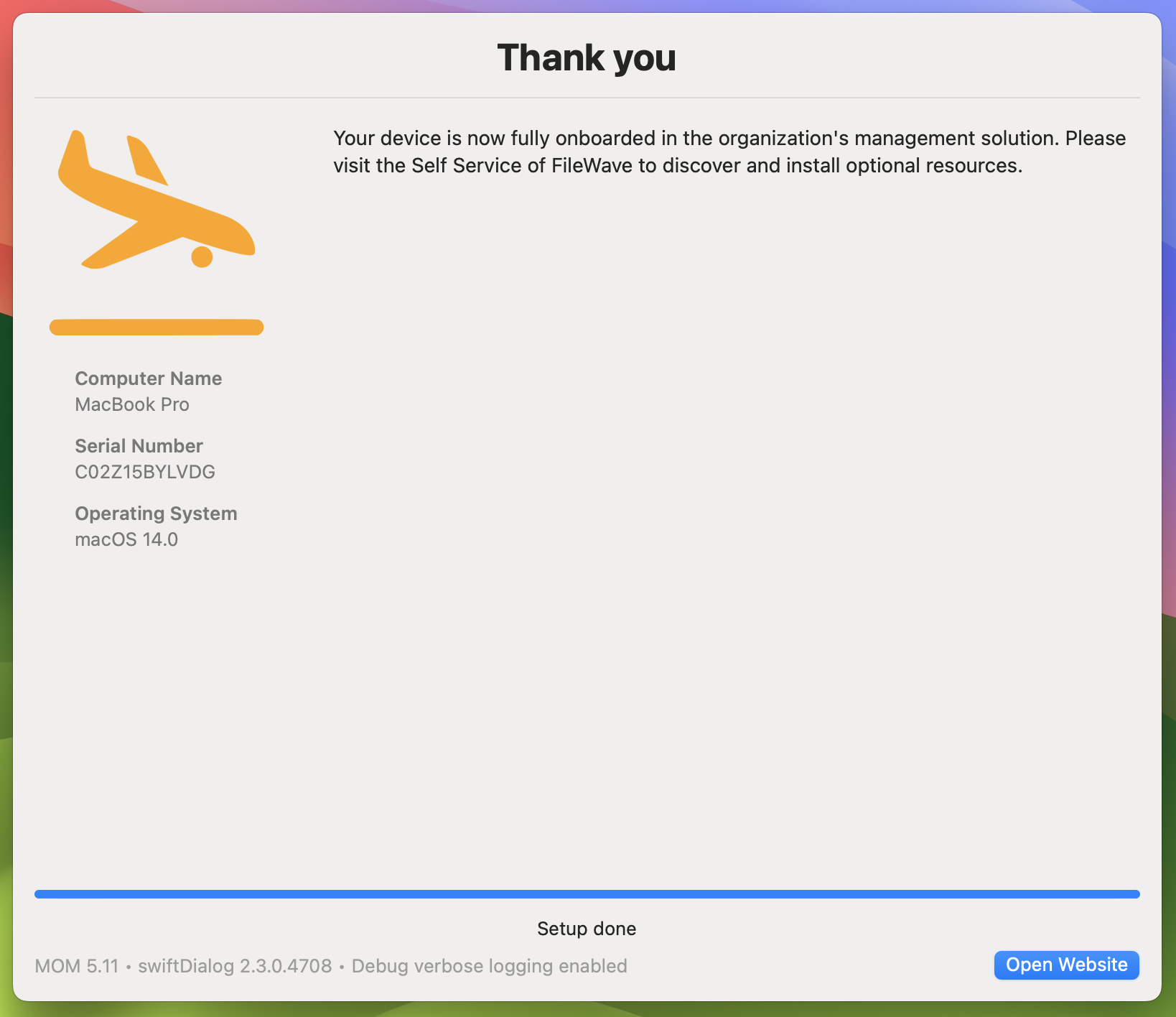
MOM handles the onboarding or migration workflow, including unenrollment from the previous MDM and enrollment into FileWave. For new onboarding, MOM runs from FileWave MDM during Setup Assistant. For migration to FileWave, MOM runs from the MDM the Mac is leaving.
MOM includes a swiftDialog-based interface, while the DEPNotify-based interface remains available for existing workflows. MOM white-glove provisioning combined with macOS Automated Device Enrollment can give Mac deployments a pre-provisioned experience similar to Windows Autopilot.
MOM supports English and French by default and can be localized for other languages. It is designed to work without custom scripting, but scripts can be added at key workflow steps when a deployment needs extra logic.
Agnosys provides complete MOM with FileWave documentation after purchase. MOM supports multiple MDM solutions, including FileWave.
 |
 |
 |
Demos
Demo : Migration of a Mac between two MDM (DEPNotify)
Demo : Onboarding of a Mac enrolled during the Setup Assistant (DEPNotify)
Demo : Onboarding of a Mac enrolled from an opened user’s session (DEPNotify)
Related Links
- MacOnboardingMate Official Website - Comprehensive information about MOM, its features, and support.
- MacOnboardingMate - Management solutions support - EN - Agnosys
- Integrating EasyLAPS with FileWave
- Integrating Telepod with FileWave
No comments to display
No comments to display