
Back to School / Device Refresh Introduction
Introduction
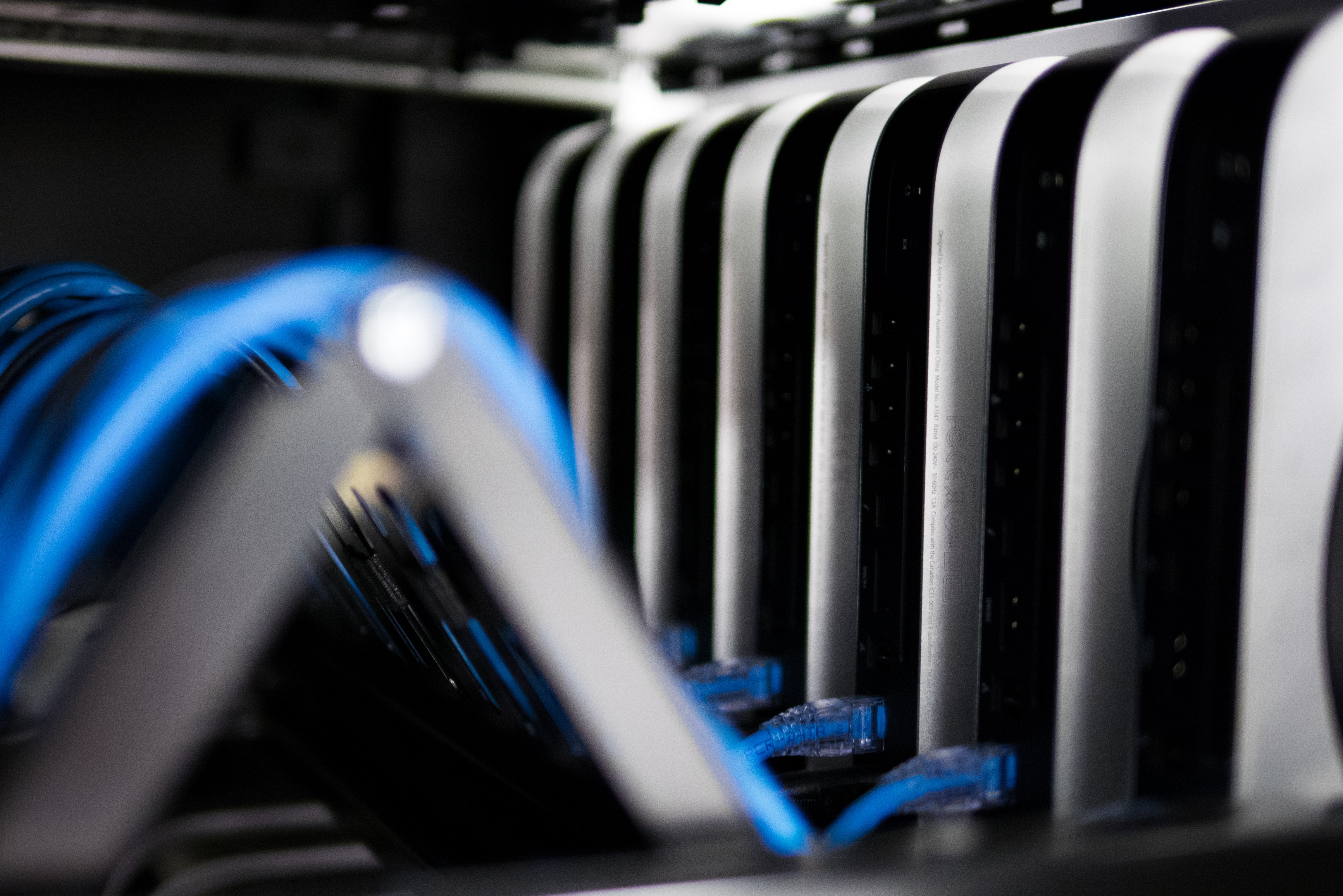 As we head into the fall, many organizations find it's a prime time to refresh, replace, and (re)Enroll devices. Whether you're an academic institution preparing for a new school year or a business updating your technology for the next fiscal year, the task of managing, replacing, and (re)Enrolling devices is a significant one.
Use this playbook to plan device collection, replacement, and re-enrollment. Before starting, name the project owner, identify which devices will be reused or returned, and define the pilot group and handoff schedule. Read Communication and Security during planning, before devices are collected or returned to users; those sections apply throughout the project.
- Preparing for (re)Enrollment: plan collection, prepare and test Filesets, confirm app licenses, and decide how devices will receive their assignments.
- During (re)Enrollment: prove the process with a small batch, then scale within staff and network capacity. Review the guidance for each platform in your project:
- Post (re)Enrollment: verify installed software, inventory, Kiosk access, and the support handoff.
- Communication: tell users when devices are needed, what data they must save, and where to get help.
- Security: plan and verify the required protections before handing devices back.
- Device Refresh and Re-enrollment Checklist: record completion criteria, owners, and devices that still need attention.
A device is ready for handoff when it has the intended assignment, required apps and settings, and current inventory in FileWave. Keep failed or deferred devices on an exception list until they meet your completion criteria. For help planning or running your refresh, contact FileWave Professional Services at professional.services@filewave.com.
No comments to display
No comments to display