
Resolving “Login failed: User sync failed” Error in Grafana
What
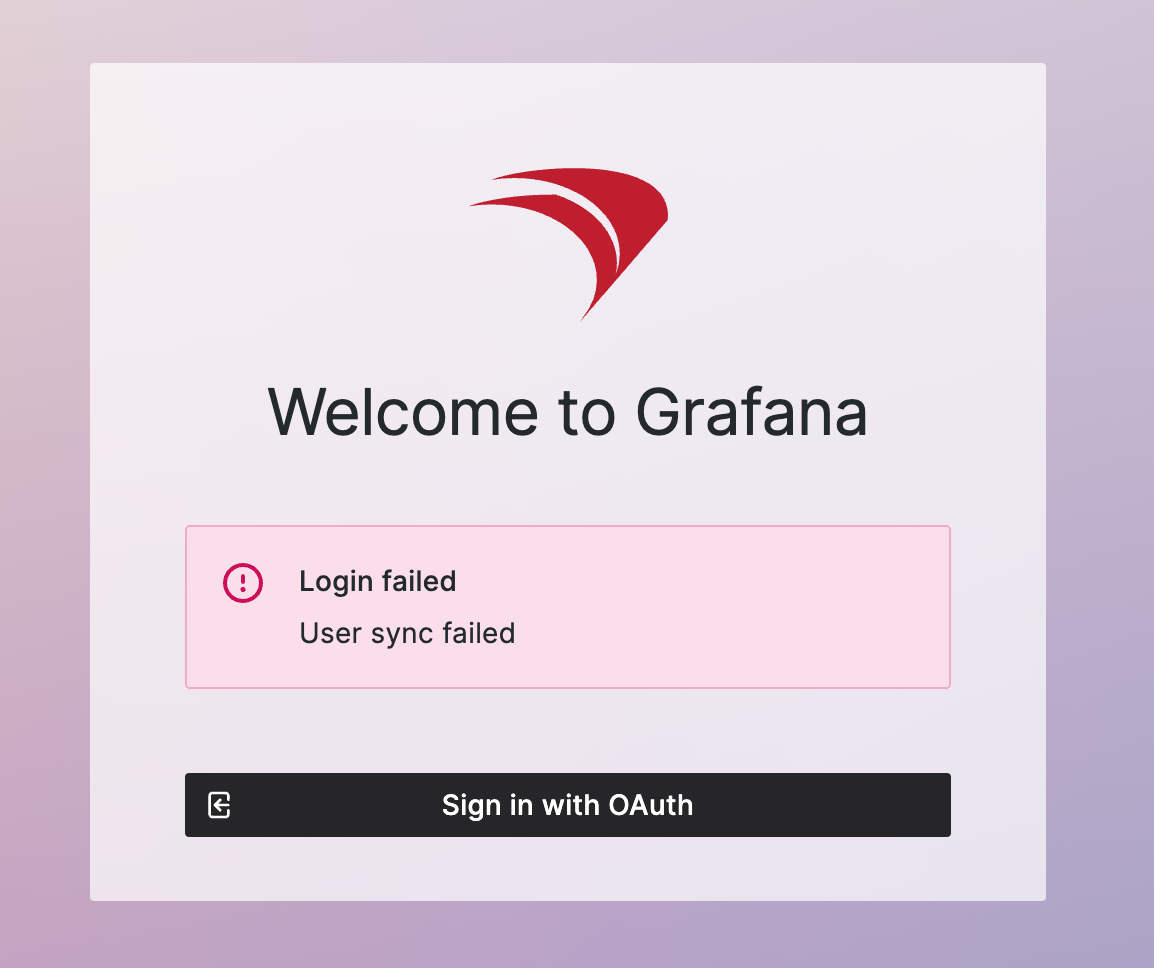
This article addressesexplains how to resolve the issue of encountering a “Login failed: User sync failed” error when loggingan intoadministrator Grafanasigns in to the FileWave Dashboard through FileWave Anywhere.Grafana.
When/Why
This error occurs when therea FileWave administrator account uses a username that conflicts with Grafana. The most common case is a usernameFileWave conflict between Grafana and FileWave. Specifically, if anCentral administrator user named “admin”, issince createdGrafana inalso FileWaveuses Central, it conflicts with Grafana’san internal use of the “admin” username.account. ThisThe issueconflict iscan commonappear when administratorsthat useadministrator the “admin” username in FileWave Central -> Preferences -> Manage Administrators and then attempttries to log in toopen the FileWave Dashboard viathrough Grafana.
How
To resolve this issue, you need to avoidAvoid using the “admin” usernameas ina FileWave.FileWave Followadministrator theseusername. Use the steps assumingbelow the user isfor a built-in useradministrator ratheraccount. thanIf onethe comingaffected administrator comes from an LDAP or an IdP:, rename or adjust the account in that identity source instead.
- Access FileWave Central:
- Open FileWave Central.
- Navigate to Preferences -> Manage Administrators.
- Rename the “admin” Account:
- Identify if an “admin” user exists.
- Rename this user to a specific named account, such as
“BobaRandall”.real administrator name. - Ensure the new username is unique and does not conflict with other system usernames.
- Create Named Accounts:
- Create individual named accounts for each administrator.
For example, use names like “Jane Doe” or “John Smith”. ThisNamedpracticeadministratornotaccountsonlyhelppreventspreventconflicts withthis Grafanabut also ensures clarityconflict andaccountability.make audit trails easier to understand.
- Create individual named accounts for each administrator.
- Update Login Credentials:
- Inform
alladministratorsaboutwhosetheirusernamesnew login credentials.changed. - Update any saved login credentials in browsers or password managers accordingly.
- Inform
Related Links
Digging Deeper
Grafana,Grafana a popular open-source platform for monitoring and observability, utilizesuses a default “admin” user account for itsduring initial setup. If FileWave administratorsalso oftenhas usean administrator named “admin”, Grafana user synchronization can fail because the “admin” username for simplicity, which leads to conflicts. It is aalready best practice to avoid generic usernames such as “admin”reserved or “root” in any system to prevent potential conflicts and security issues.use.
By adopting named accounts, organizations can enhance their security posture and improve user accountability. Named accounts makealso itimprove easieraccountability because administrator activity can be tied to tracka whoperson madeinstead specificof changes,a whichshared isgeneric crucial for auditing and compliance purposes.login.
For more information on managing administrators in FileWave andadministrator-account avoidingsetup, username conflicts, refer tosee the officialrelated FileWaveadministrator-management and Grafana documentation linkedarticle above.