
Configure Windows MDM Terms and Conditions
What
Configure the Terms & Conditions page before users enroll Windows devices through FileWave Windows MDM. The enrollment flow displays the title and content you publish here.
When/Why
Use this page to explain what users are agreeing to and what management actions your organization may perform on an enrolled device. Have the final wording reviewed under your organization's policy before enrollment begins.
How
Edit the page in FileWave Anywhere
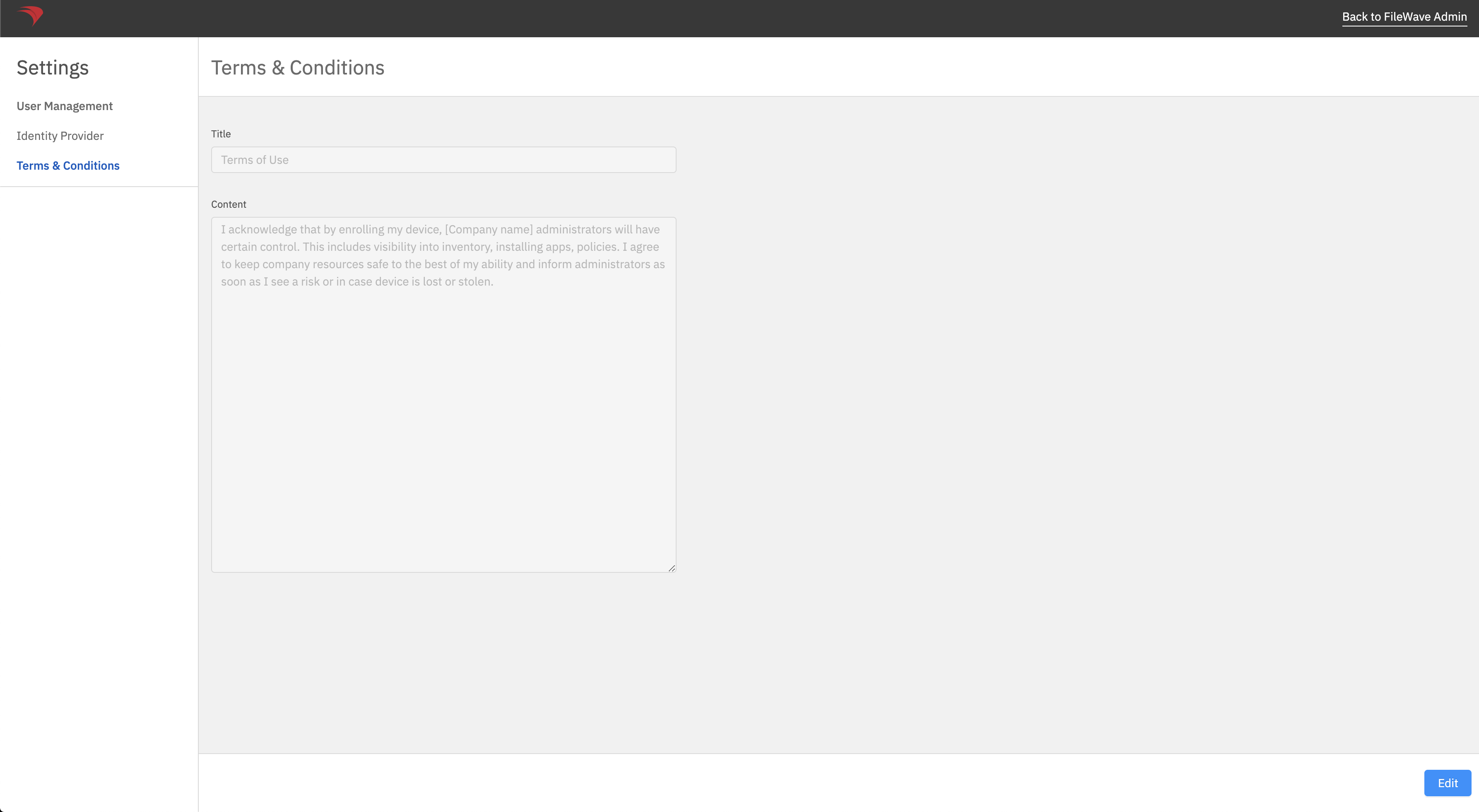
FileWave Anywhere provides separate Title and Content fields for the enrollment page.
-
In FileWave Anywhere, open Settings.
-
Select Terms & Conditions.
-
Select Edit, update the Title and Content, then save the page.
-
Test a Windows MDM enrollment and confirm that the final text is readable before inviting users to enroll.
No comments to display
No comments to display