
Windows MDM Software Updates CSP
What
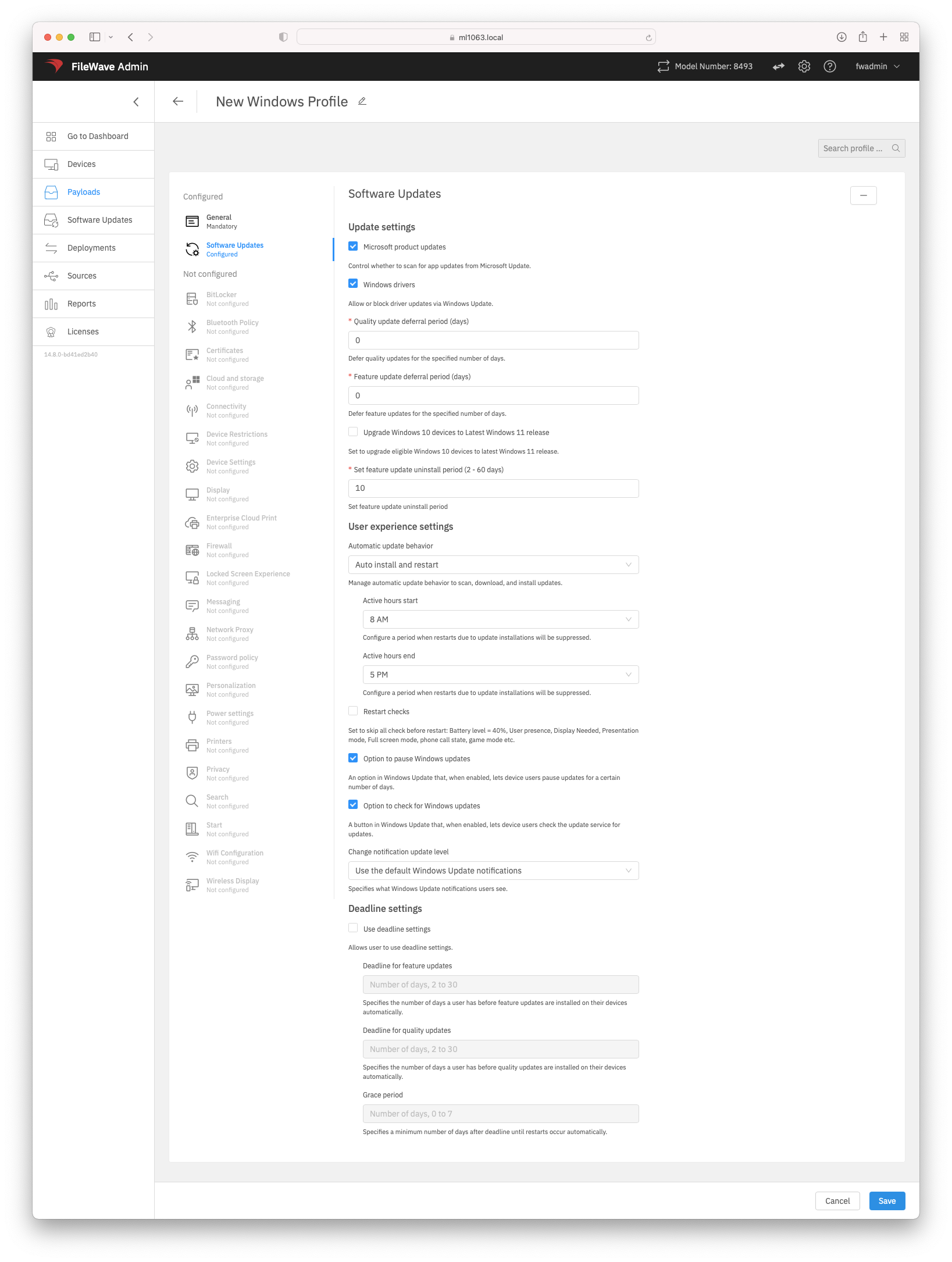
Windows Software Updates in a Windows Profile uses Microsoft's Update Policy CSP to manage Windows Update behavior on enrolled Windows devices. The profile can control settings such as Microsoft product updates, driver updates, feature and quality update deferrals, Windows 10 to Windows 11 targeting, automatic update behavior, active hours, restart checks, user access to pause/check updates, notification level, and deadline/grace-period settings.
When/Why
Use this payload when Windows 10 or Windows 11 devices are enrolled with Windows MDM and you want FileWave to deliver Windows Update policy through MDM instead of relying on local device settings. Windows Profiles are created and edited in FileWave Anywhere; if you open a Windows Profile from FileWave Central/Admin, editing is handed off to Anywhere Admin.
How
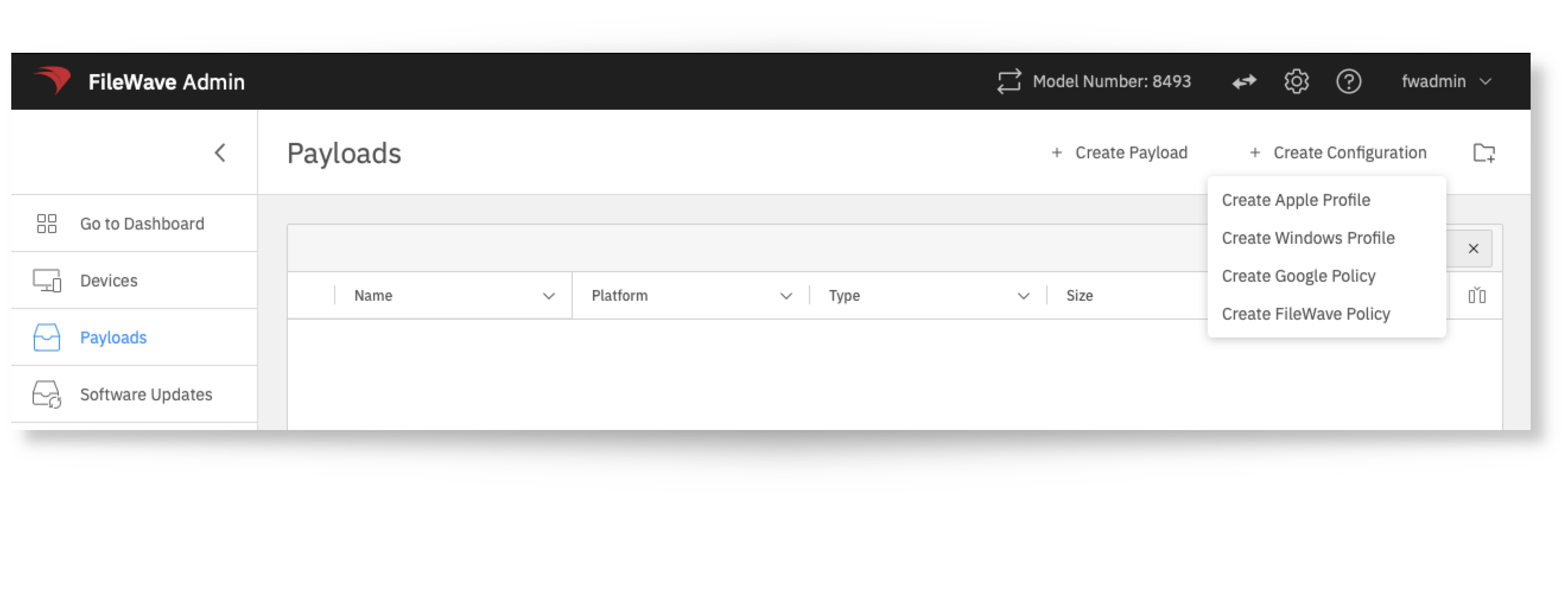
- In FileWave Anywhere, open Payloads.
- Select Create Windows Profile.
- Open the Software Updates section and configure the update settings that match your update policy.
- Save the profile, then deploy it to the appropriate Windows MDM devices.
Each option in the Software Updates payload includes inline help in the UI. Review Microsoft’s Update Policy CSP documentation if you need the underlying CSP path or Windows behavior for a specific setting.
No comments to display
No comments to display