
Enable Required Firebase APIs for Chromebook Management
Required Google Cloud APIs
FileWave 15.4.0 and later requires the Firebase Management API and Firebase Cloud Messaging API for Chromebook management. Both services must be enabled in the same Google Cloud project used by the FileWave Google integration.
When to check
Check these APIs during initial Chromebook setup, before upgrading an older FileWave environment to 15.4.0 or later, and when Google synchronization reports that a required API is disabled. Enabling them before the FileWave upgrade is safe.
Enable and verify the APIs
- Open Google Cloud APIs & Services and select the project configured for FileWave.
- Enable Firebase Management API (
firebase.googleapis.com) and Firebase Cloud Messaging API (fcm.googleapis.com). The direct enablement link opens both services together. - If the correct project is unclear, compare it with the project and service-account configuration described in Chromebook Client Pre-Requisites before enabling services.
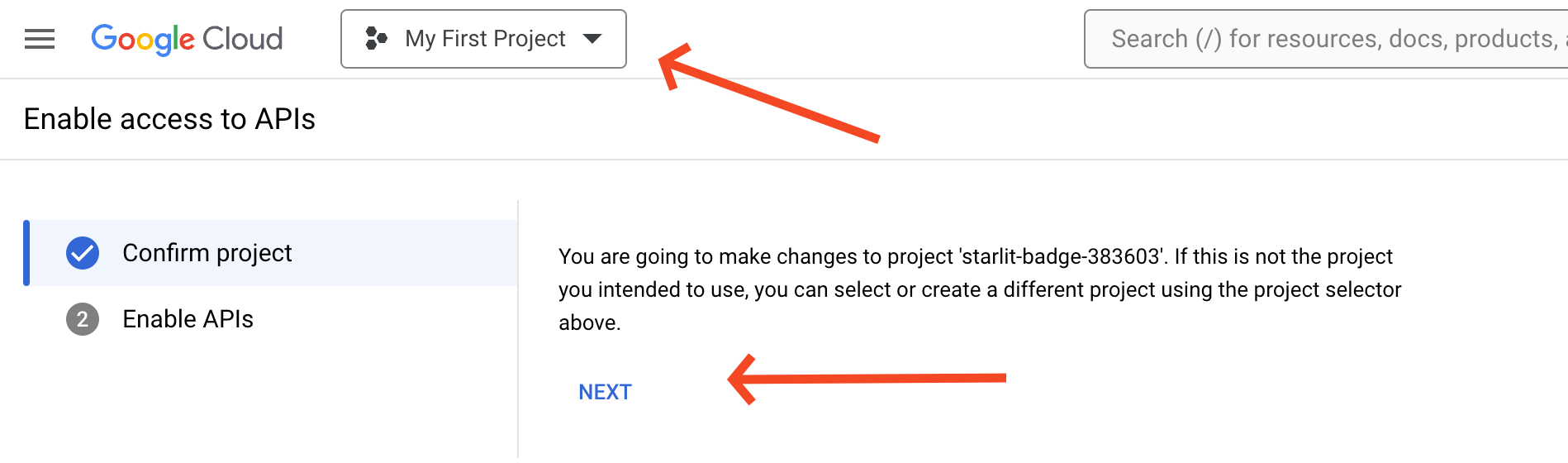
Select the Google Cloud project used by FileWave, then choose Next.
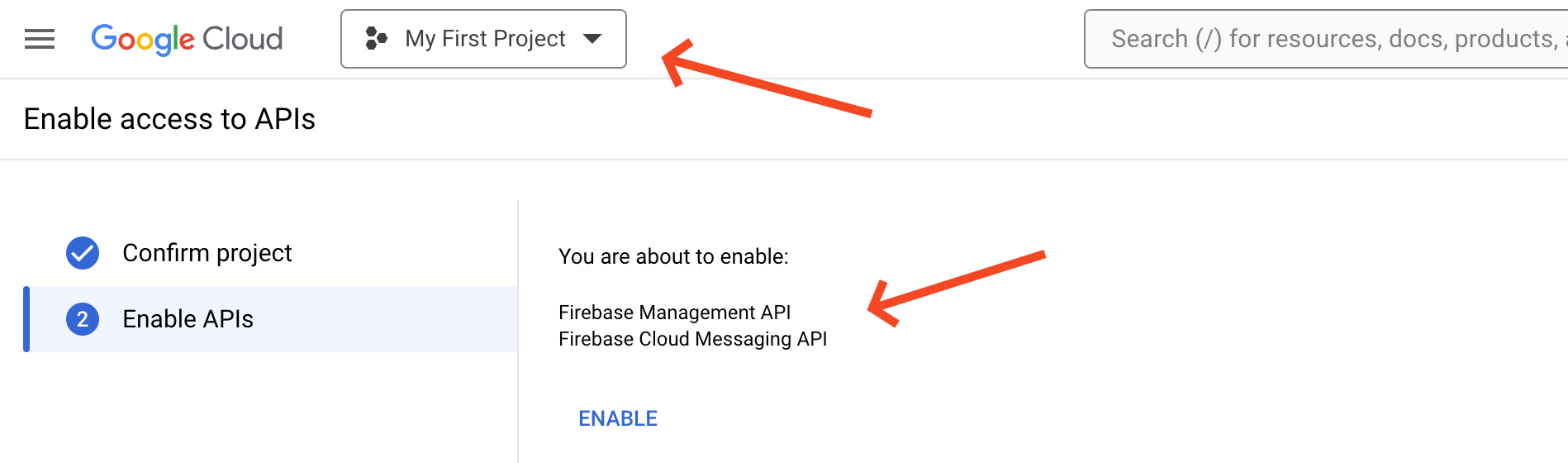
Confirm that both APIs are listed, then choose Enable.
In FileWave Central 15.4.0 or later, open Settings > Google, run or observe a synchronization, and confirm that the status no longer reports either API as disabled.
No comments to display
No comments to display