
Android devices with multiple policies
What
Android Policies manage settings on Android Enterprise devices. For examples of available settings, see Android EMM Policies and Permissions.
When/Why
When more than one Android Policy is assigned, FileWave has to merge the policy fragments before sending one effective policy to the device. This article explains which setting wins when fragments conflict.
How
For most settings, FileWave applies the most restrictive value. For settings where two fragments provide competing values, such as two Wi-Fi configurations, the later fragment wins. FileWave orders fragments by distance first, descending, then by the most recently created association.
- Closer assignments override farther assignments because this merge path uses last-one-wins ordering.
- When distance ties, the newer association wins. Other FileWave code paths may not order beyond distance and association ID, so use the Installed Policy tab to confirm the final result.
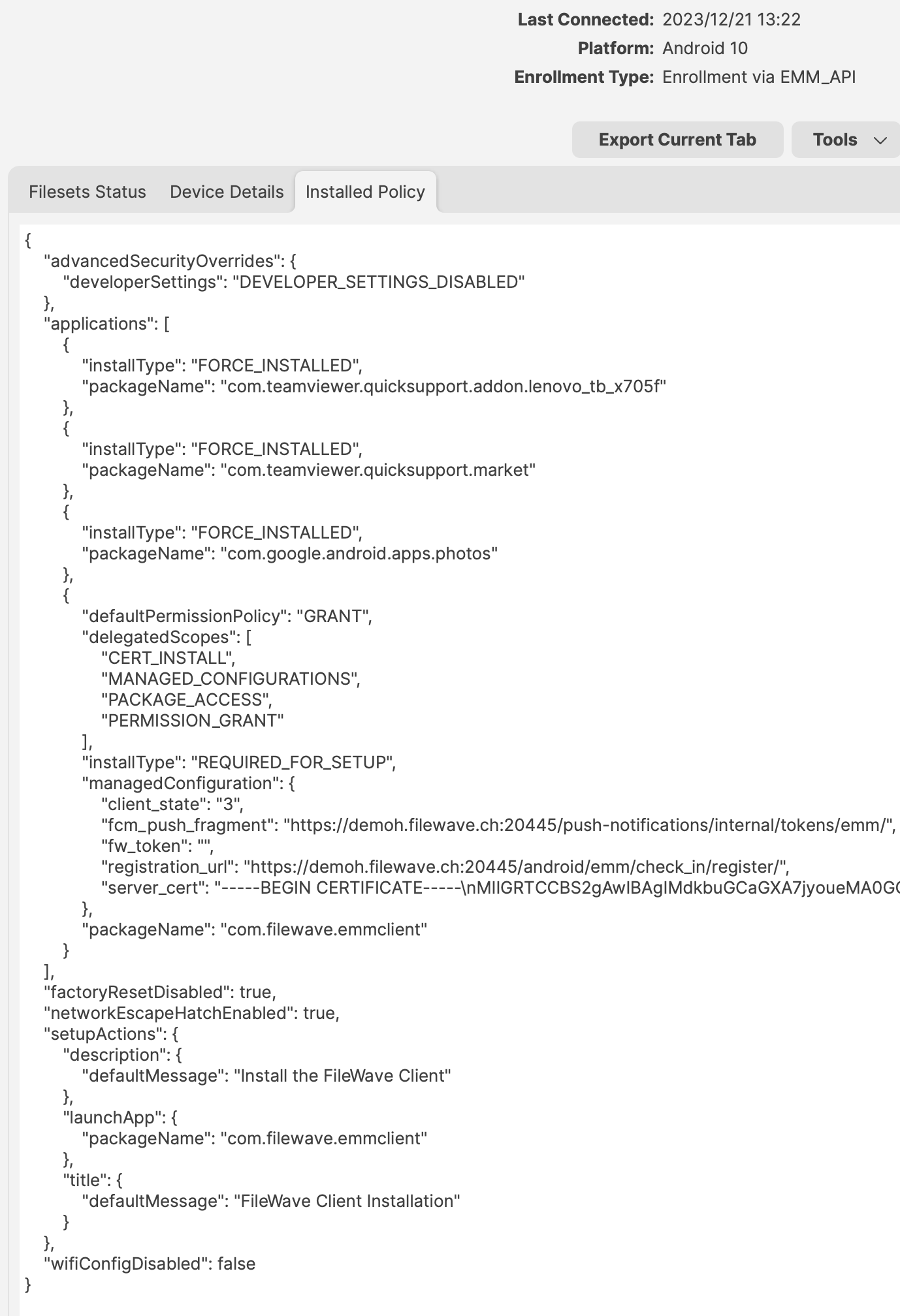
To confirm what FileWave sent to the device, open Device Details in FileWave Central and review the Installed Policy tab. This shows the effective Android policy after the fragments are merged.
No comments to display
No comments to display