
Use IdP Attributes in FileWave Custom Fields
What
IdP Custom Fields bring identity attributes from an Identity Provider (IdP) into FileWave Custom Fields. FileWave 16.2 introduced this provider for Apple devices. Common sources include Okta, Google, Microsoft Entra ID (formerly Azure AD), and Keycloak.
When/Why
Use IdP Custom Fields to:
-
Dynamically populate user-specific values (e.g., email address, username, department).
-
Create Smart Groups based on IdP-sourced information.
-
Use variables in configuration profiles (e.g., pre-fill email profiles with the user’s email address).
-
Simplify large-scale deployments by automatically binding devices to users through IdP attributes.
The IdP remains the source of the attribute values, which avoids maintaining the same user data separately in FileWave.
Platform support: IdP Custom Fields are supported on macOS, iOS, and iPadOS. Windows devices do not use Enrollment Username for IdP Custom Fields in the same way they use LDAP.
IdP Custom Fields synchronize selected identity attributes only. They do not replace every LDAP-based workflow for directory synchronization, group membership, or administrator access.
How
First configure an IdP Device Enrollment server in FileWave. Follow the provider-specific setup linked from FileWave Identity Provider Integration Overview. Creating a Custom Field alone does not configure that connection. The screenshot below shows the warning IDP Custom Fields require IDP Device Enrollment Server to be configured; complete that prerequisite before expecting attribute values.
-
Navigate to Assistants > Custom Fields > Edit Custom Field Definitions in FileWave Central.
-
Create a new field:
-
Name/Internal Name: Enter the display name and stable internal name you want to use in reports, Smart Groups, profiles, or API work.
-
Provided By: Select IdP.
-
Assigned to all devices: Select this when the field should apply across the environment; otherwise scope it to the devices that need the value.
-
-
Set the Data Type (commonly String).
-
In IdP Reference, enter the Attribute JSONPath supplied by your IdP, such as
email,displayName, ordepartment.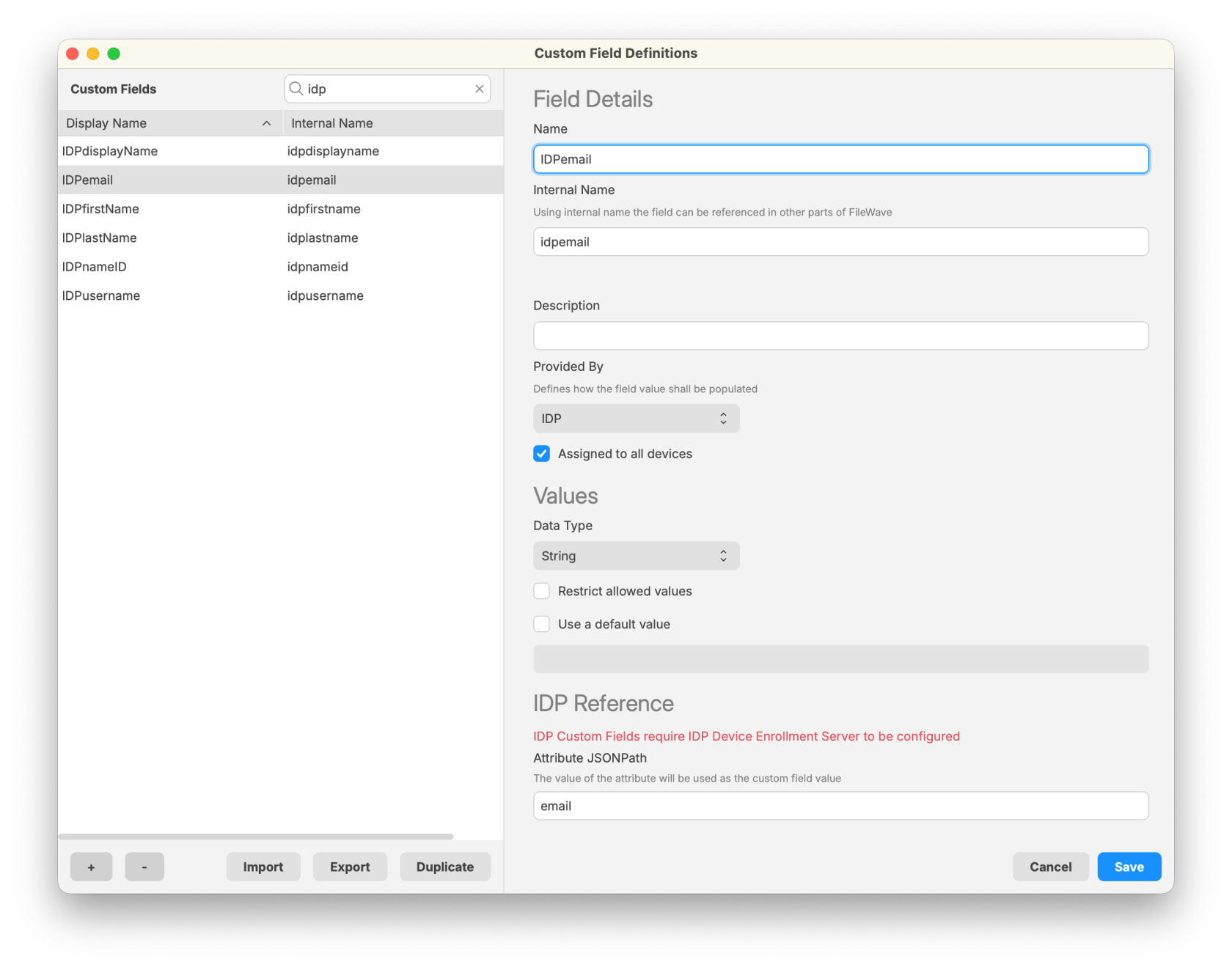
-
Save the Custom Field.
-
Ensure that devices are linked to users:
-
FileWave matches IdP data to a device through its Enrollment Username.
-
Set the username manually with Set Enrollment Username, collect it during ADE enrollment, or supply it through an API or import workflow.
-
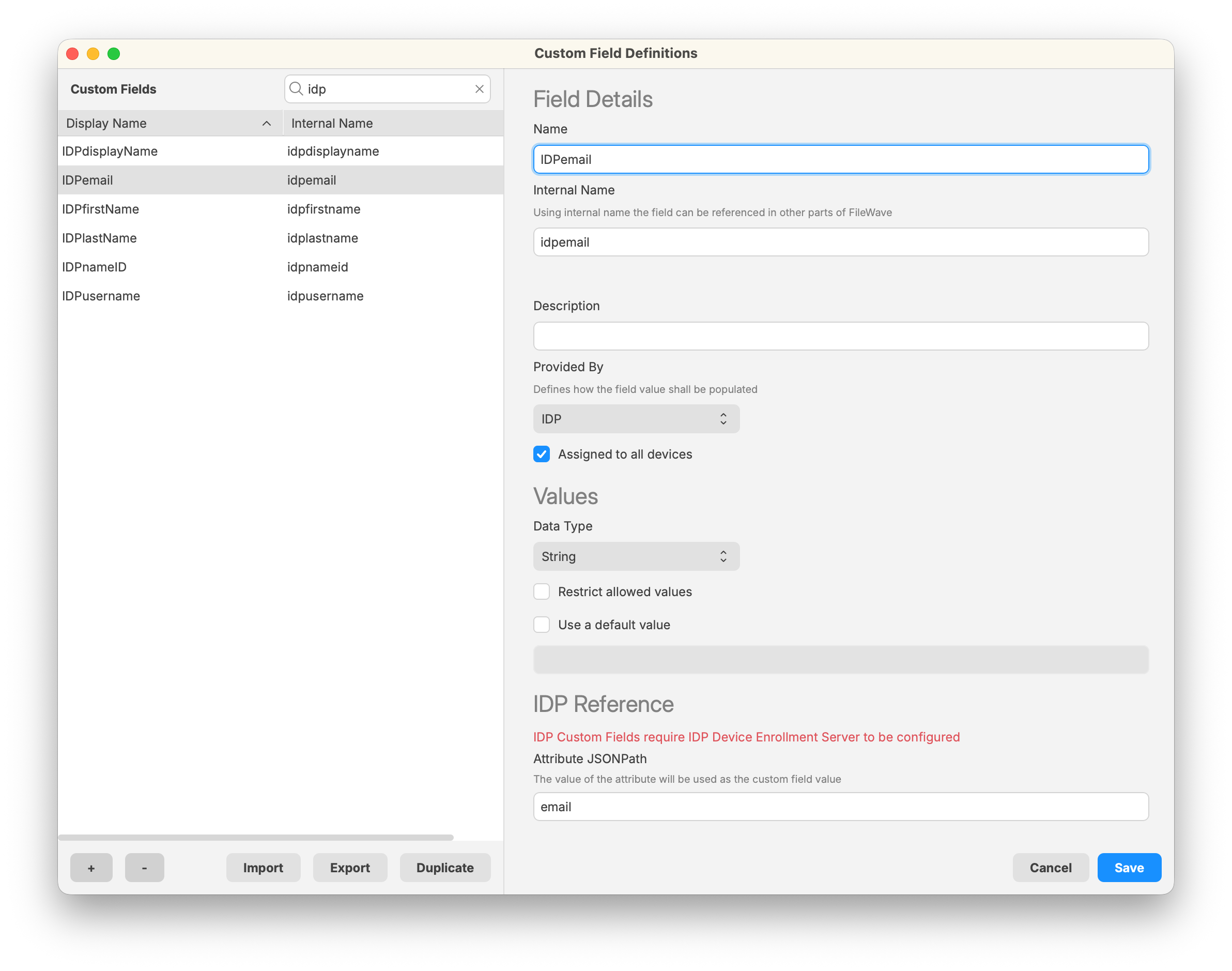
Verify the value and refresh when needed
After synchronization, check the field on a device whose Enrollment Username matches the intended user, and compare the value with that user's attribute in the IdP before using it in a Smart Group or profile. If the value is missing, check the device-to-user match, field assignment, and Attribute JSONPath.
If you need an on-demand refresh, open FileWave Central Preferences > Inventory and choose Schedule Sync under IDP Custom Fields. This queues an extraction; clicking it is not confirmation that the value has already updated. The button is available only when an IdP Device Enrollment server is configured. See Configuring Inventory Preferences for the synchronization controls.
Related Content
No comments to display
No comments to display