
IVS imaging-control Commands
Use the imaging-control commands on the FileWave Imaging Virtual Server (IVS) to manage networking, imaging subnets, virtual-disk expansion, hosted-image lists, and platform imaging. Run them with root authorization on the IVS.
Available imaging-control commands
imaging-control networksetup static

imaging-control networksetup dhcp

imaging-control subnet add

imaging-control subnet remove

imaging-control increase harddrive

imaging-control list macimages

imaging-control list windowsimages

imaging-control disable macimaging

imaging-control disable windowsimaging

imaging-control enable macimaging

imaging-control enable windowsimaging
Configuring the IVS network interface
The IVS network interface uses DHCP by default. The network setup command has two modes:
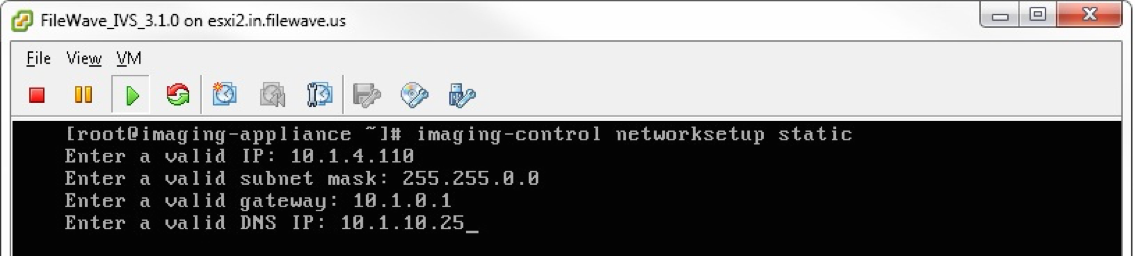
imaging-control networksetup staticPrompts for the static IP configuration and applies it to the IVS network interface.
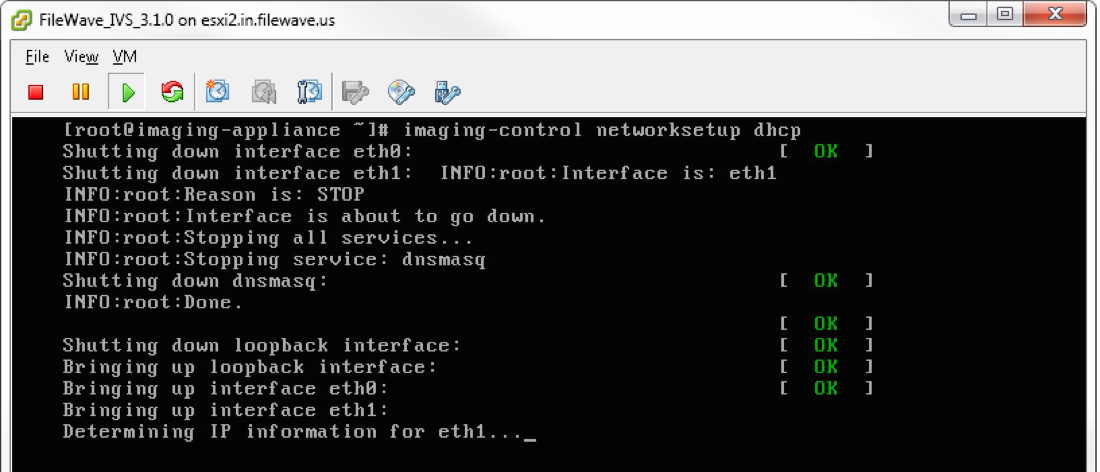
imaging-control networksetup dhcpReturns the IVS network interface to DHCP.
Configuring subnets on the IVS
By default, the IVS listens on the subnet containing its own IP address. Use these commands to add or remove imaging subnets:
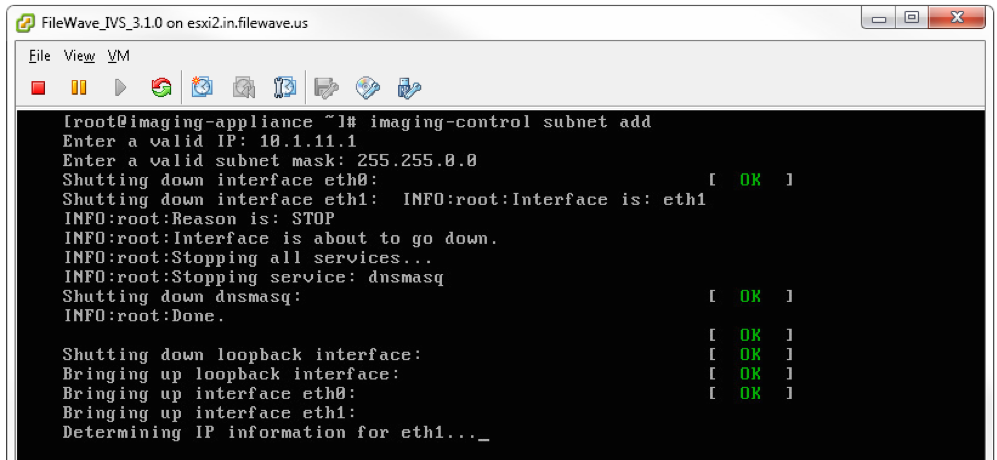
imaging-control subnet addPrompts for an IP address on the subnet and its subnet mask.
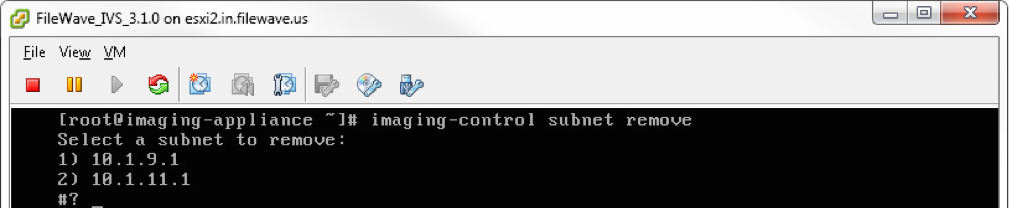
imaging-control subnet removeLists the subnets currently configured on the IVS and allows one to be removed.
Increasing the IVS hard drive
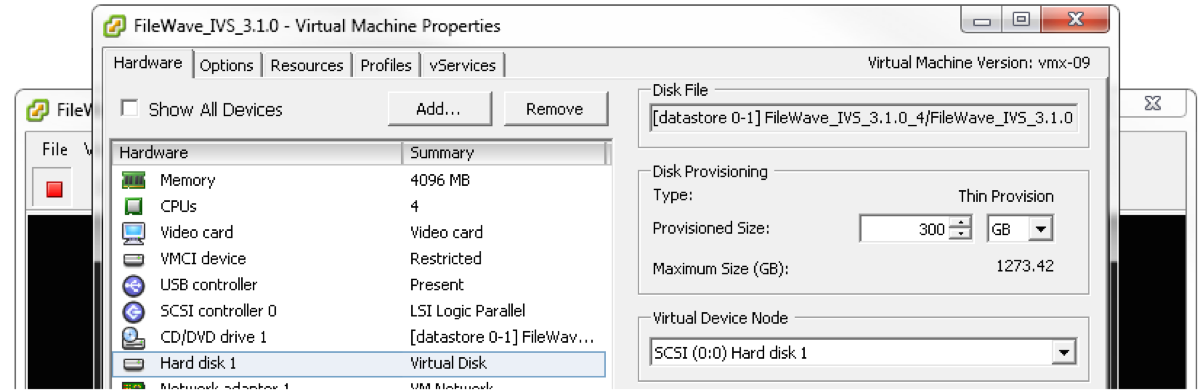
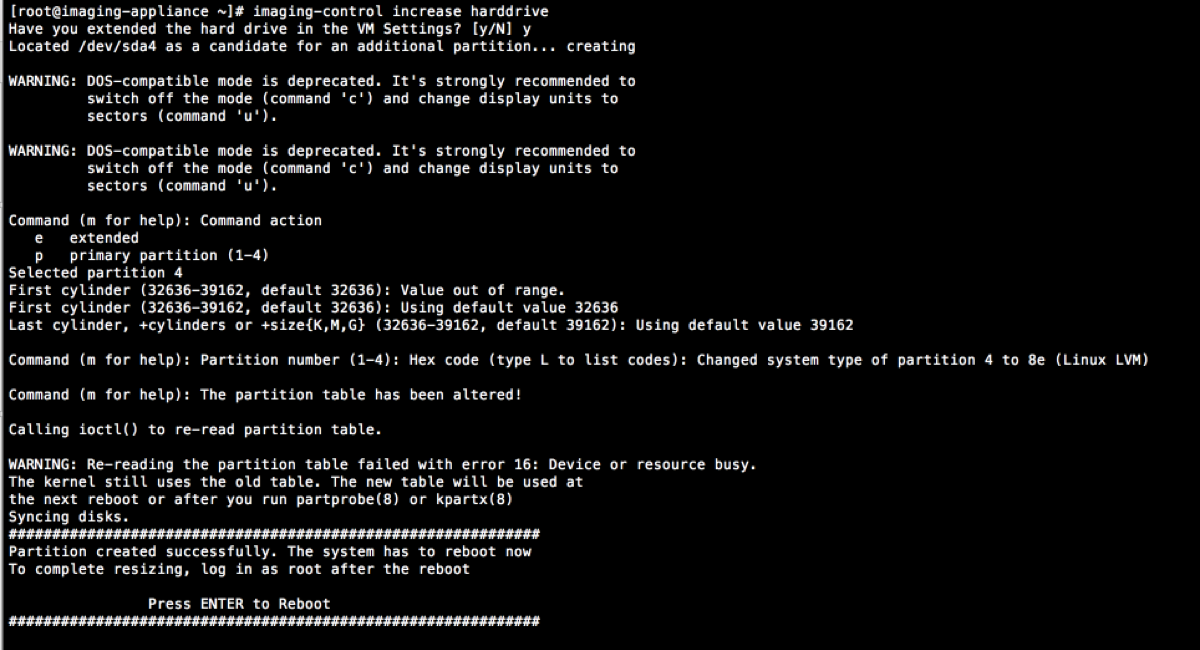
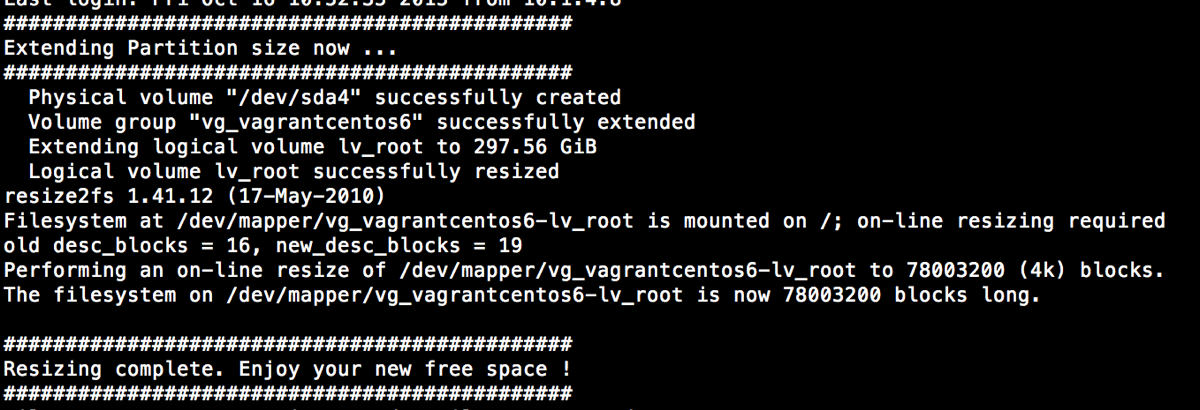
imaging-control increase harddriveExpands the IVS filesystem after its virtual disk has been enlarged. The default virtual-disk size is 250 GB. Shut down the IVS, expand the disk in the virtualization platform, start the IVS, and then run the command.
Viewing list of images on IVS
These commands list the macOS and Windows images currently hosted on the IVS:
imaging-control list macimages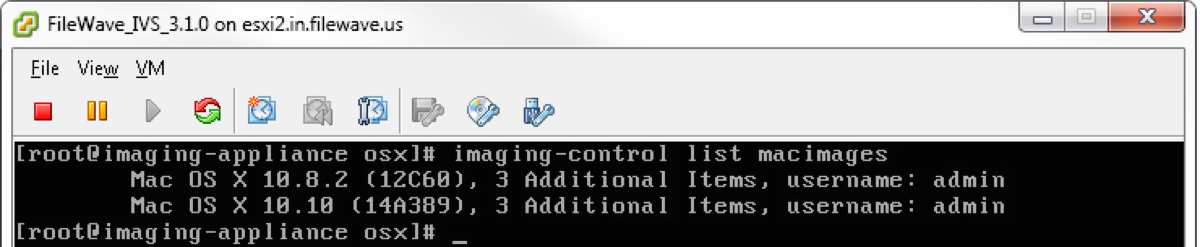
imaging-control list windowsimages
Configuring the IVS for Mac or Windows
The default settings on the IVS allow for Mac and Windows imaging. These commands will allow you to disable/enable Mac or Windows imaging on the IVS.
imaging-control disable macimagingThis command disables Mac imaging on the IVS.
imaging-control disable windowsimagingThis command disables Windows imaging on the IVS.
imaging-control enable macimagingThis command enables Mac imaging on the IVS. (default setting)
imaging-control enable windowsimagingThis command enables Windows imaging on the IVS. (default setting)
No comments to display
No comments to display