
Set the Lock or Home Screen Wallpaper on iPhone and iPad
Description
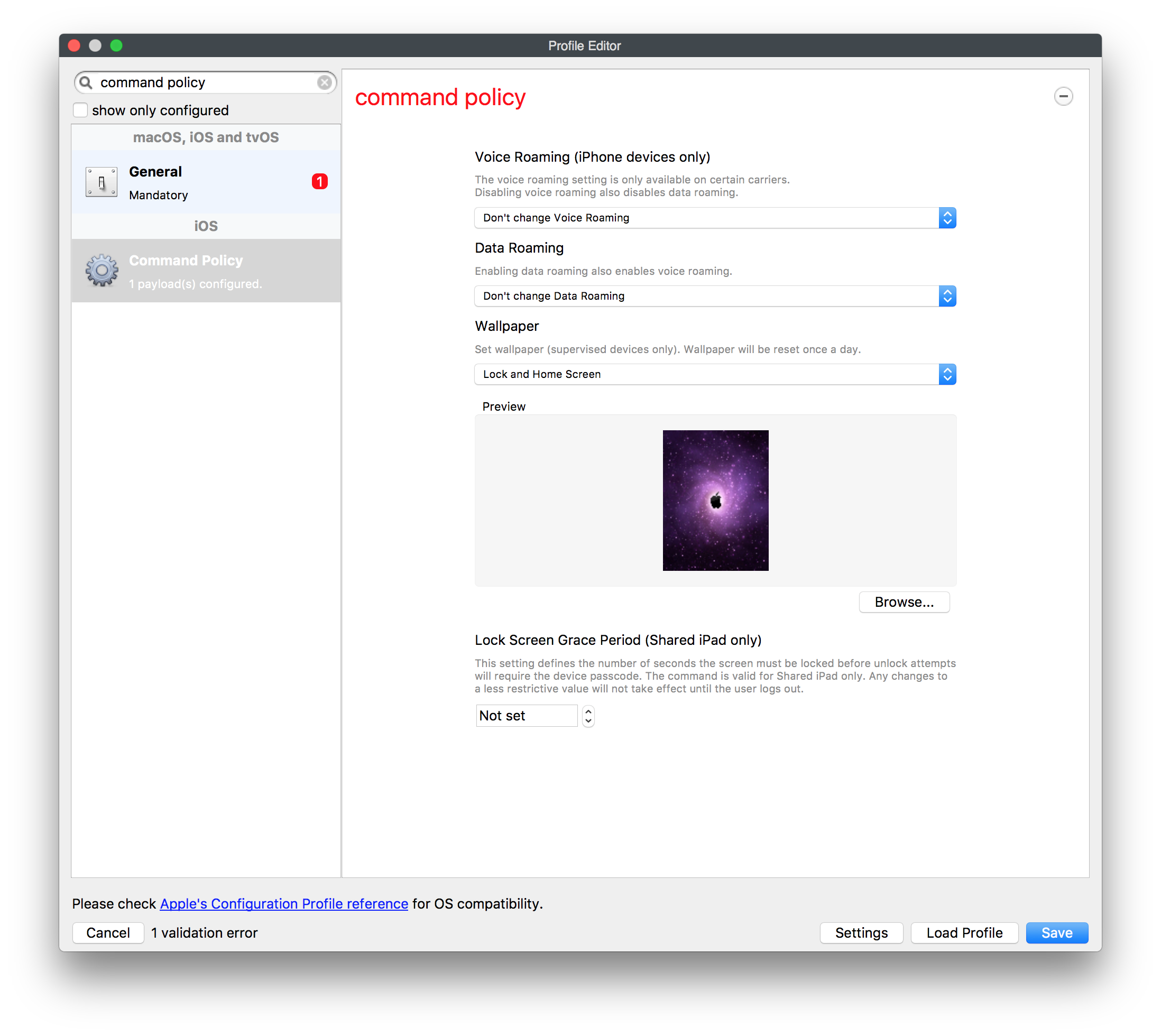
Use the Command Policy payload in FileWave's Profile Editor to set the Lock Screen, Home Screen, or both on supervised iPhone and iPad devices.
Requirements
The wallpaper command applies to supervised devices. Choose the target screen, then select the image in the Profile Editor.
Use the screenshot below to confirm the Wallpaper option and target screen before saving.
FileWave reapplies the wallpaper command once a day, restoring the selected image if the wallpaper changes.
Step-by-step guide
- In FileWave Central, create a new Mobile Fileset and choose Profile.
- Configure the General payload and give the profile a clear name.
- Configure the Command Policy payload. Under Wallpaper, choose Lock Screen, Home Screen, or both, then select the image.
- Select Save.
Deploy the profile to a small test group first. Confirm the image appears on the intended screen before expanding the deployment.
Image size: Keep the file as small as practical so devices can download it quickly. FileWave runs this command daily and reapplies the selected wallpaper.
No comments to display
No comments to display