
Locking Devices
What is it?
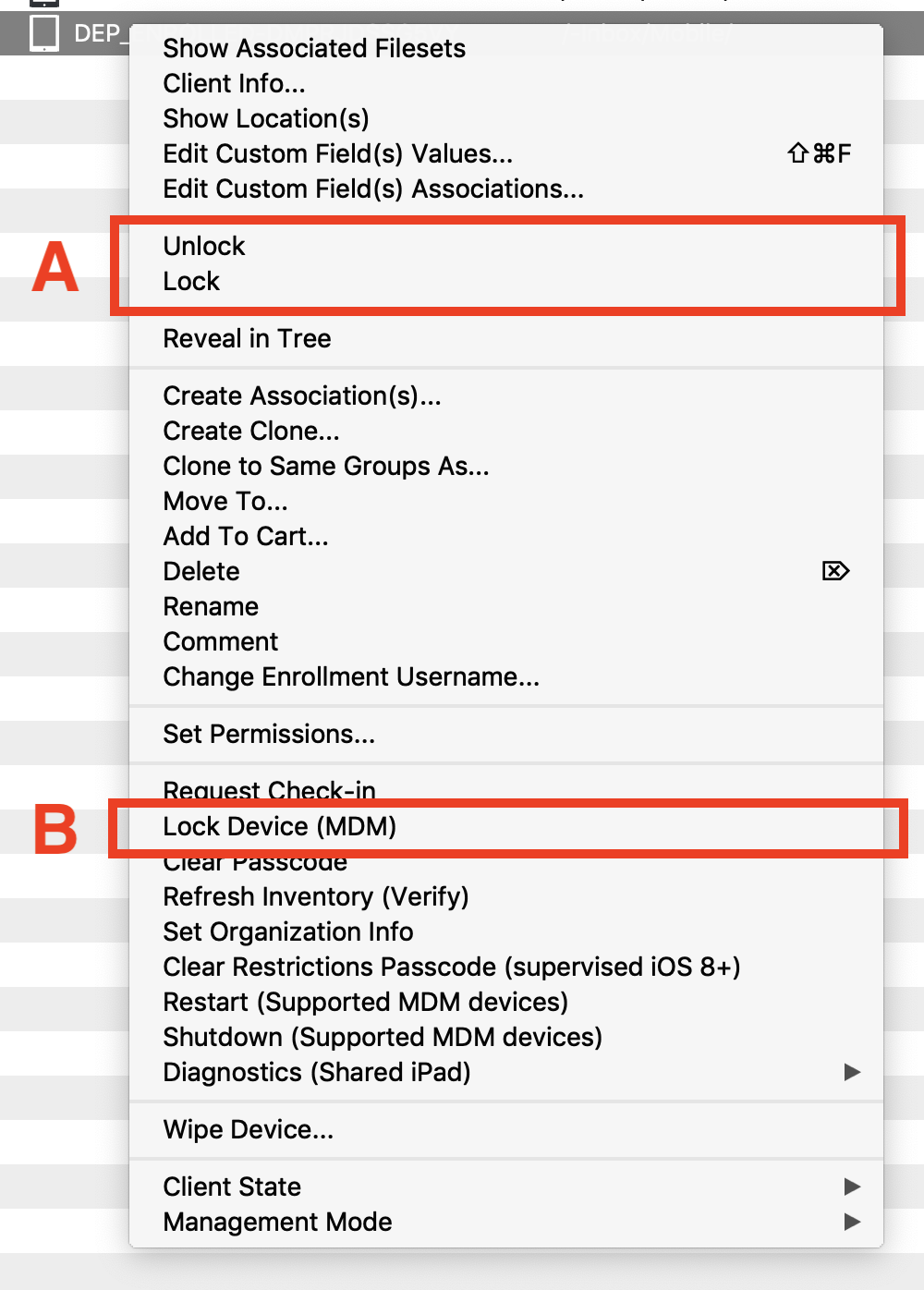 Use this article to distinguish Lock / Unlock from Lock Device. They sound similar, but they control different behavior.
Model locking and MDM device locking serve different purposes. Device-lock behavior and PIN availability depend on the platform and the console used; do not assume the same recovery workflow on every device.
Answer
Lock / Unlock
Lock binds a FileWave Client to its current model number. During a migration or update, a locked client ignores new manifests from the server until it is unlocked. See Upgrading your On-Premise FileWave Server.
Unlock allows the device to update to the latest model.
Lock Device
Lock Device locks the device rather than freezing its FileWave model. On Apple MDM devices, it sends an MDM device-lock command. This is not the model Lock / Unlock action above. Follow the recovery method for the selected platform; a macOS MDM Device Lock PIN is not an iPhone passcode, a FileVault recovery key, a firmware password, or a Recovery Lock password.
Retrieve a stored macOS Device Lock PIN (FileWave 17.0 and later)
Do not send another Lock Device command to look up a PIN. Confirm the device and the existing lock command first; a queued or failed command is not proof that the intended PIN was applied.
- Sign in to FileWave Central with an authorized administrator account that has Retrieve Recovery Keys and Device Secrets. This permission is in Assistants → Manage Administrators… → Permissions → Encryption and Device Secrets.
- Select the Mac and open its MDM context menu. For an eligible stored PIN, choose Show Device Lock PIN….
- Check the sent date shown with the PIN against the lock command you need to recover. Handle the value through your organization’s secure recovery procedure. Retrieval is recorded in Audit History; the PIN itself is not displayed there.
The PIN is stored for a successful lock command sent from Central. In FileWave 17.0, Anywhere’s Lock Device dialog has no PIN field and does not escrow a PIN for this retrieval workflow. An iPhone screen-lock command does not provide a macOS Device Lock PIN.
If the action is missing, review retrieval permission and whether an eligible PIN was stored. Erasing a Mac clears its stored Device Lock PIN; this is not a recovery step. Do not erase or re-enroll a device simply to troubleshoot a missing PIN.
Additional information
When a client is locked to the current model, Kiosk is not available to the user. Kiosk can still open, but it displays a message that the user is blocked.
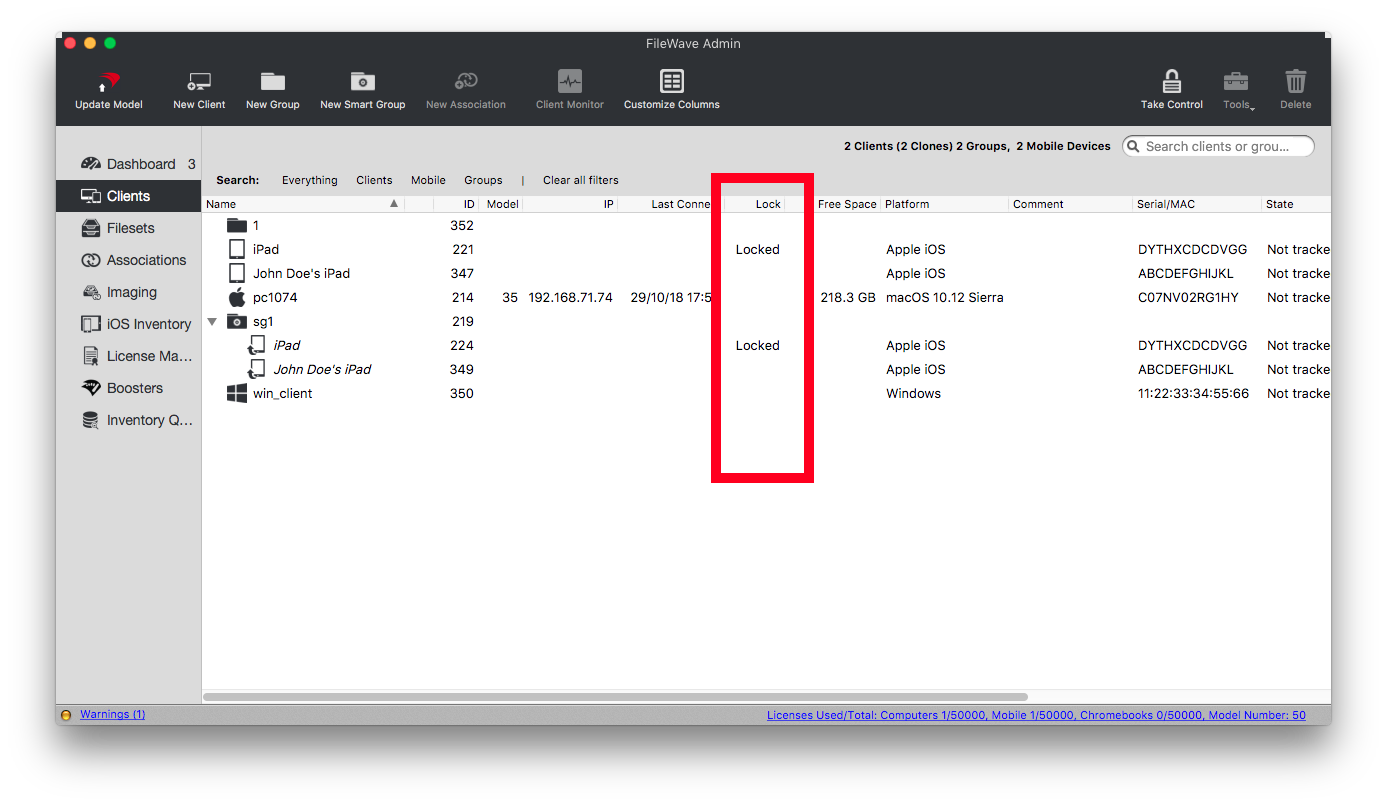
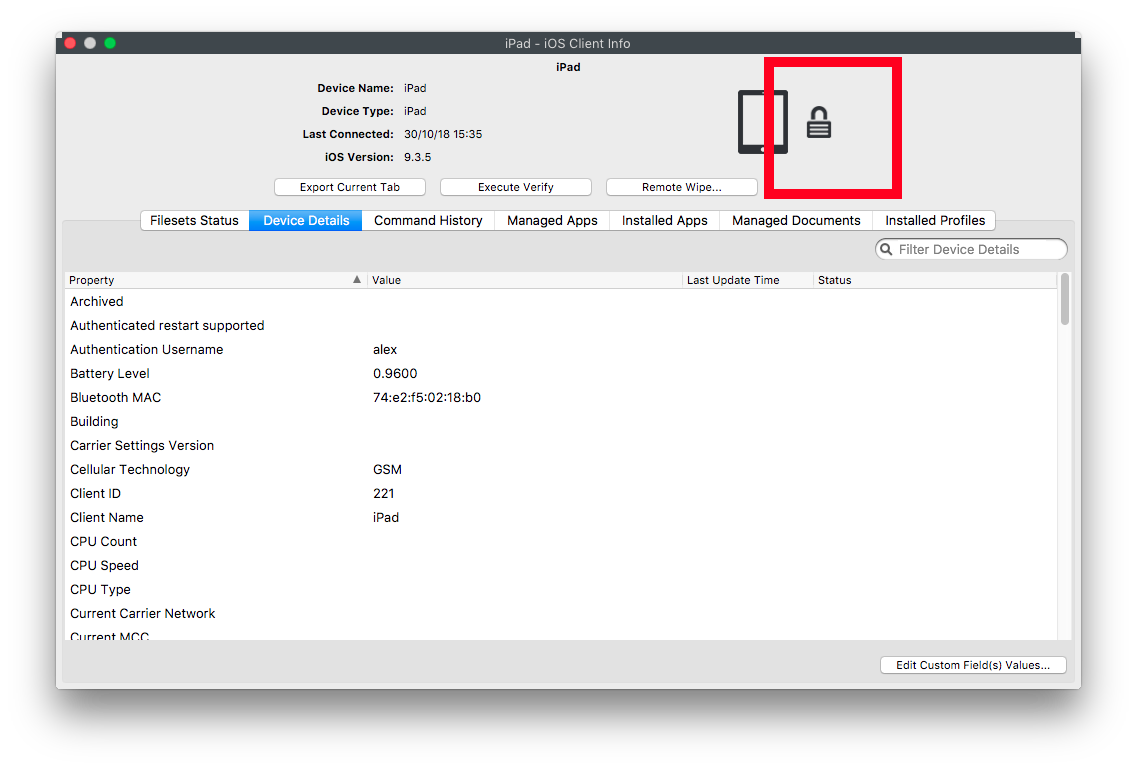
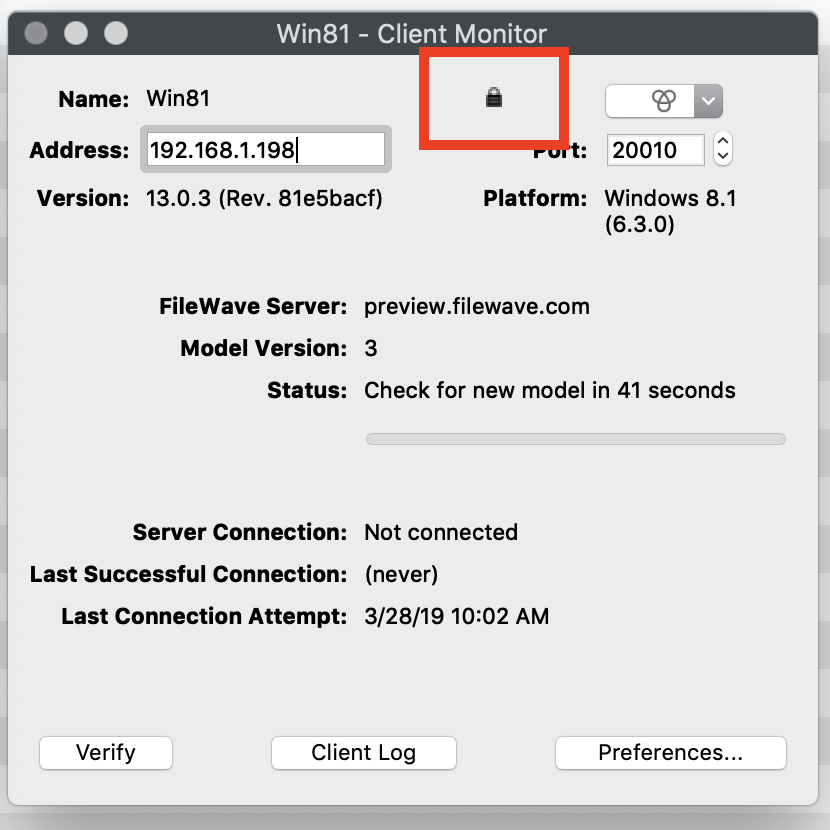
A locked client shows a lock icon or lock text in Client View, Device Info, and Client Monitor:
No comments to display
No comments to display