
Apple Apps and Books (VPP) Filesets
Apple Apps and Books Filesets—still labeled VPP in parts of FileWave—represent App Store apps and books rather than files uploaded to the FileWave Server. Their Details, Kiosk, and Configuration tabs control deployment behavior, self-service presentation, and vendor-supported managed settings.
FileWave stores the Fileset configuration, not the App Store binary. After activation, each device downloads the app directly from Apple.
Details
Review these settings before deploying the app:
|
Remove App when MDM profile is removed |
If the device has the MDM enrolment profile removed, this option will force Apps managed by MDM to be removed. |
|
Prevent Data Backup |
Disallow the App from backing up user data |
|
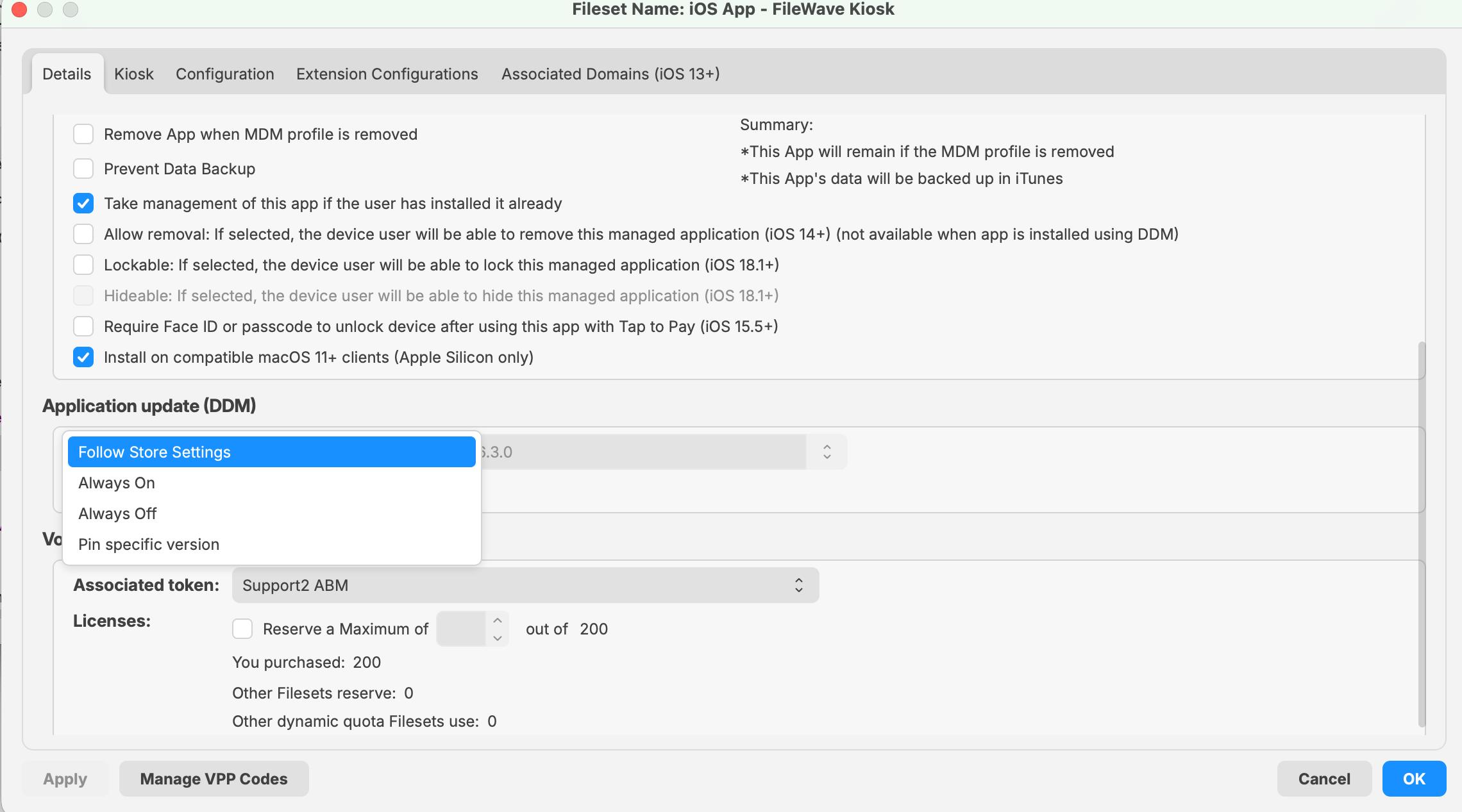
Take management of this app if the user has installed it already |
For Apps already installed, the MDM server will take over management of the App from the user. This is required if you want FileWave to manage deployment behavior, updates, and related settings for that App. |
|
Application update (DDM) |
For supported apps installed through DDM in FileWave 16.3.x, this controls how the App is updated on iOS, iPadOS, and macOS. Choose Follow Store Settings, Always On, Always Off, or Pin specific version. If you choose Pin specific version, use the version field to target the exact App Store version to install and keep. |
Starting in FileWave 16.3.x, the Details tab for supported DDM-installed apps includes the Application update (DDM) control shown below.
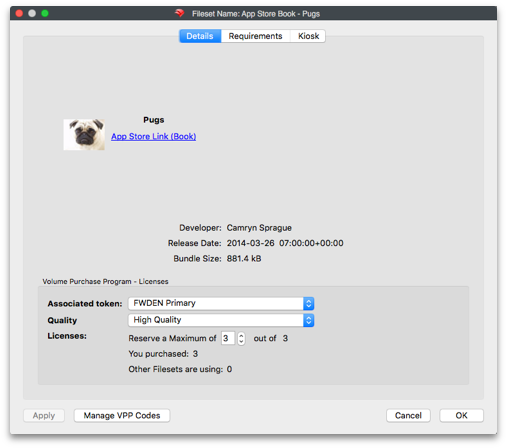
eBooks may also be delivered:
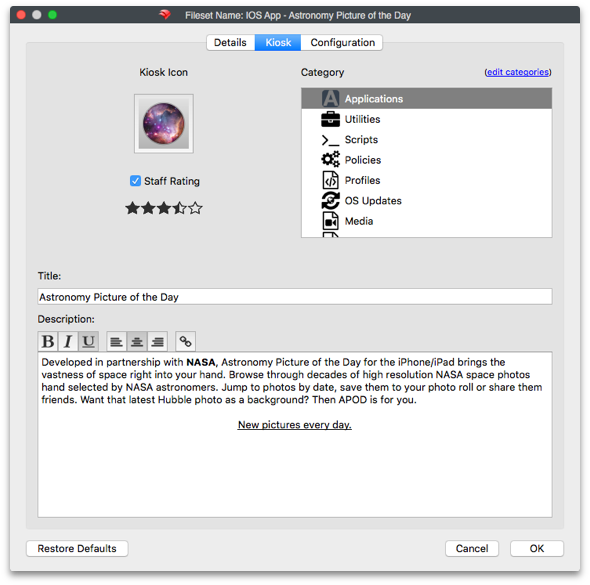
Kiosk
Details to be displayed to the user through the FileWave Kiosk App, including App Store ratings, description, etc. Text may be updated, categories added or removed and icons replaced.
Configuration
Some apps support managed app configuration through vendor-documented keys, value types, and values. In the Fileset’s Configuration tab, select Configuration and then Edit to enter the supported key/value pairs. A separate preference-manifest file is not required for this workflow. Use the app vendor’s documentation for the target platform and app version, then test the resulting behavior on an enrolled pilot device.
Starting in FileWave 16.3.x, supported apps installed through DDM can also deliver configuration for application extensions when the app developer exposes it. This is separate from the managed app configuration used for the main app itself.
For more information on configuring VPP apps in FileWave, see:
https://kb.filewave.com/books/apple-school-business-manager/page/vpp-app-configuration
Do not use an app’s Info.plist keys as a list of supported managed settings. Apple’s Information Property List reference describes metadata inside an app bundle, not the app vendor’s managed-configuration contract:
https://developer.apple.com/library/ios/documentation/General/Reference/InfoPlistKeyReference/Articles/AboutInformationPropertyListFiles.html
Availability and supported configuration options are defined by the app developer. Please consult the app vendor’s documentation to confirm whether managed app configuration is supported and which settings are available.
No comments to display
No comments to display