
Report on Fileset Deployment Status
What
Inventory Reports can use Fileset deployment status fields to show whether a Fileset or payload succeeded, failed, or remains in another deployment state on managed devices.
When to use it
Use these fields to find failures for a specific Fileset, review all failed deployments, or provide deployment data to a Grafana dashboard. For example, an administrator can isolate devices where an Office deployment failed instead of scanning each device record.
Build the report
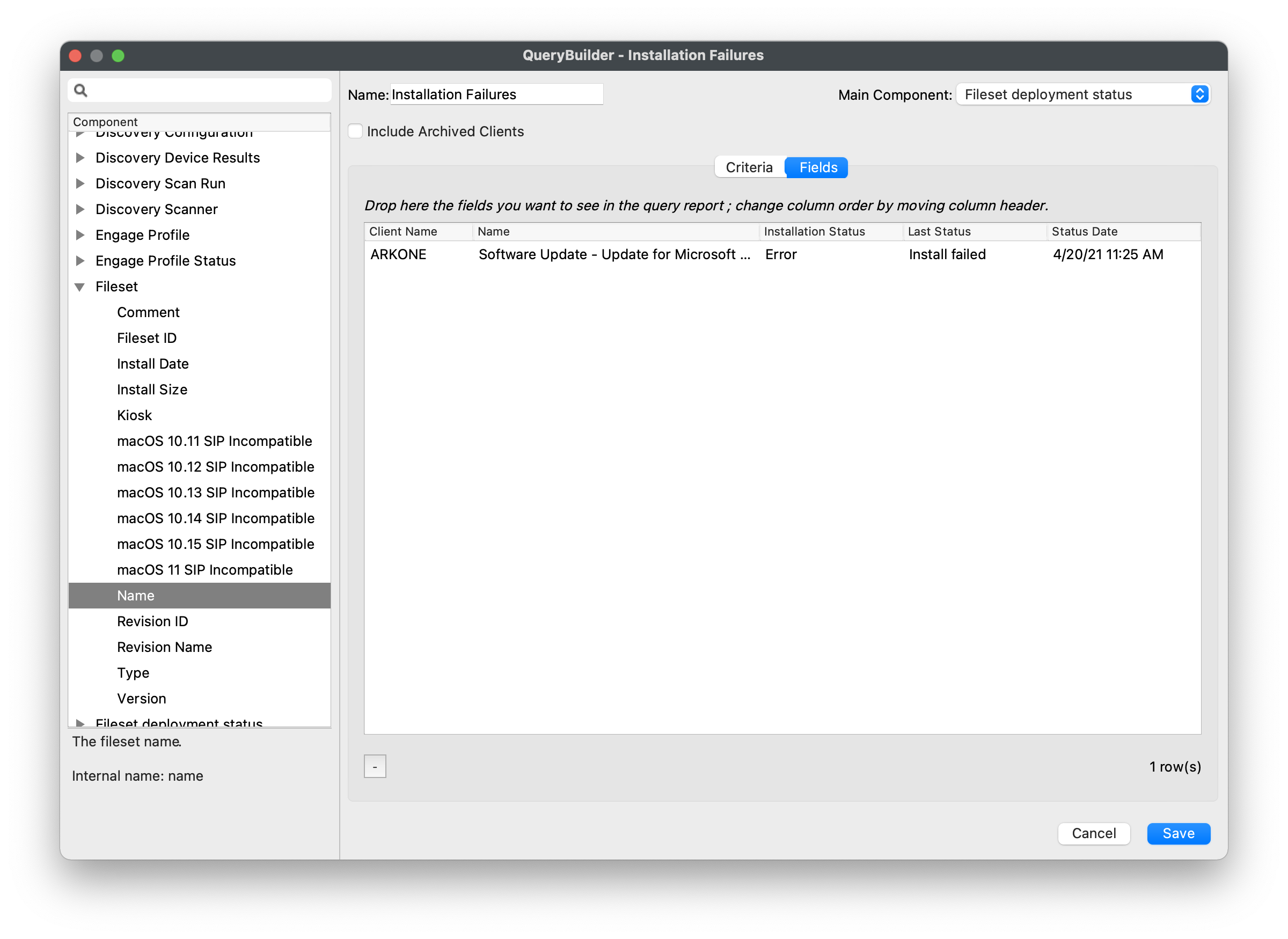
Add fields from Fileset deployment status to an Inventory Report, then filter on the status and Fileset or payload that matters. The first screenshot shows a general failure filter; narrow the report to a specific Fileset when troubleshooting one deployment. Confirm that affected devices have reported fresh inventory before treating the result as current.
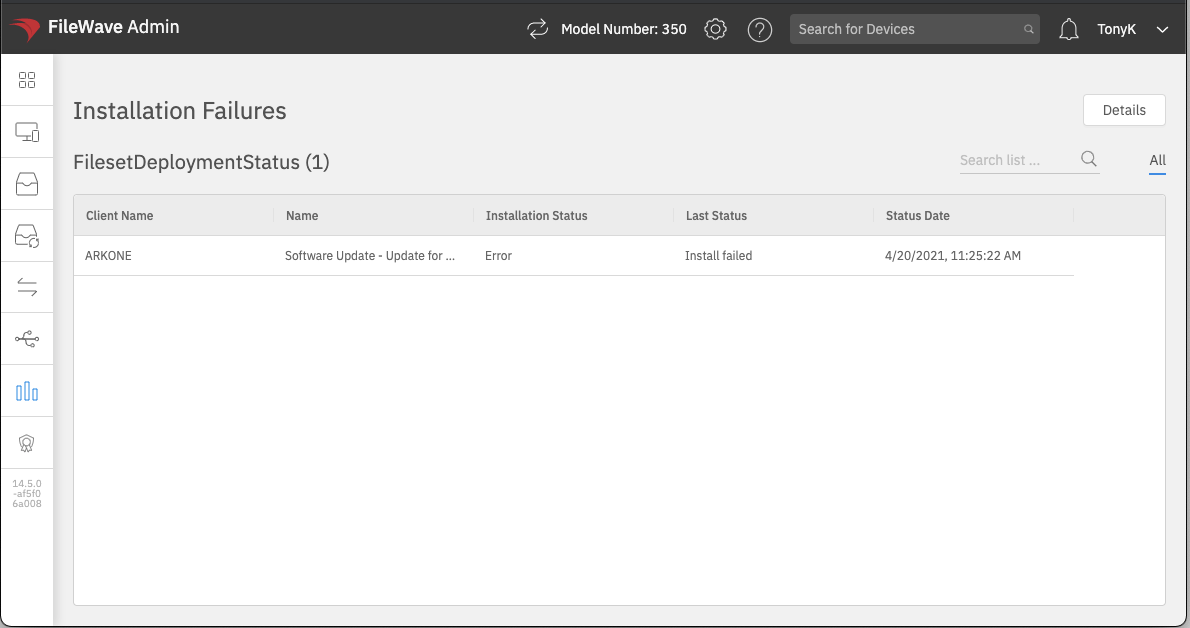
The resulting report lists the devices that match the selected deployment-status criteria:
No comments to display
No comments to display