
Fileset Revisions: Test, Roll Out, and Roll Back Updates
A Fileset can contain multiple revisions of the same software or content. You can move a Deployment from one revision to another without creating a separate Fileset and rebuilding its target scope.
Use revisions to keep the current production version in place while a newer revision is tested with a smaller device group. After validation, move the broader Deployment to the tested revision. If the Fileset type supports rollback, you can point the Deployment back to the earlier revision.
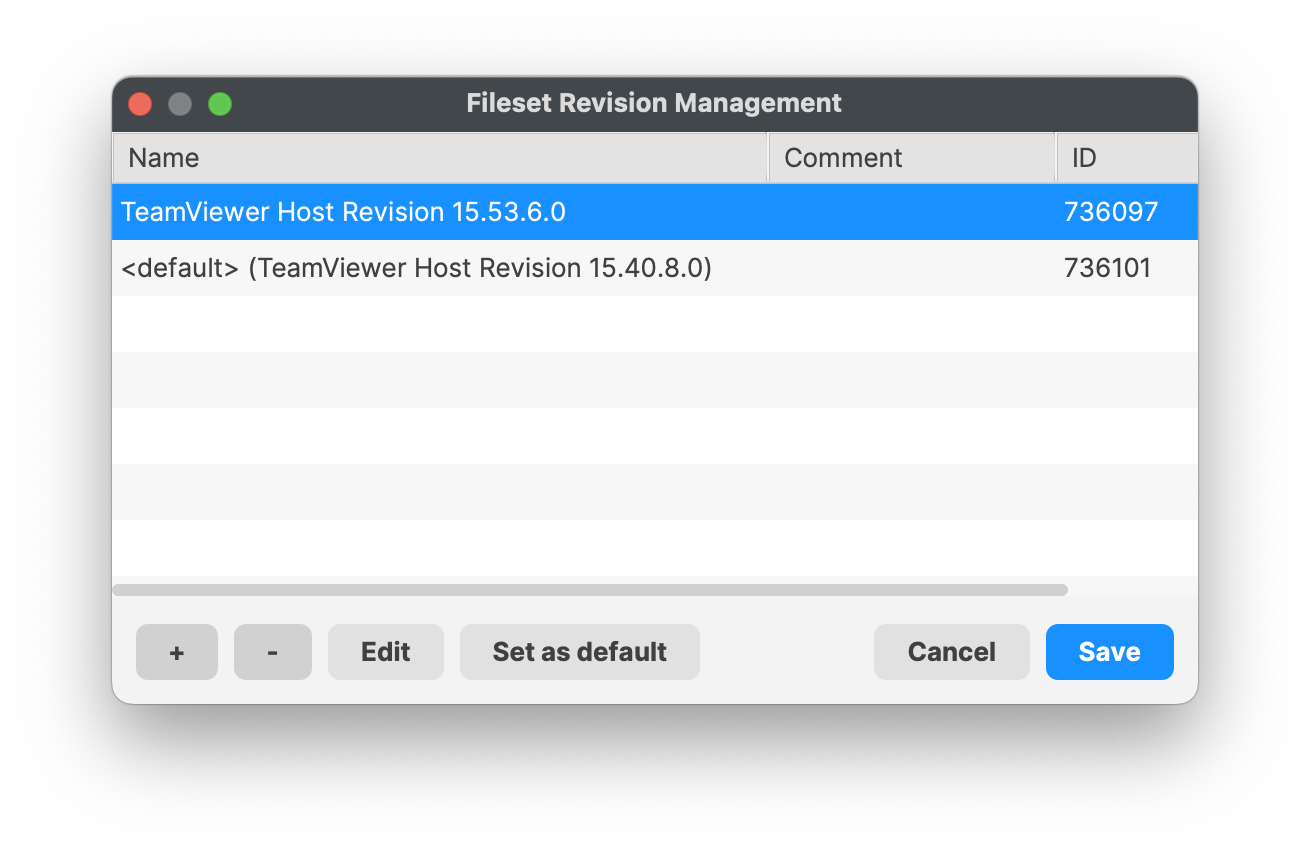
Plan the revision change like a software replacement. Pilot it first, confirm installation and removal behavior, and schedule the wider cutover around any user interruption caused by the installer or scripts.
Revision changes reevaluate the full Fileset.
Changing revisions behaves like unassigning one Fileset and assigning another. FileWave reevaluates all contents and runs applicable scripts. For example, a post-uninstaller script in the revision being removed will run during the change. Test both the forward update and rollback path before production rollout.
No comments to display
No comments to display