
How Are Deployments Different than Associations?
What
Both Deployments and legacy Fileset Associations assign content to devices. An Association links a Fileset to a target, such as a device or group. A Deployment brings multiple Filesets or payloads, targets, exclusions, and shared delivery options into one saved rule.
When/Why
Use a Deployment when its included content should share the same targets and delivery behavior. It does not preserve a separate schedule or installation type for each original Association. For example, keep an optional Kiosk app separate from an app that must install directly. See Deployment options and when to combine assignments for the full selection criteria.
How
See View - Deployments for creating a deployment from scratch. For existing assignments, Convert Associations to Deployments explains the conversion tool. Publishing its preview replaces the selected Associations with the resulting Deployment; review the targets, payloads, options, and revisions before committing.
Digging Deeper
Deployments share these content-delivery concepts with legacy Fileset Associations. Available options depend on the payload type:
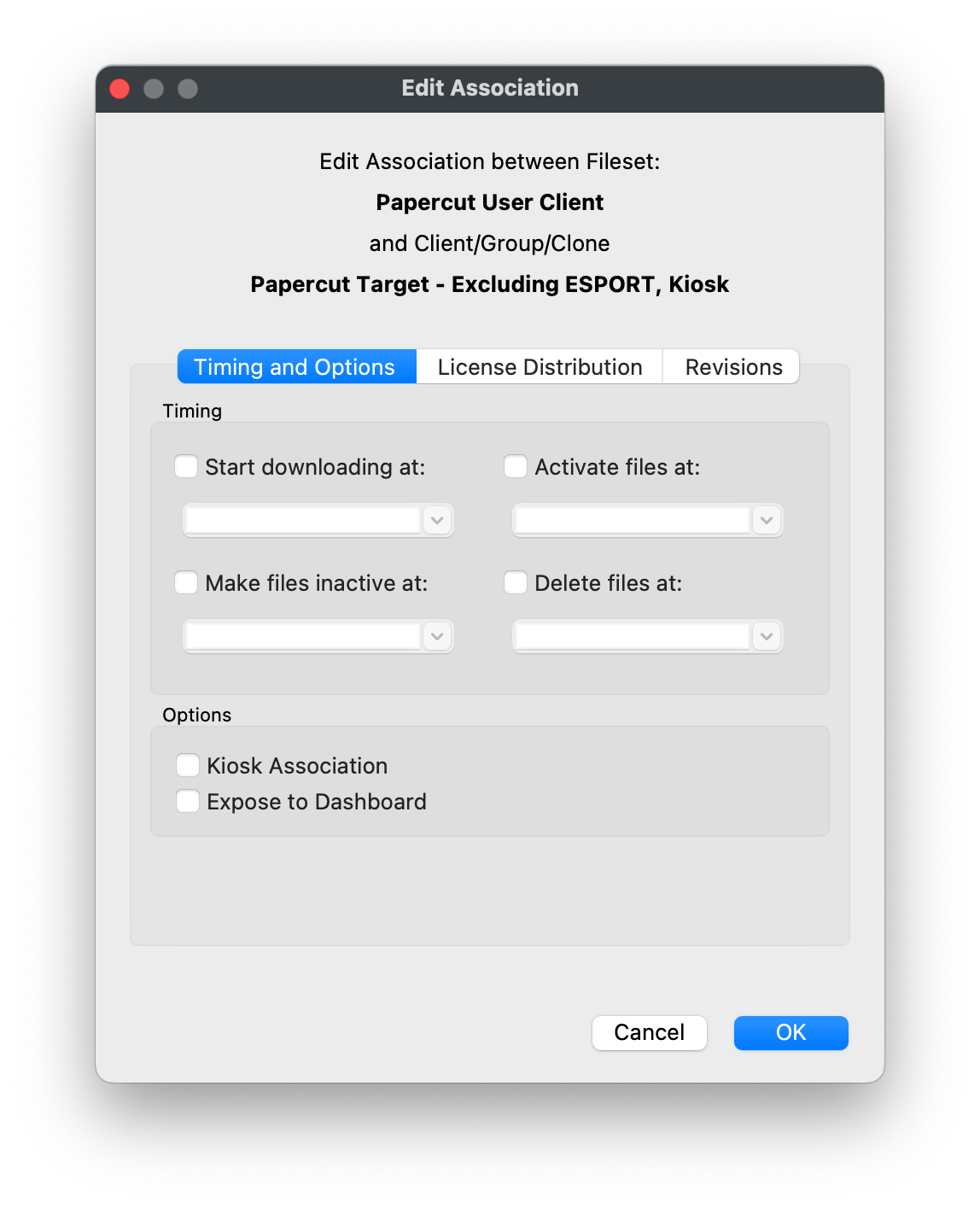
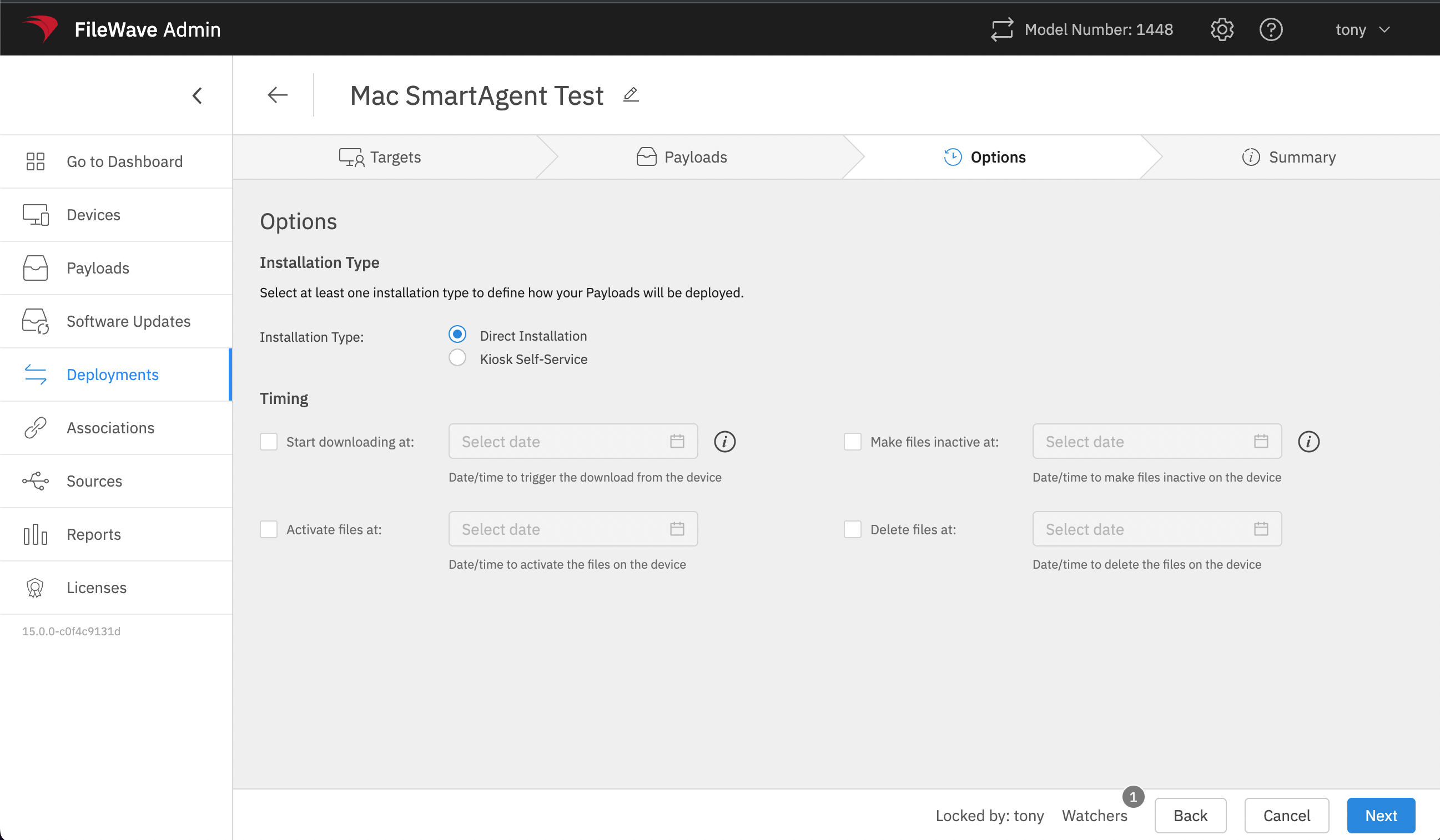
- Timing options for installation
- Device or User license distribution for VPP/Apps and Books content
- Installation method, such as Kiosk or direct installation
The screenshots compare the legacy desktop Edit Association dialog with the FileWave 15.0 web Deployment options. They illustrate the shared concepts, not the current layout or complete set of controls.
|
|
|
Unlike a single association, a deployment can apply those rules to multiple Filesets or payloads at the same time. When the delivery rule needs to change, you can update the deployment once instead of editing each association separately.
No comments to display
No comments to display