
Change the Language in FileWave Central or Anywhere (macOS)
What
FileWave Central and FileWave Anywhere can use the system or browser language, or you can select another supported language.
When/Why
Use this when an administrator needs FileWave in a different language from the Mac or browser, such as running Central in English on a Mac configured for German.
How
FileWave 16.2.0 and later
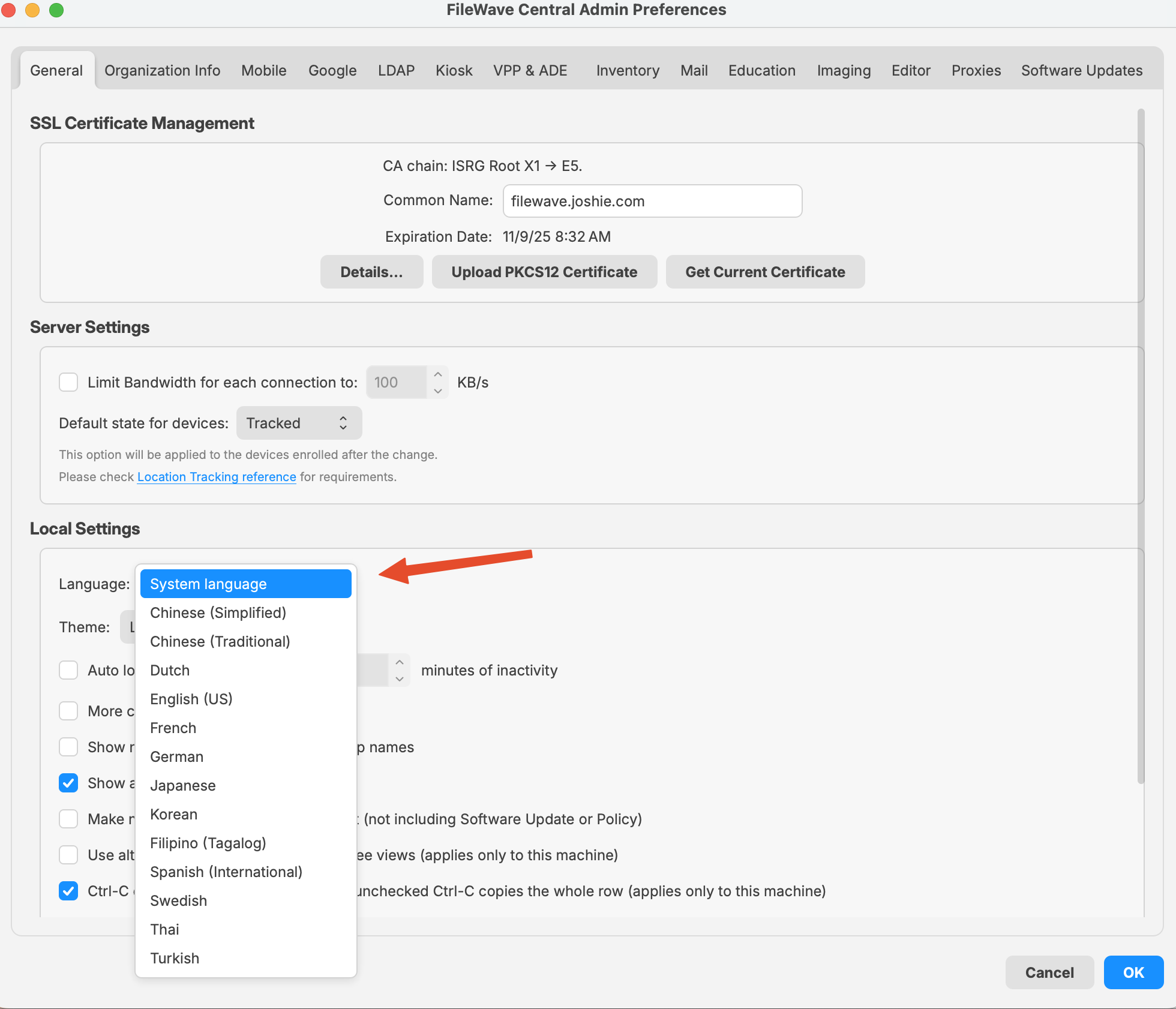
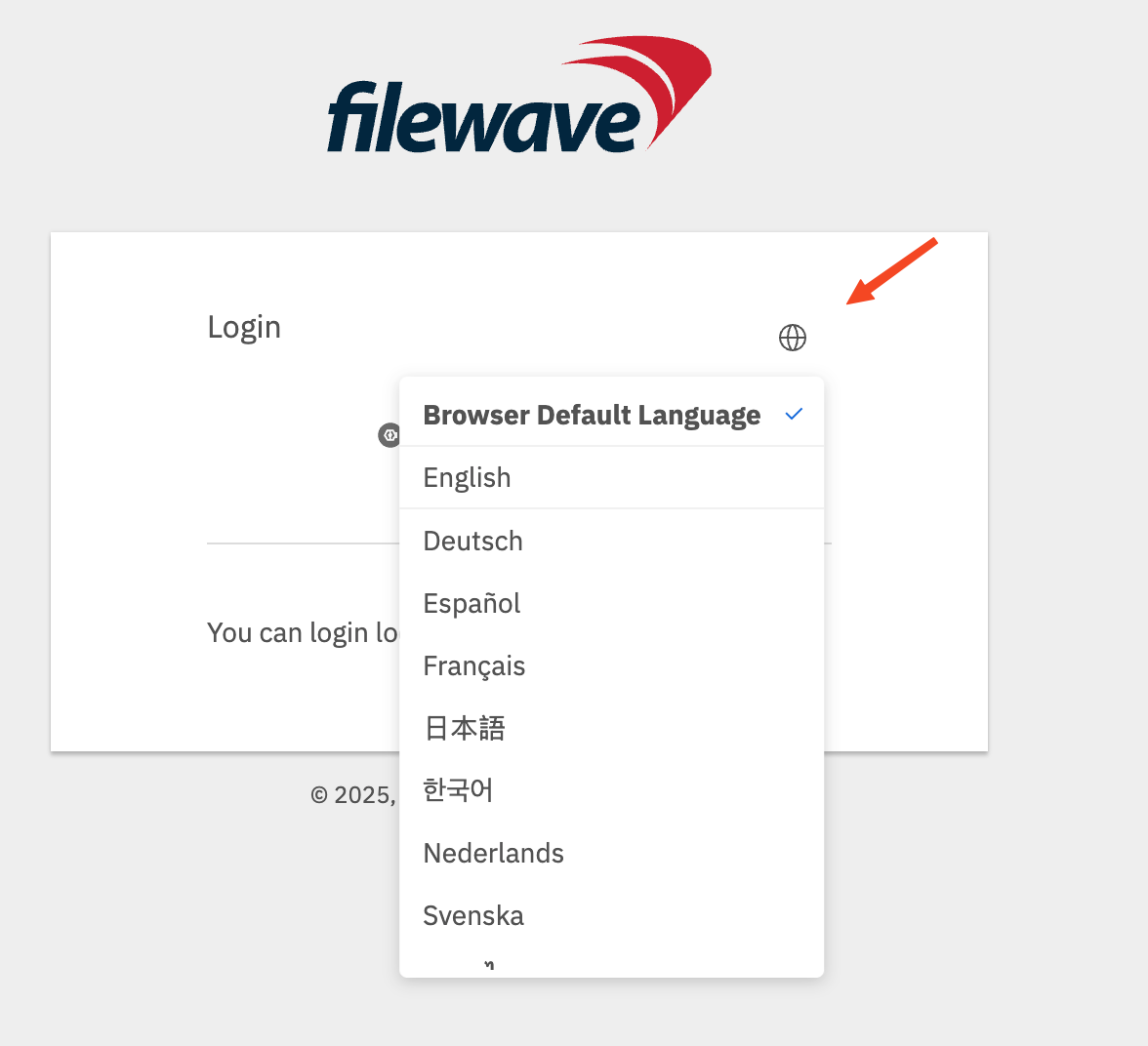
In FileWave Central, open Admin Preferences > General > Local Settings and choose a language. In FileWave Anywhere, select the globe on the login page, then choose Browser Default Language or a listed language. The Central control is also available on Windows.
 |
 |
FileWave 16.1.x and earlier on macOS
For FileWave versions earlier than 16.2.0, launch Central with the command below to override its language. FileWave Anywhere uses the browser language.
This example starts Central in US English. Replace en_US with another locale code from the table.
/Applications/FileWave/FileWave\ Admin.app/Contents/MacOS/FileWave\ Admin --lang en_US &|
Language |
Locale Code |
Notes |
|---|---|---|
|
English (US) |
en_US |
Use for American English. |
|
German |
de_DE |
Standard locale for German in Germany. |
|
French |
fr_FR |
Standard locale for French in France. |
|
Korean |
ko_KR |
Korean for South Korea. |
|
Japanese |
ja_JP |
Japanese for Japan. |
|
Chinese (Simplified) |
zh_CN |
For Mainland China. |
|
Chinese (Traditional) |
zh_TW |
For Taiwan. |
No comments to display
No comments to display